
Share photos without giving yourself away.
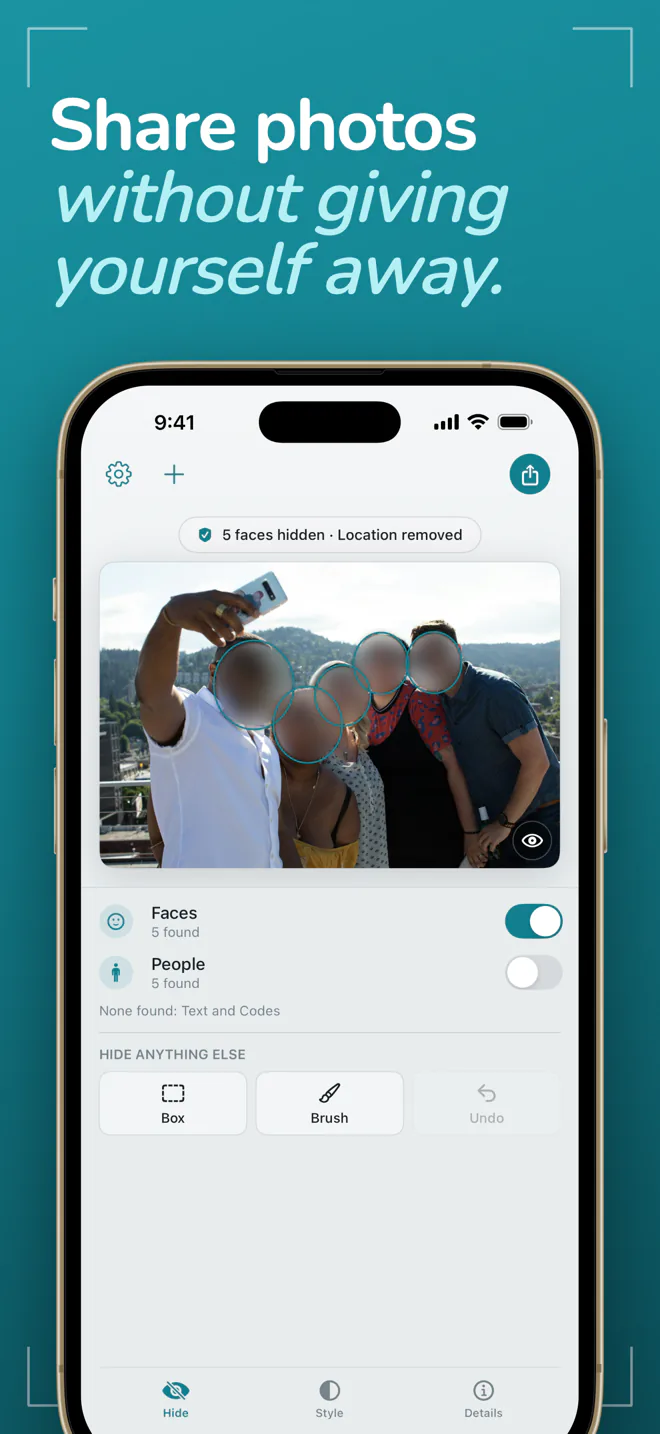
Open a photo in Frost and it is already safe. Faces are hidden and the location is removed before you touch anything.
Free to start · iOS 17+ · macOS 14+
- Location37.7749° N, 122.4194° WIn file
- DevicePhone, back cameraIn file
- Owner nameJane AppleseedIn file
- Hidden previewSmall copy of the originalIn file
- Date takenMay 1, 2024Kept
Scripted demo · the real thing runs on your device
Private first, then your choice.
Safe the moment it opens
Open a photo and the faces Frost finds are already hidden and the location is already gone, before you touch anything. Tap a face to show it, tap again to hide it.
Checked, every time
Frost reads every clean copy back before it leaves the app. If anything it should have removed is still there, it tells you instead of letting the photo go.
On your device, nothing kept
Everything happens on your iPhone, iPad, or Mac. Photos are never uploaded, there is no account, and Frost keeps nothing after you close a photo.
What a photo gives away.
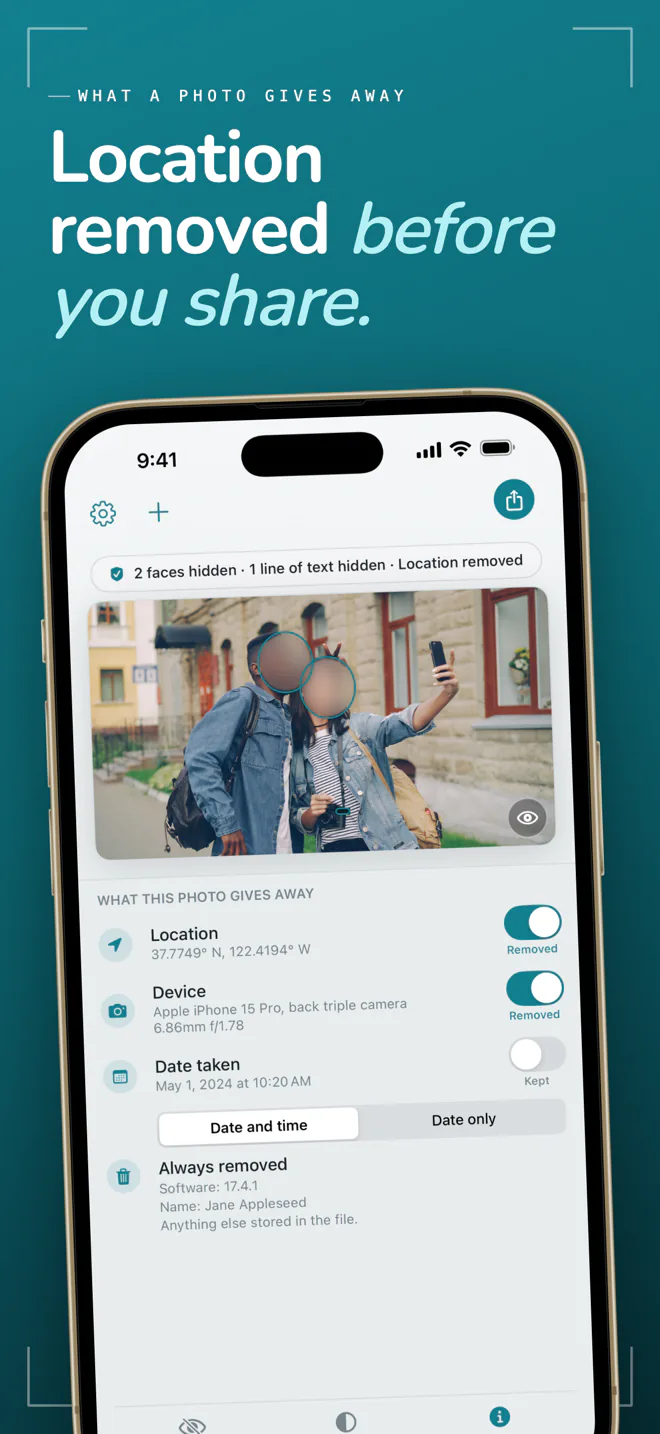
A photo carries far more than the picture. Frost shows you what is stored in the file, then writes a clean copy with only what you chose to keep.
Where it was taken
Coordinates precise enough to find a front door. Removed unless you choose to keep them.
The camera and lens
The exact device that took the photo. Removed unless you choose to keep it.
The time, to the second
Kept by default so your photos still sort in order. One switch removes it.
Your name
An owner name or serial number saved by the camera. Always removed.
A hidden preview
A small copy of the original tucked inside the file, which can show what you covered. Always removed.
Everything else
Software versions, camera notes, and edit history. Always removed.
Hide exactly what you want.
The photo is the interface
Everything Frost can hide wears an outline. Tap it to show or hide it, and hold the photo to peek at the original.
A box for anything it missed
Detection can miss a face in a crowd or in poor light. Drag a box over anything and it is hidden too. The box is free.
Blur, pixelate, or solid
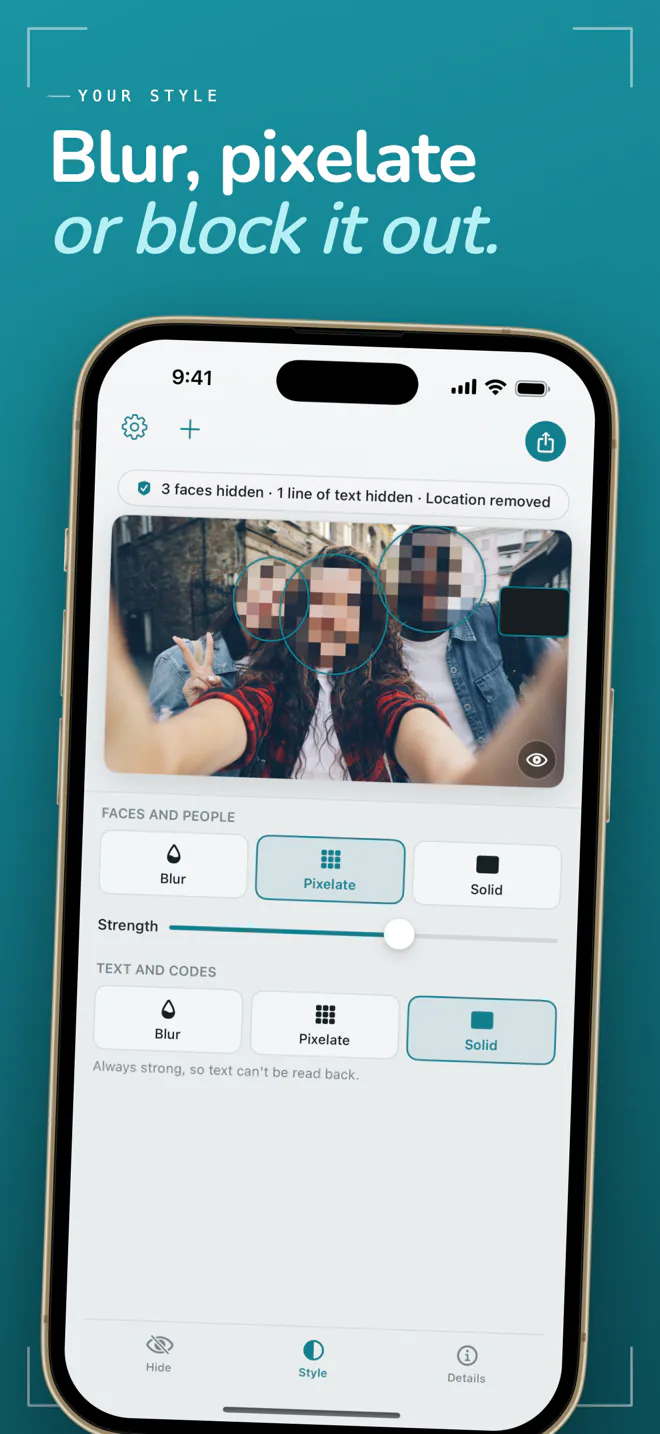
Pick the look for faces and people. Text and codes are always hidden strongly, so they cannot be read back from a light blur.
Text, codes, and whole people
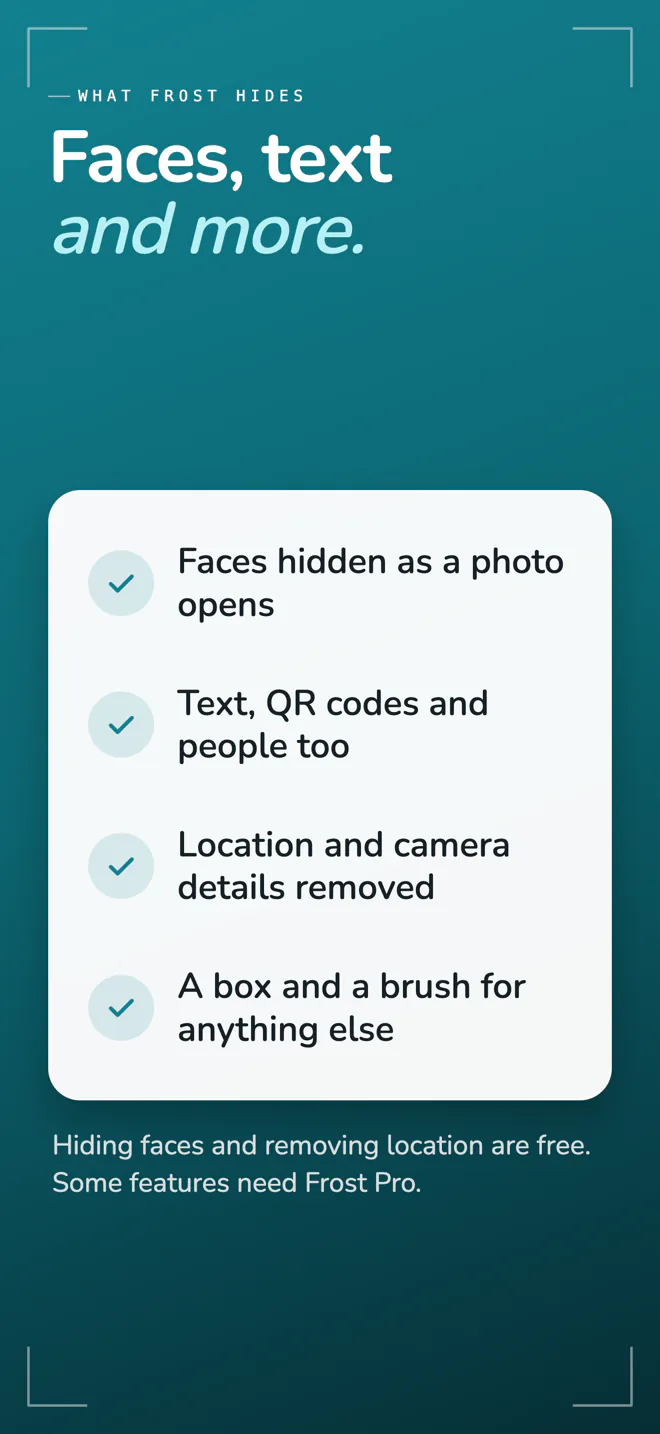
With Pro, Frost also hides lines of text, QR codes, and entire people, not only their faces.
A brush for odd shapes
With Pro, paint over a tattoo, a screen, or a reflection that no box fits neatly.
Many photos at once
With Pro, clean up to 50 photos in one go on iPhone and iPad, or a whole set of files on the Mac.
Privacy is not rationed.
The parts that keep you safe are free and unlimited. Frost Pro adds reach and finish, as a monthly or yearly subscription or a single lifetime purchase.
- Hide faces Free
- Remove location, device, date, and everything else Free
- Box to hide anything detection missed Free
- Blur and Solid styles Free
- No watermark, no daily limit, full resolution Free
- Hide text, QR codes, and whole people Pro
- Pixelate, and blur at any strength Pro
- Brush Pro
- Keep an approximate location, or the date without the time Pro
- Clean many photos at once Pro
See it in action.
One photo, a few taps, and a clean copy ready to share.
Frequently Asked Questions
What does Frost do?
Frost makes a photo safe to share. It hides faces, removes the location and other details stored inside the file, and gives you a clean copy to share, save, or copy. Your original photo is never changed.
Does Frost upload my photos?
No. Frost has no server and makes no network requests with your photos. Everything happens on your iPhone, iPad, or Mac, and nothing is kept after you close a photo.
Is Frost free?
Hiding faces and removing location and other details are free, with no daily limit, no watermark, and no reduced resolution. Frost Pro adds hiding text, QR codes, and whole people, more styles, a brush, and cleaning many photos at once.
Will Frost find every face?
No detector finds everything. Very small faces, faces in poor light, and people seen from behind can be missed. Check the photo before you share it, and drag a box over anything Frost did not catch. The box is free.
Can a hidden face or word be recovered from the clean copy?
No. The clean copy is a flattened image with no layers and no original data. The hidden preview some cameras store inside a photo is removed as well, and text and codes are always hidden strongly enough that they cannot be read back.
Which devices does Frost run on?
iPhone and iPad with iOS 17 or later, and Mac with macOS 14 or later. One purchase of Frost Pro covers all of them.
Share the photo. Keep the rest.
Faces hidden and location removed, free and without limits, on iPhone, iPad, and Mac.
Requires iOS 17.0+ or macOS 14.0+