Guides · LiveScan
Copy text from a photo or the camera on iPhone.
A Wi-Fi password on the back of a router, a quote from a book, a menu in another language, the total on a receipt: if your camera can see printed text, your iPhone can copy it, so you never have to type it out.
The built-in way
iOS has Live Text built in. In the Camera or the Photos app, touch and hold the text in the picture, or tap the text button, then select the words and tap Copy.
That is enough for a line or two. It gets fiddly with longer text: words split across lines come out broken, tables lose their columns, and nothing is saved for later.
Step by step with LiveScan
LiveScan is made for copying text. It reads on your iPhone, with no servers, no account and no ads.
- 1
Point the camera at the text
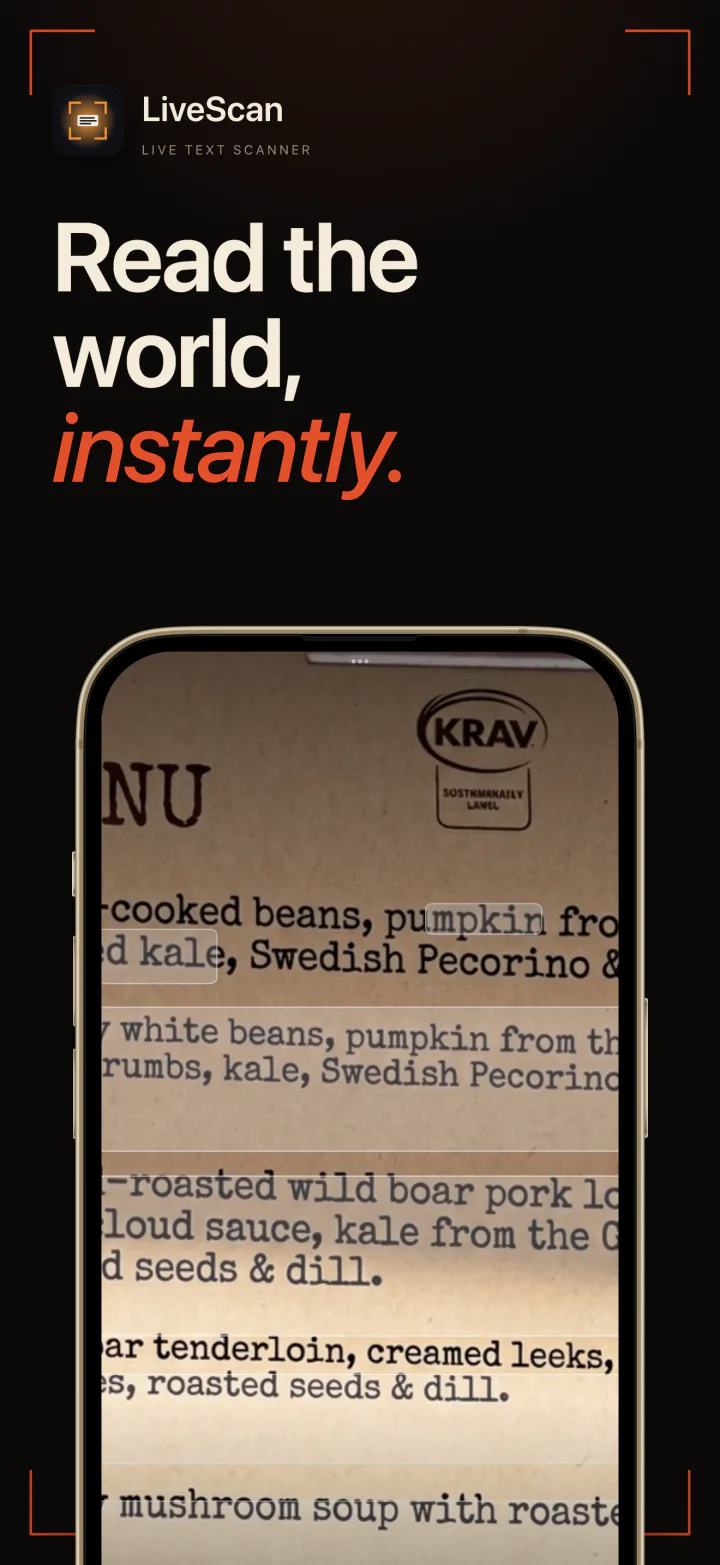
The text lights up in the viewfinder as you aim. There is no photo to take and crop first.
- 2
Tap to capture
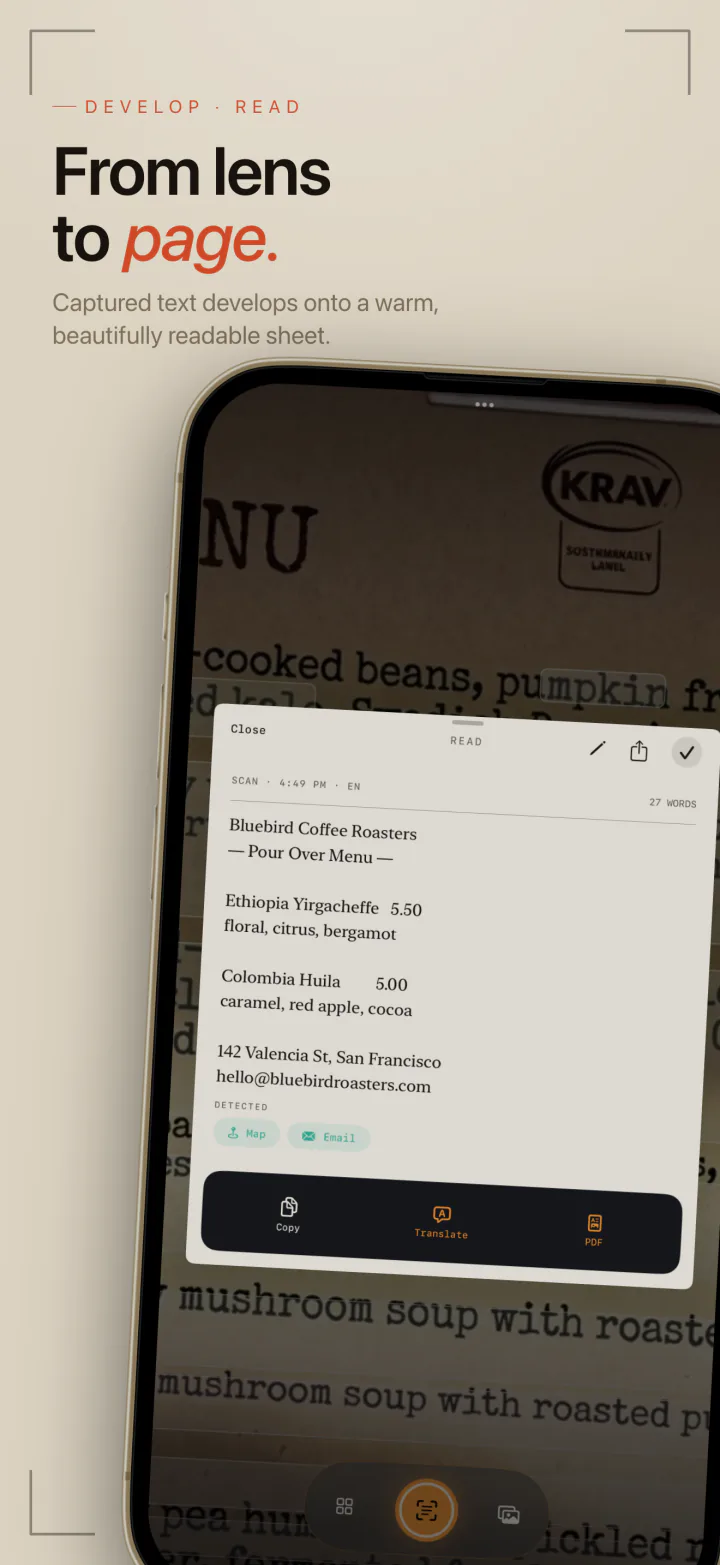
The text lands on a readable sheet, with words split across lines joined back up and stray gaps tidied.
- 3
Tap Copy
Paste it anywhere. Your recent scans stay in your history to find later.
- 4
Or start from a photo
Already took a picture? Open it from your photo library and LiveScan reads the text in it the same way.
When you need more than a copy
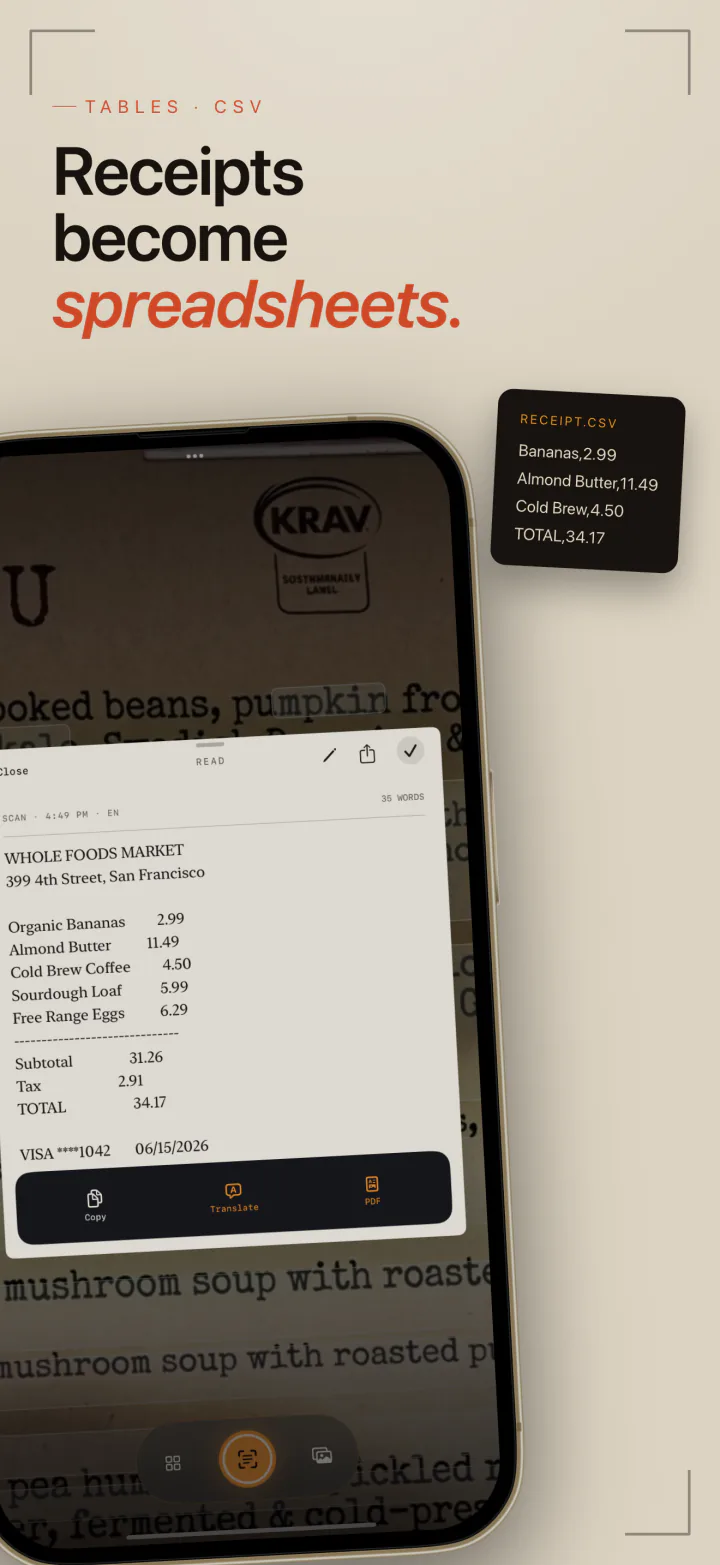
LiveScan reads more than 15 languages on the free plan and keeps your 10 most recent scans. LiveScan Pro turns links, phone numbers and addresses in a scan into buttons, reads QR codes and barcodes, translates offline, rebuilds receipts and printed tables as CSV for a spreadsheet, and exports to searchable PDF, Markdown or plain text.
Questions and answers
Is copying text from a photo free?
Yes. Live Text is built into iOS, and in LiveScan reading and copying text, from the camera or your photos, is free in more than 15 languages.
Can I turn a receipt into a spreadsheet?
Yes, with LiveScan Pro. Capture the receipt and export it as CSV. LiveScan rebuilds the rows and columns so it opens cleanly in Numbers, Excel or Google Sheets.
Is the text sent anywhere?
Not with LiveScan. Text is recognized on your iPhone, and the app has no servers and no account.
Which devices does it work on?
LiveScan runs on iPhone and iPad with iOS 18 or later.

LiveScan
Point, tap, copied. Free to start, read on your device.