Core Arc Studio · iPhone Duo
Apps made for iPhone Duo.
Seven private apps from Core Arc Studio are built for iPhone Duo. Closed, each one is the iPhone app you know. Open, it uses the larger inner screen, and several split around the fold when you stand the phone half open. Everything still runs on the device.

LocalMind AI
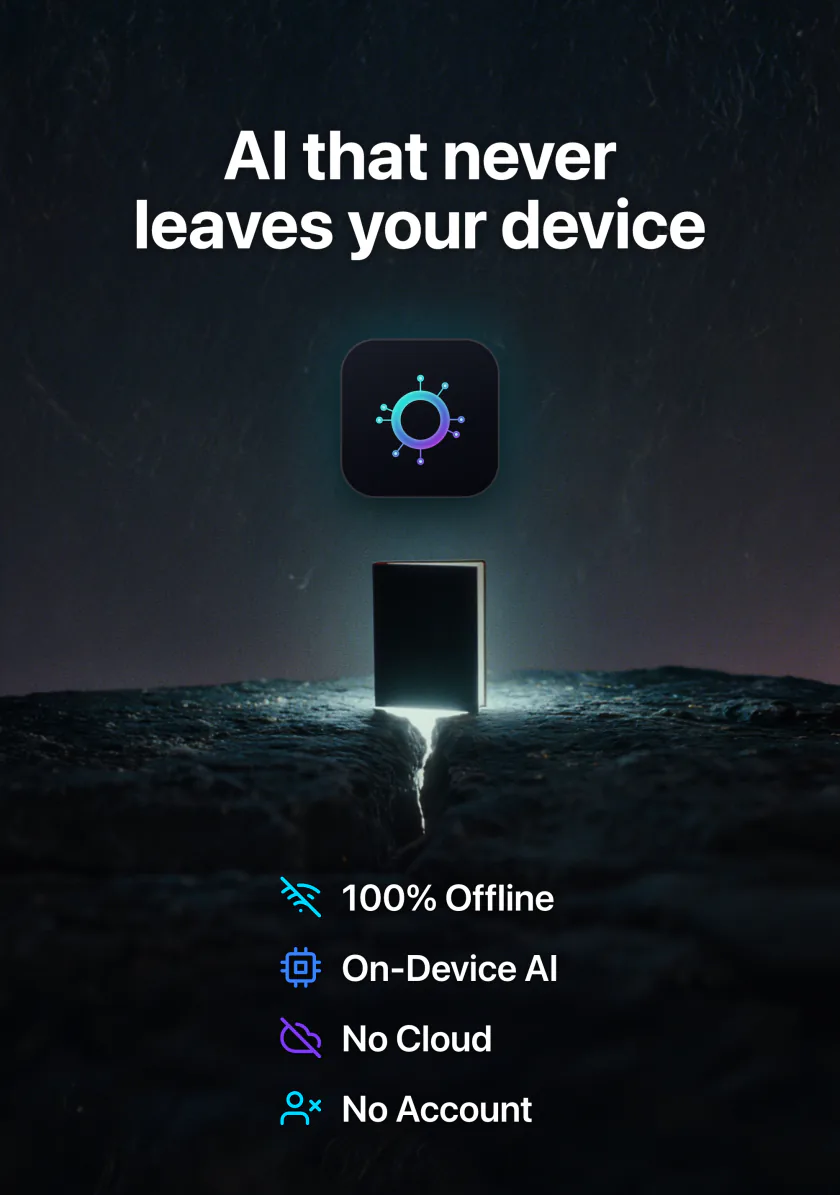
Private AI chat that runs offline, with Qwen, Gemma and Llama on the device.
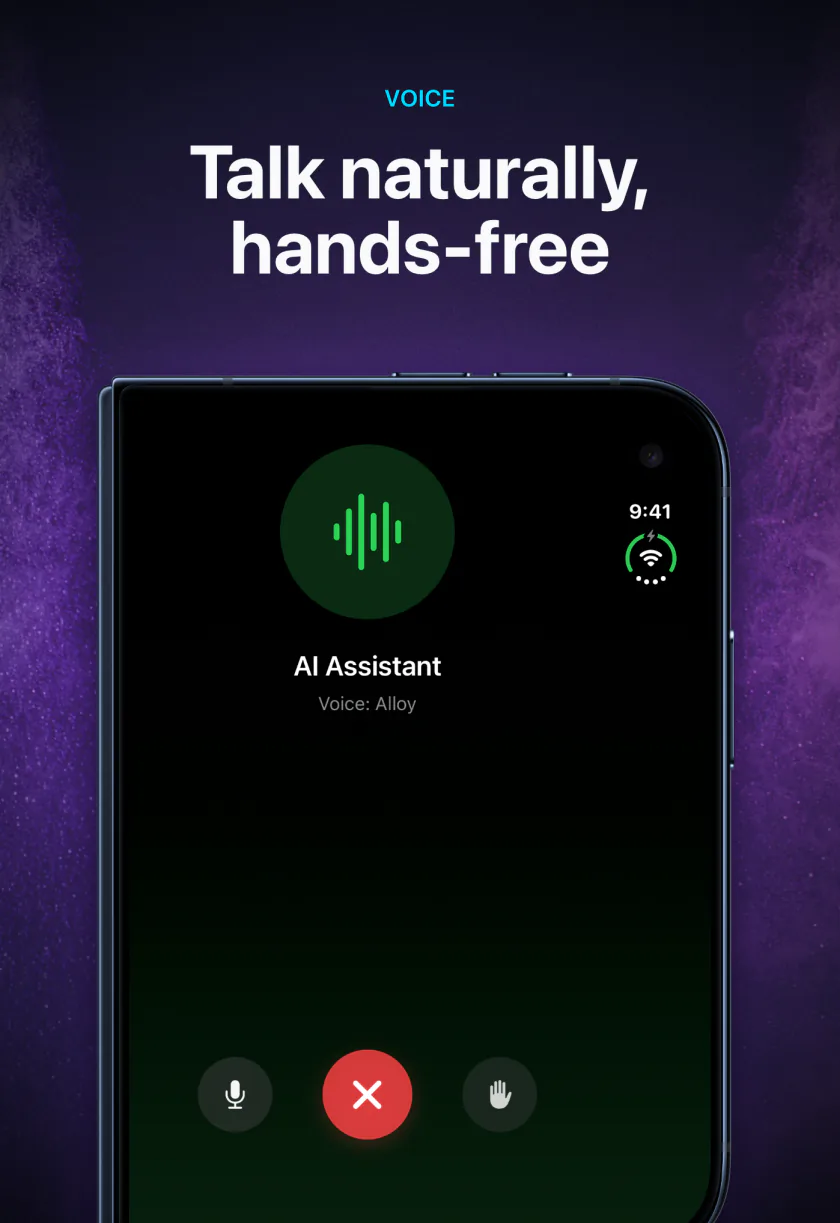
On iPhone DuoTalk to it hands-free on the outer screen. Open it and turn it sideways, and your chats sit beside the conversation.
DocuMind
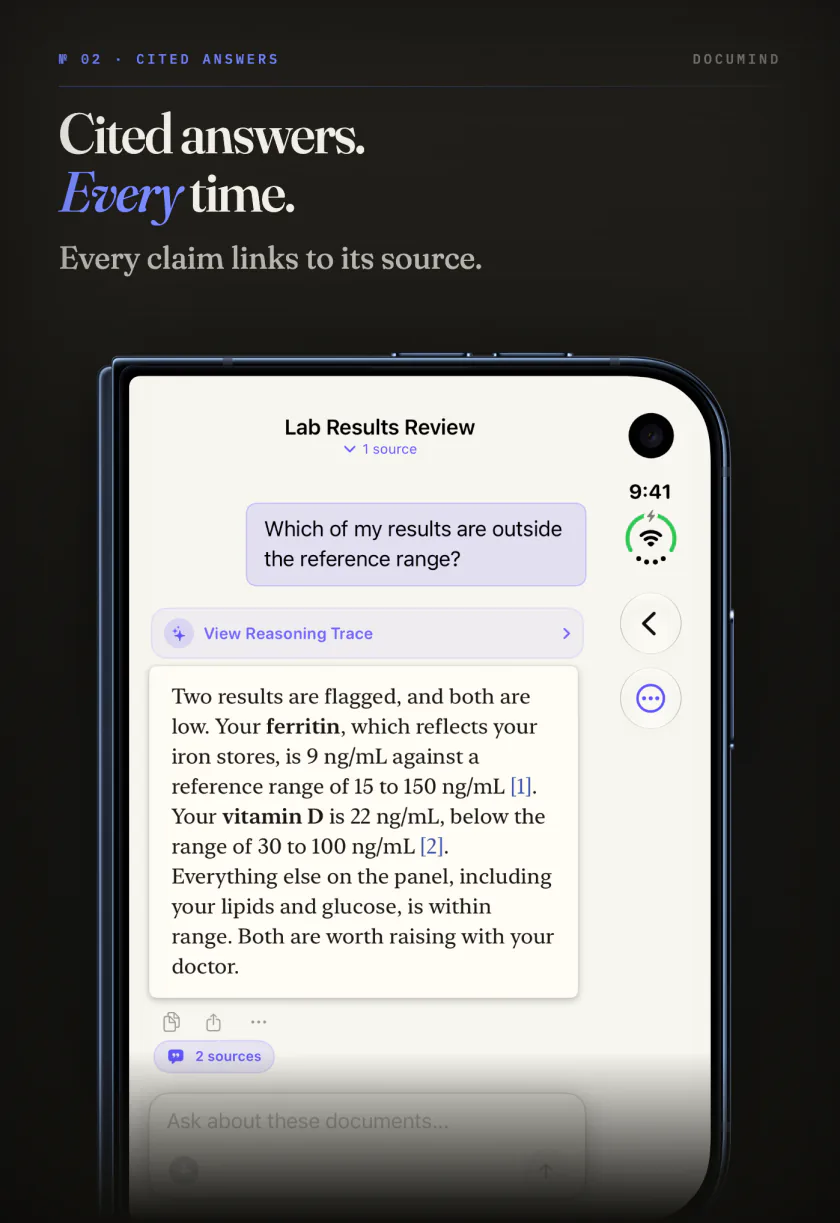
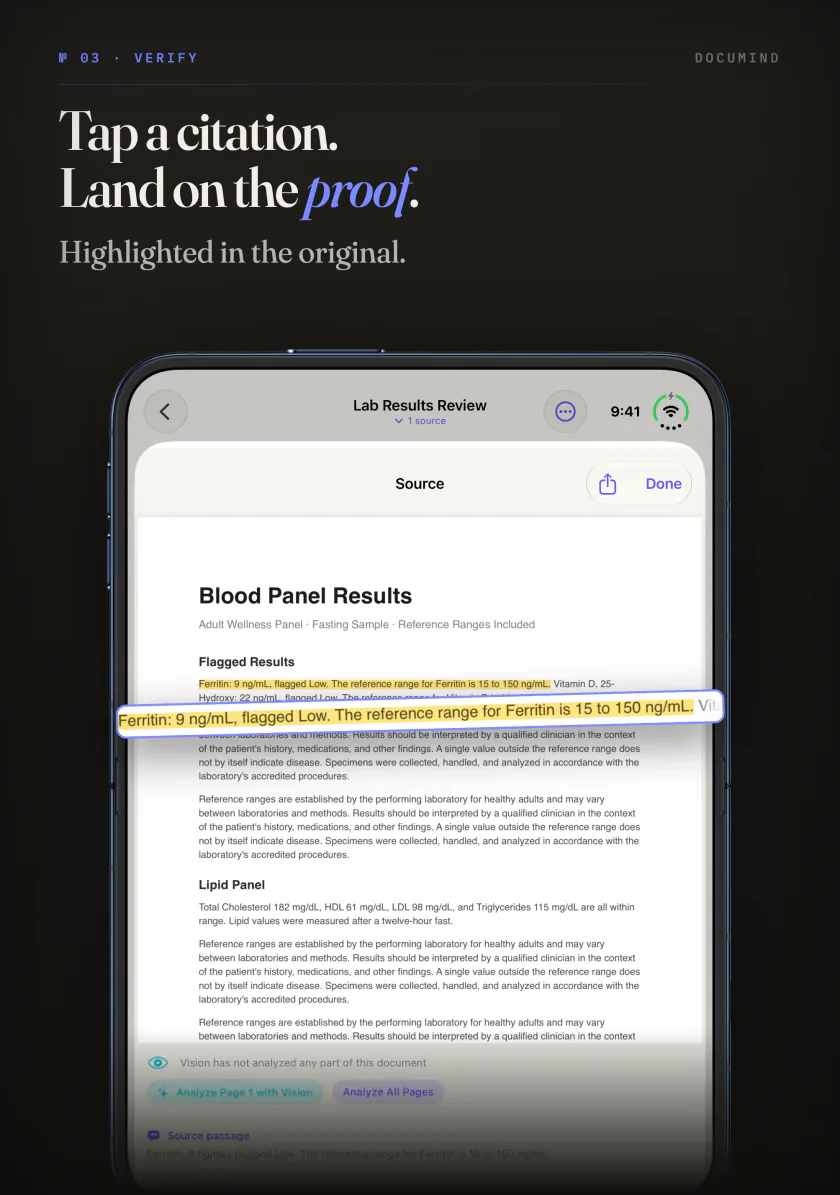
Ask your PDFs, scans and notes questions and get answers that cite the page.
On iPhone DuoAsk a quick question on the outer screen, then open the phone to read the cited page on the larger inner screen.

Kiln
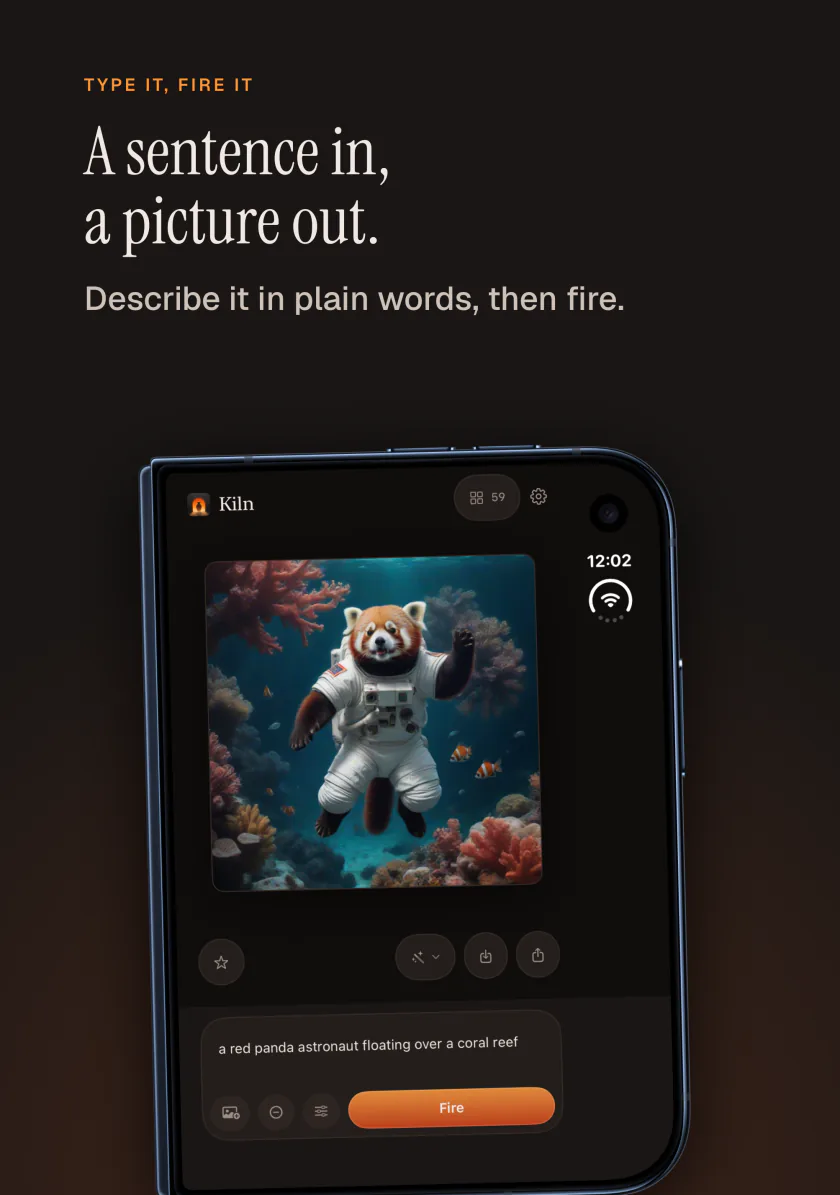
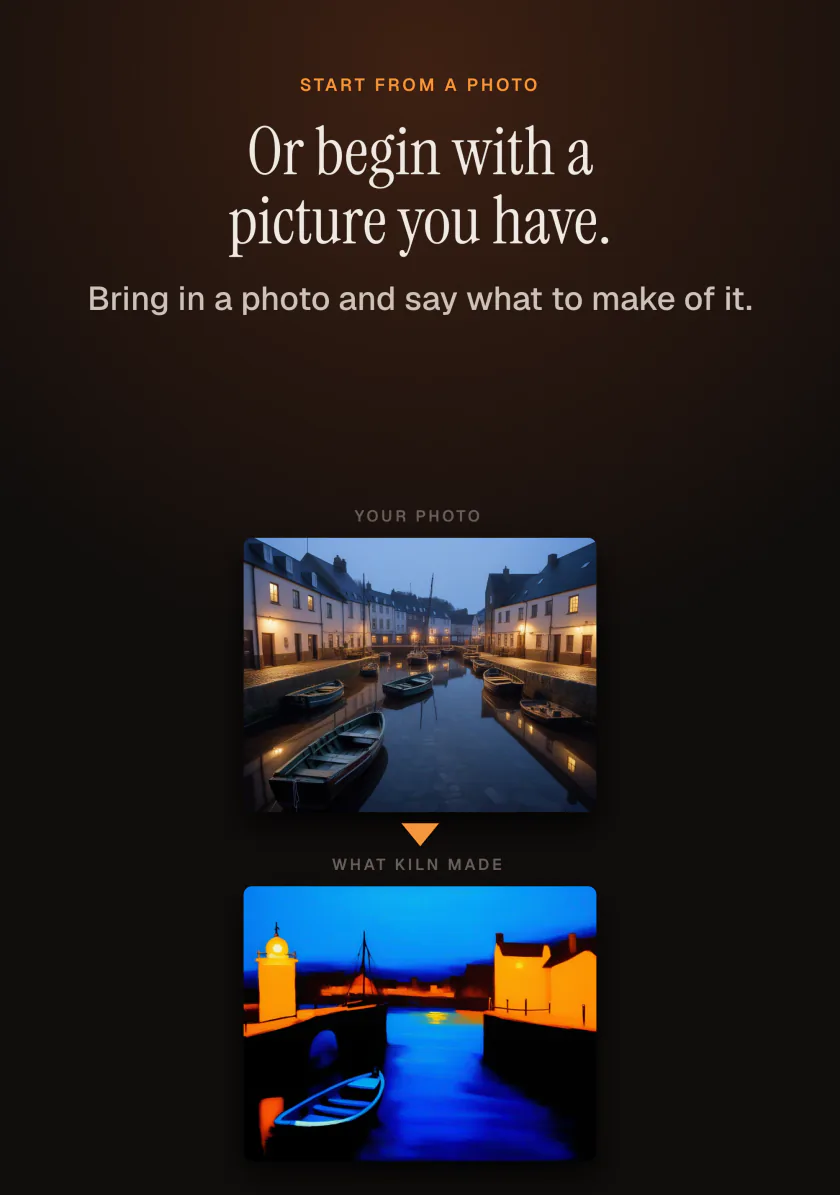
Make pictures from a sentence or a photo of your own, entirely on the device.
On iPhone DuoStand it half open and the picture sits on one side of the fold, with the words and settings that made it on the other. Folding keeps your zoom.
Frost
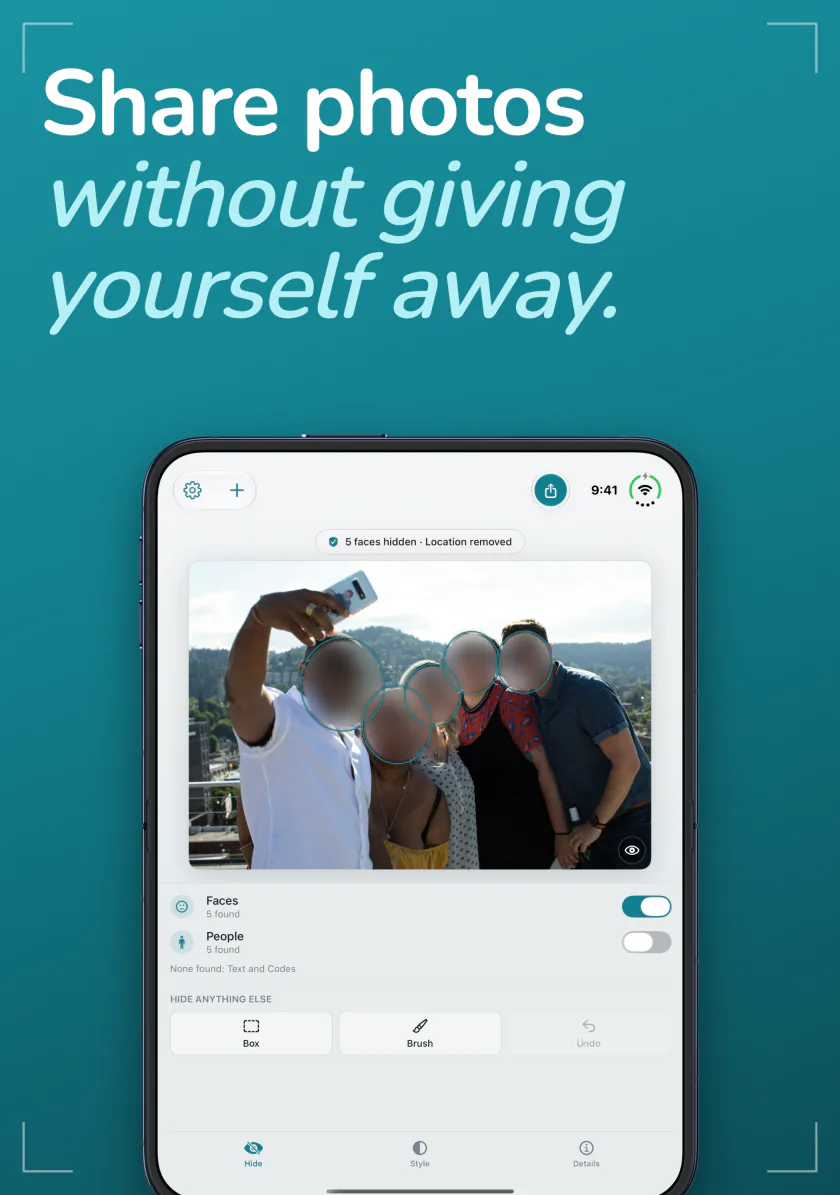
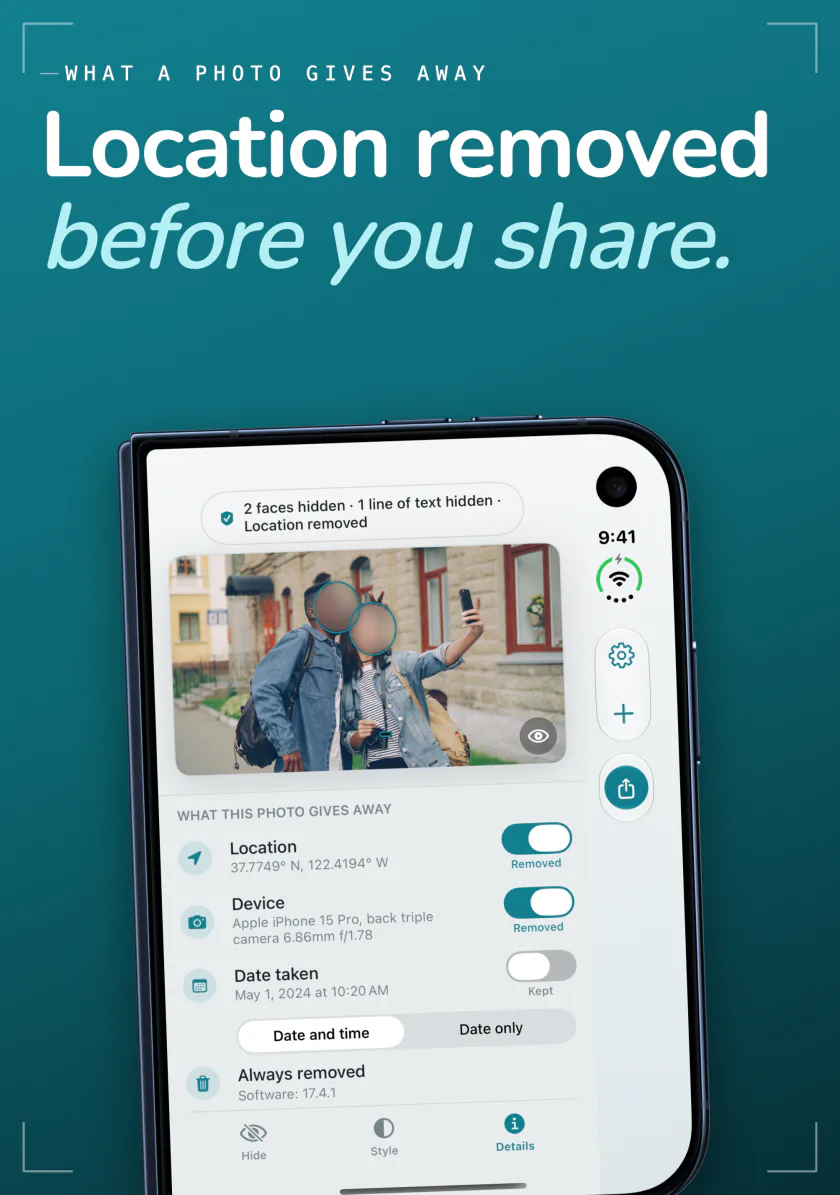
Hide faces and remove the location from a photo before you share it.
On iPhone DuoOpen, the photo and everything stored in it share the larger inner screen, so you can check both before you share.

Sweep
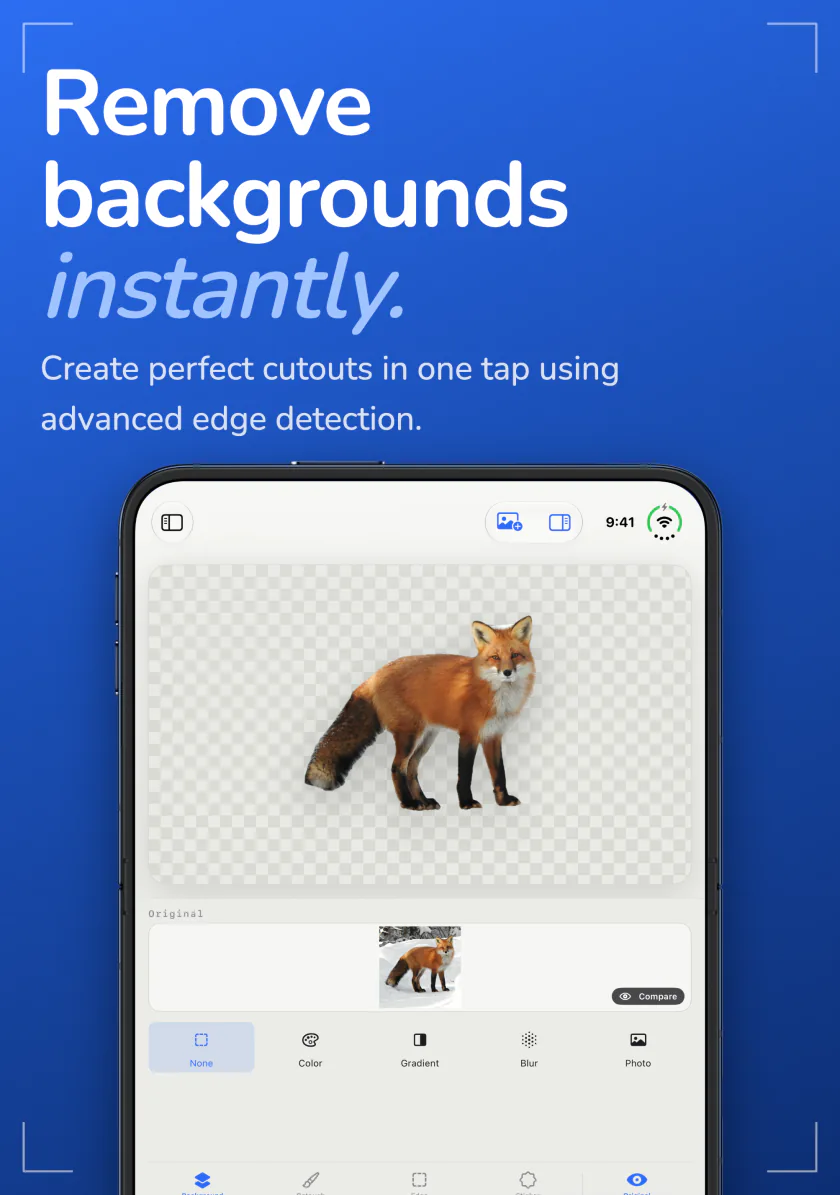
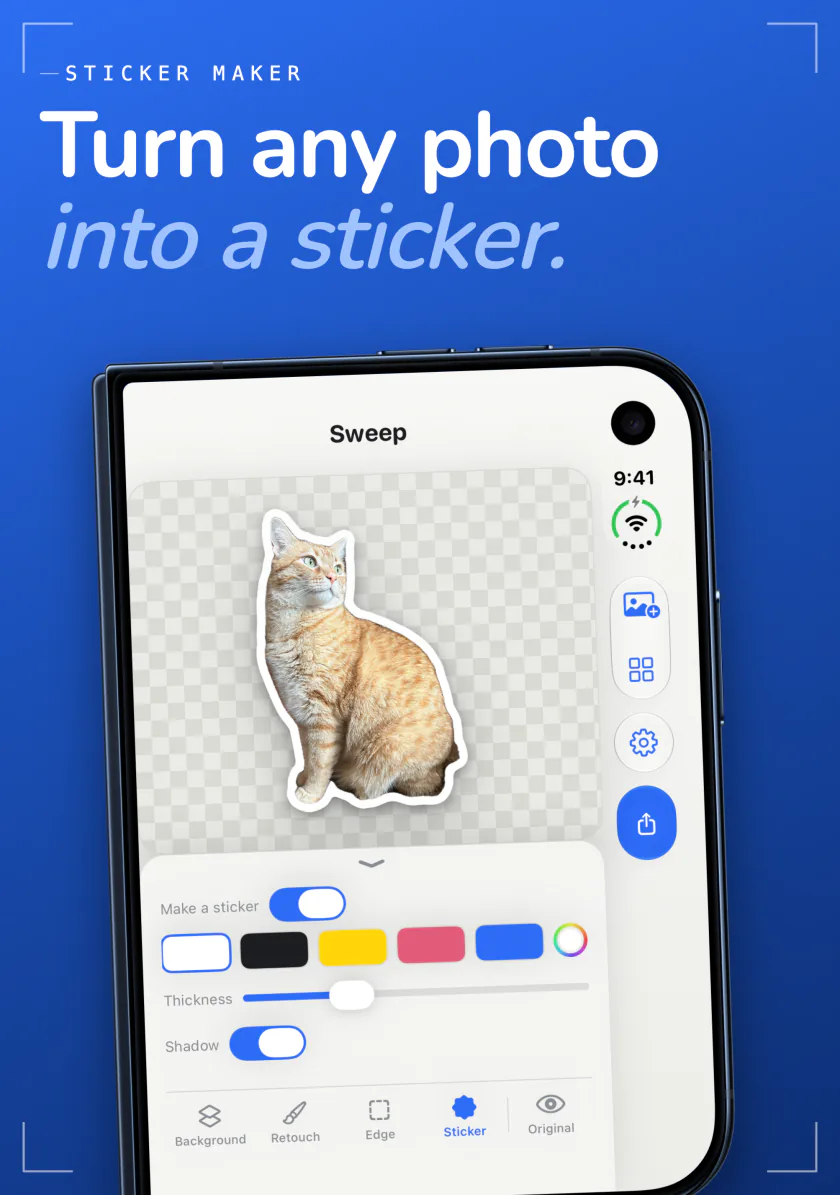
Remove a photo background in a tap and save a transparent PNG or a new backdrop.
On iPhone DuoStand it half open and the photo sits above the fold with the controls below, or on the left page with the controls on the right.
Mend
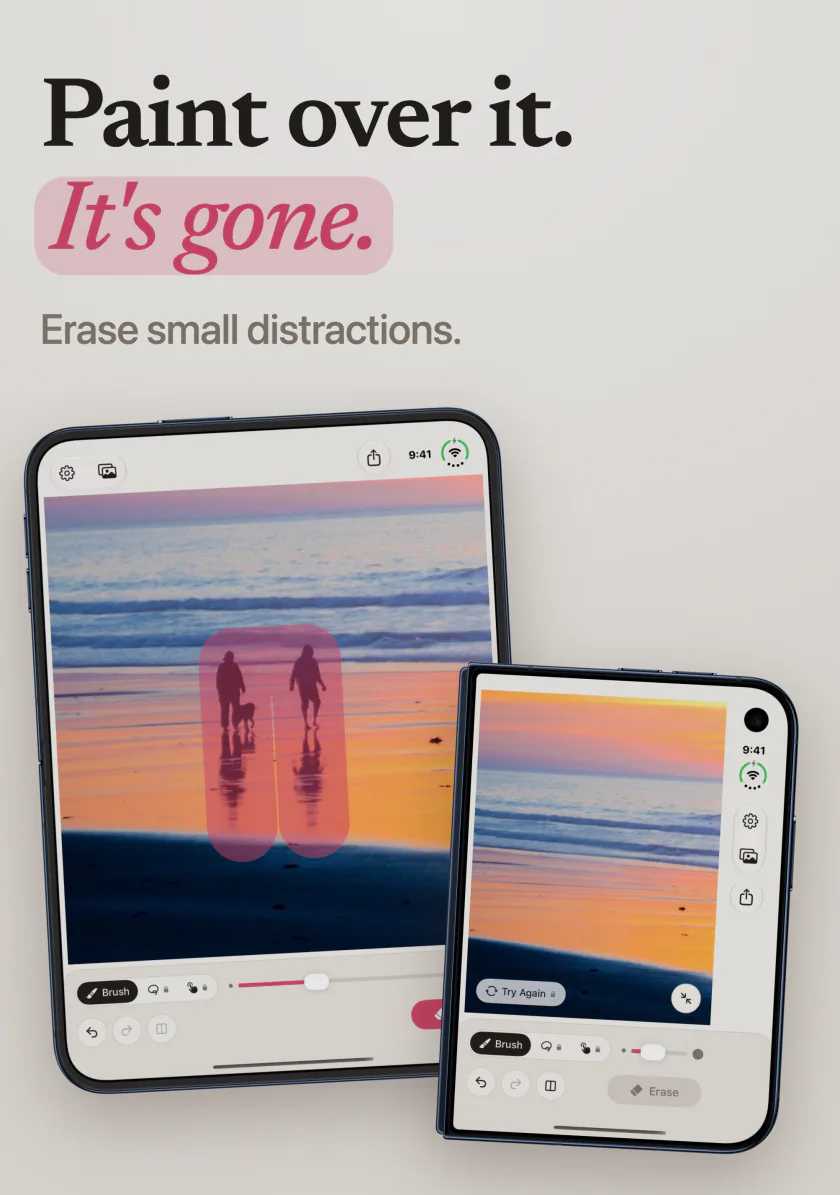
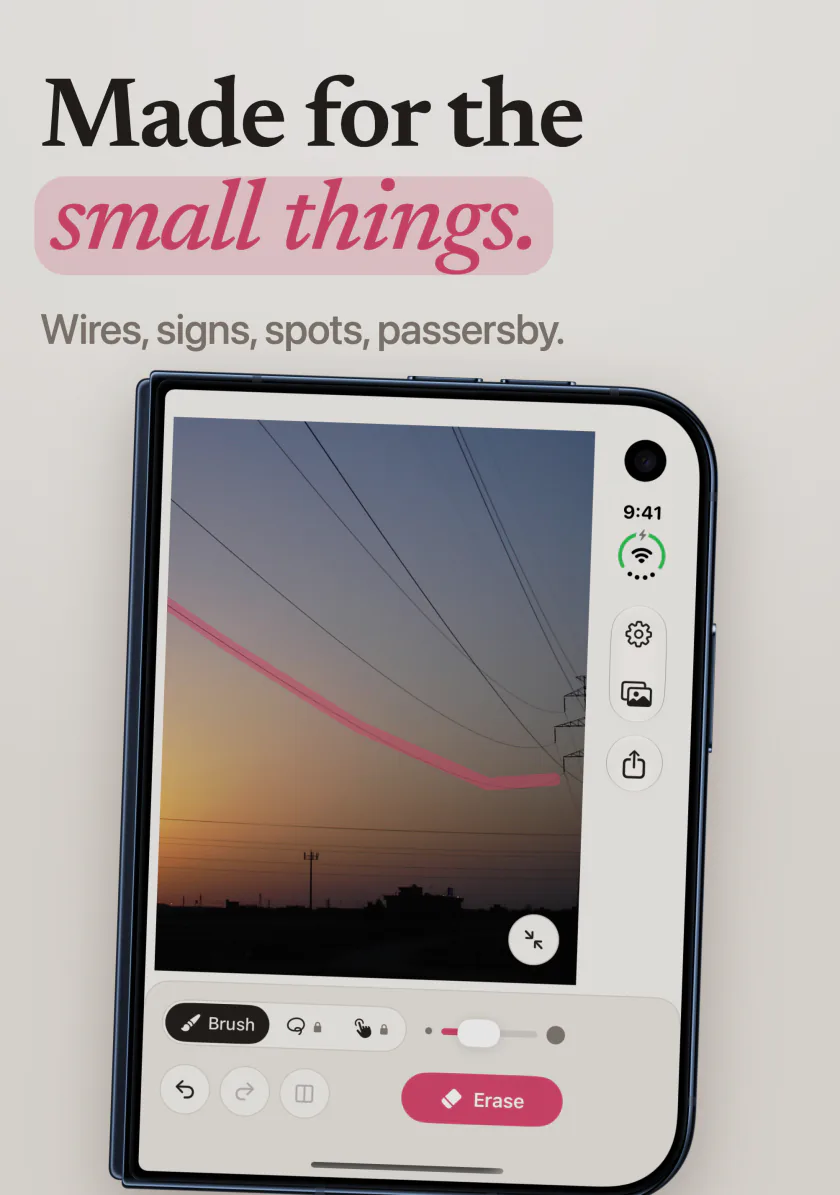
Paint over a stranger, a sign or a wire in a photo and it is gone.
On iPhone DuoPaint on the outer screen, or open it for fine work. Half open, the photo takes one side of the fold and the tools the other, and folding keeps your paint and zoom.

Poise
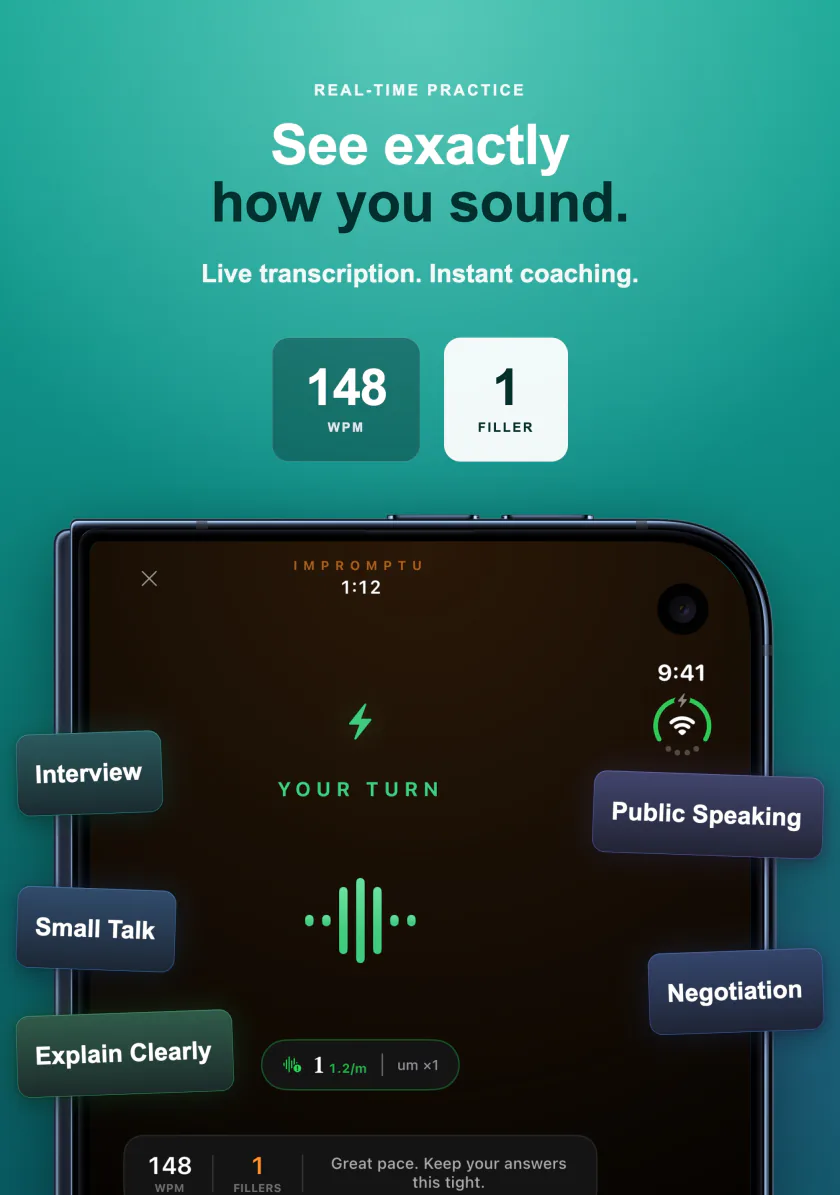
A private speech coach that plays interviewers and buyers and answers out loud.
On iPhone DuoStand it half open on a table while you practice: the live view sits above the fold and your stats and controls below.

Three ways to hold it.
Closed
The outer screen runs each app just as it runs on iPhone, so nothing changes when the phone is folded in your pocket.
Open
The inner screen is close to the shape of a small iPad, upright or sideways. The apps switch to their larger layouts there.
Half open
Stand it on a table or hold it like a book. Kiln, Sweep, Mend and Poise put the content on one side of the fold and the controls on the other, so nothing sits in the crease.
iPhone Duo, answered.
Which apps are made for iPhone Duo?
LocalMind AI, DocuMind, Kiln, Frost, Sweep, Mend and Poise. Each one works folded or open and uses the larger inner screen when you unfold the phone.
Do I need a separate version for iPhone Duo?
No. They are the same apps you get on iPhone. Install one from the App Store and it adapts to whichever screen you are using.
What happens when I fold or unfold the phone?
The app moves to the other screen and carries on where you were. Mend keeps your photo, paint and zoom through a fold, and Kiln keeps its zoom.
Is anything uploaded?
No. As on iPhone, each of these apps does its work on the device. Your photos, documents, voice and conversations stay on the phone, and none of them needs an account.
Do they also run on iPad and Mac?
All of them run on iPad. LocalMind AI, DocuMind, Kiln, Frost, Sweep and Mend run on Mac as well.