Guides · Frost
Remove location and metadata from a photo on iPhone.
Every photo your iPhone takes carries details you cannot see: where it was taken, often precise enough to find a front door, the exact phone and lens, and the time to the second. Some photos also hold a small hidden copy of the original, which can show what you covered up.
Before you post a photo of your home, your kids or anything you would rather keep private, it is worth removing what you do not mean to share.
The built-in way
iOS can leave out the location when you share. In the share sheet, tap Options at the top and turn off Location before you send. You can also remove the location from a photo in your library from its info panel.
That covers the location, but not the rest: the device, the date, and the hidden preview stay in the file. And there is no easy way to see what is still in there.
Step by step with Frost
Frost cleans the whole file and shows you what it removed. It runs on the device, with no account, and keeps nothing after you close the photo.
- 1
Open the photo in Frost
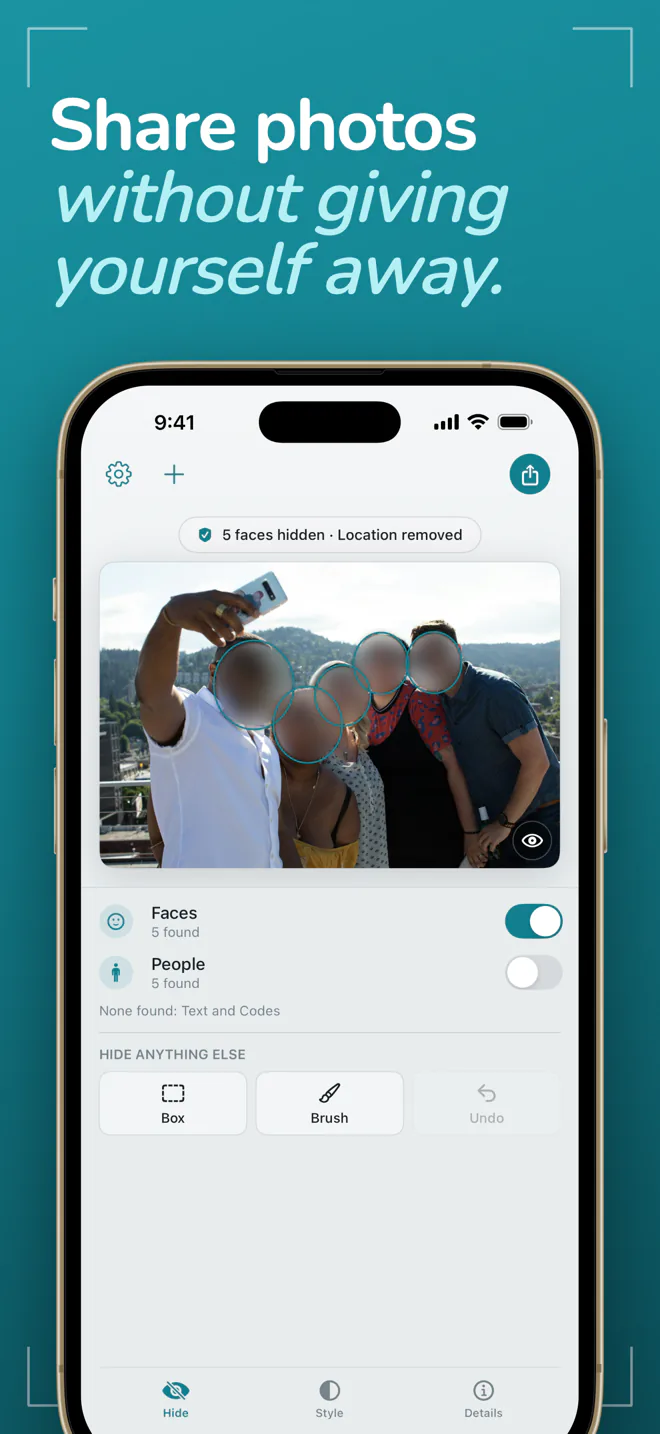
The location is already removed, and the faces Frost finds are already hidden, before you touch anything.
- 2
See what the photo gives away
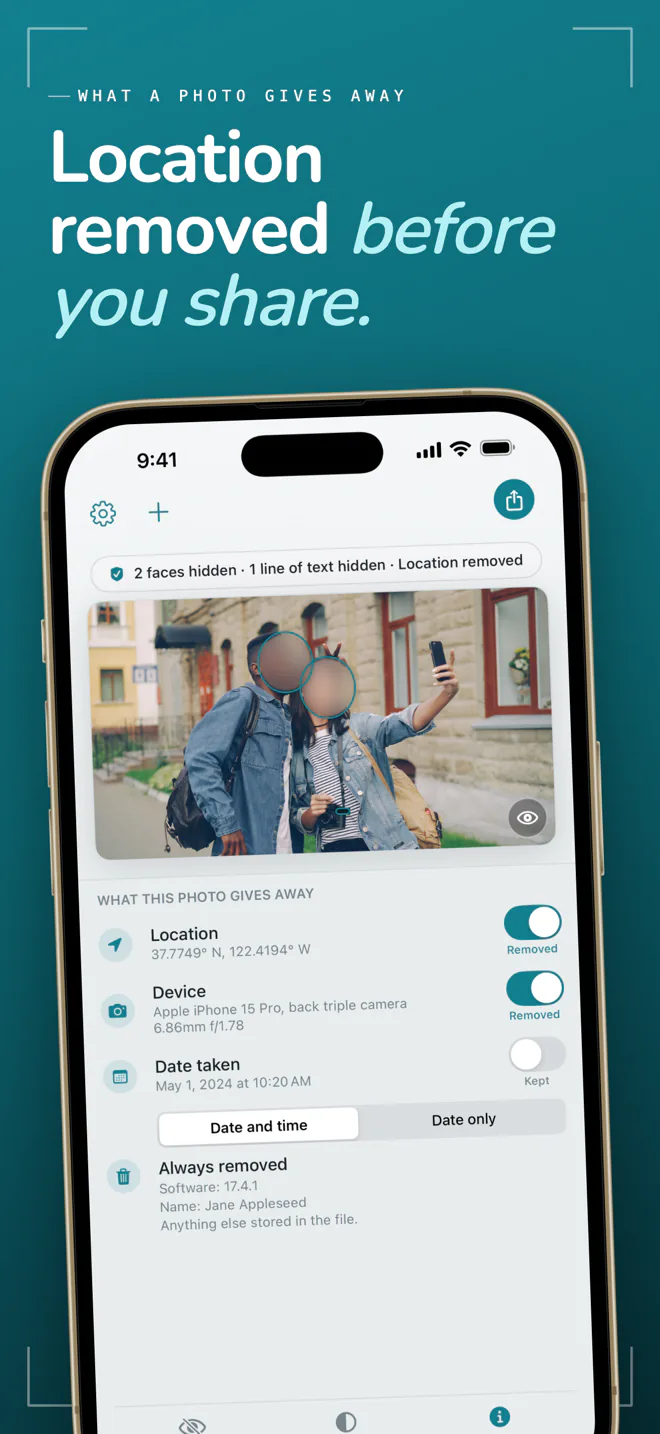
Open Details to see the location, device and date stored in the file, each with a switch. The date is kept by default so your photos still sort in order; one switch removes it.
- 3
Hide anything else
Tap a face to show or hide it, and drag a box over anything detection missed. The box is free.
- 4
Share the clean copy
Share, save or copy the clean copy. Frost reads it back before it leaves the app, and tells you if anything it should have removed is still there. Your original is never changed.
What Frost removes
The location and the device are removed unless you choose to keep them. An owner name or serial number saved by the camera, the hidden preview, software versions, camera notes and edit history are always removed. With Frost Pro you can keep an approximate location instead of none, or the date without the time.
Questions and answers
Does removing the location change my original photo?
Not in Frost. It writes a clean copy to share, save or copy, and the original in your library is never changed.
Is it free?
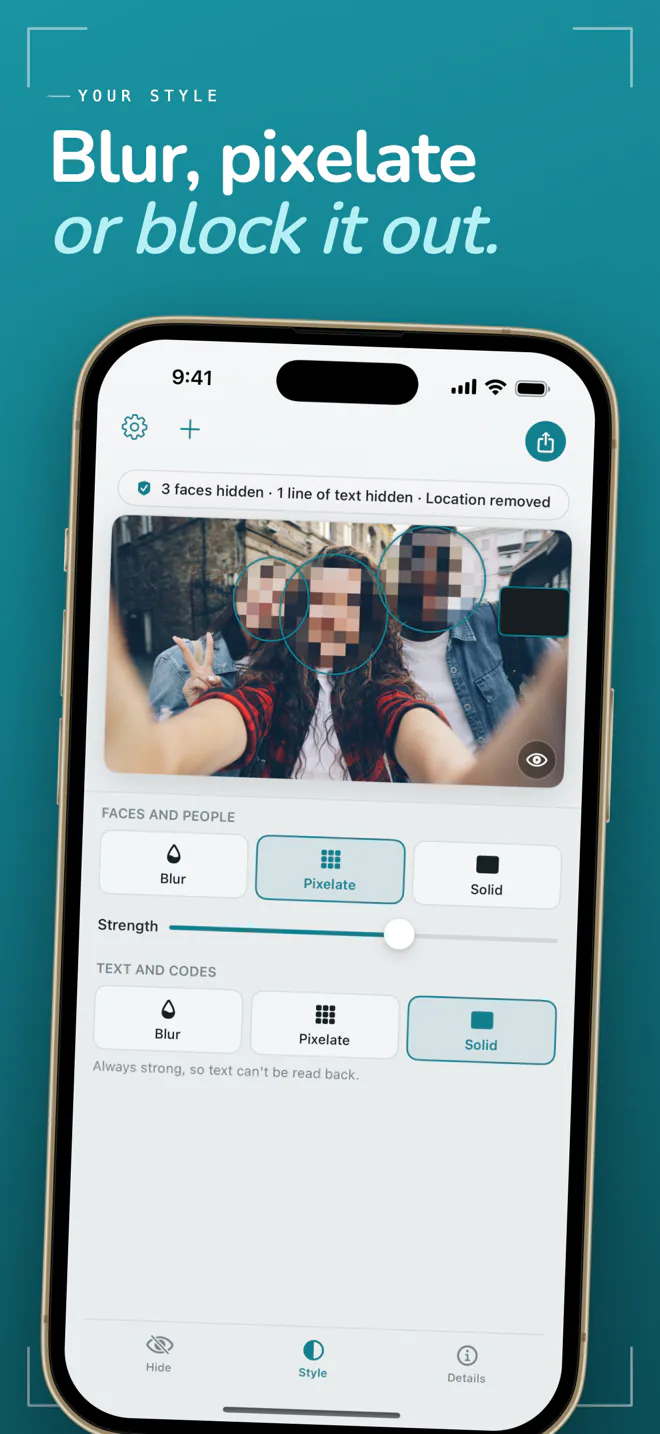
Removing location and other details and hiding faces are free, with no daily limit, no watermark and no reduced resolution. Frost Pro adds hiding text, QR codes and whole people, more styles, a brush, and cleaning many photos at once.
Can a hidden face be recovered from the clean copy?
No. The clean copy is a flattened image with no layers and no original data, and the hidden preview some cameras store is removed as well.
Does Frost upload my photos?
No. Frost has no server and makes no network requests with your photos. It runs on iPhone, iPad and Mac.

Frost
Faces hidden and location removed the moment a photo opens. Free, nothing uploaded.