Guides · Kiln
Make AI images free with no sign up.
Most AI image sites ask for an account, ration pictures with credits, and keep a copy of every prompt on their servers. You do not need any of that to make a picture from a description.
Recent iPhones, iPads and Macs are powerful enough to make the picture themselves. Once a model is on your device, there is nothing to sign up for and nothing leaves it.
The built-in way
On devices that support Apple Intelligence, the Image Playground app makes pictures from a description in a few set styles. It is free and needs no extra account.
It does not run on older devices, and it is made for playful pictures rather than realistic ones. If you want more styles, realistic photos or a device without Apple Intelligence, use an app that runs open models on the device.
Step by step with Kiln
Kiln makes pictures on a Mac with Apple silicon, an iPhone or an iPad. Making pictures from a description is free and unlimited, all eight models are free, and there is no account.
- 1
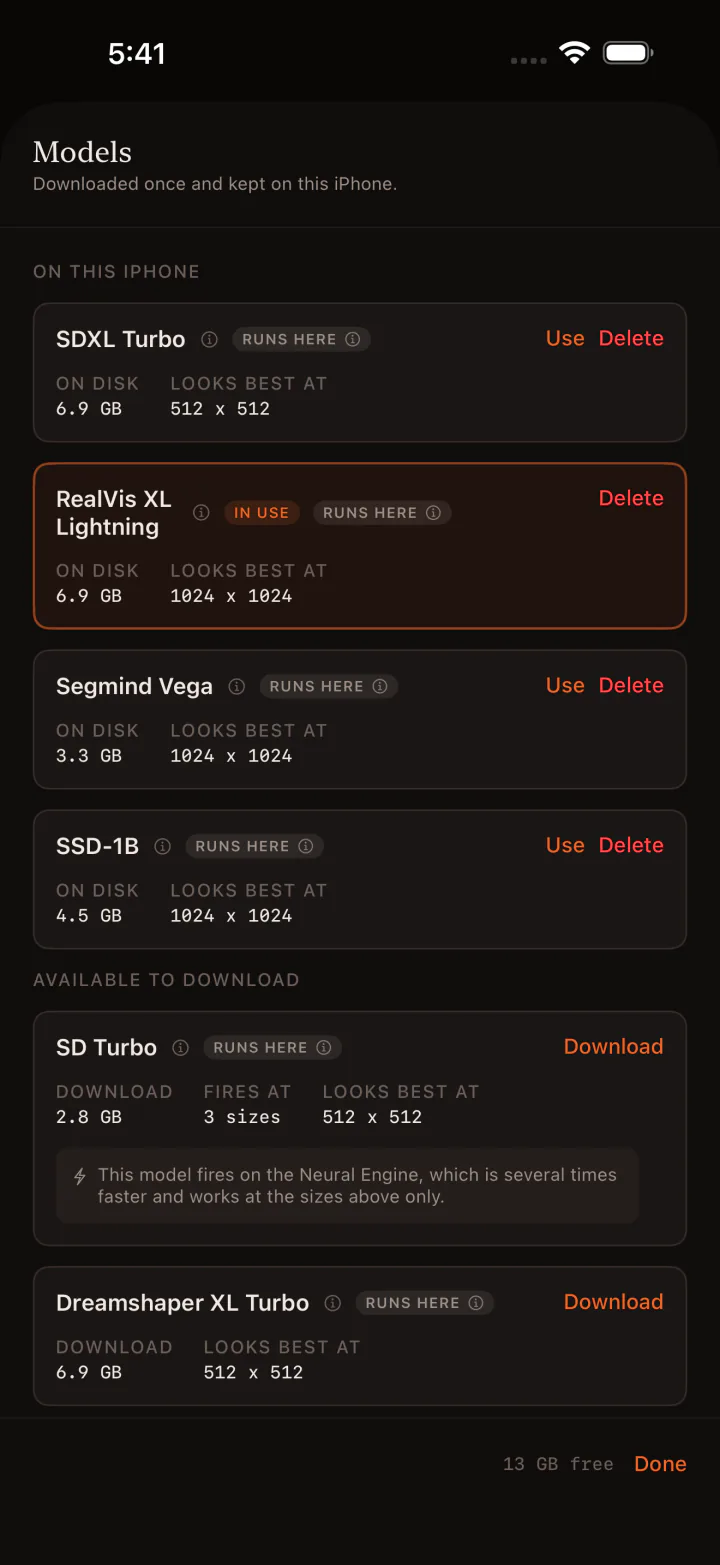
Download a model once
The first time you open Kiln it recommends a model that suits your device and says how big the download is and how long a picture takes before anything starts. Tap Download, or Do this later.
- 2
Describe the picture
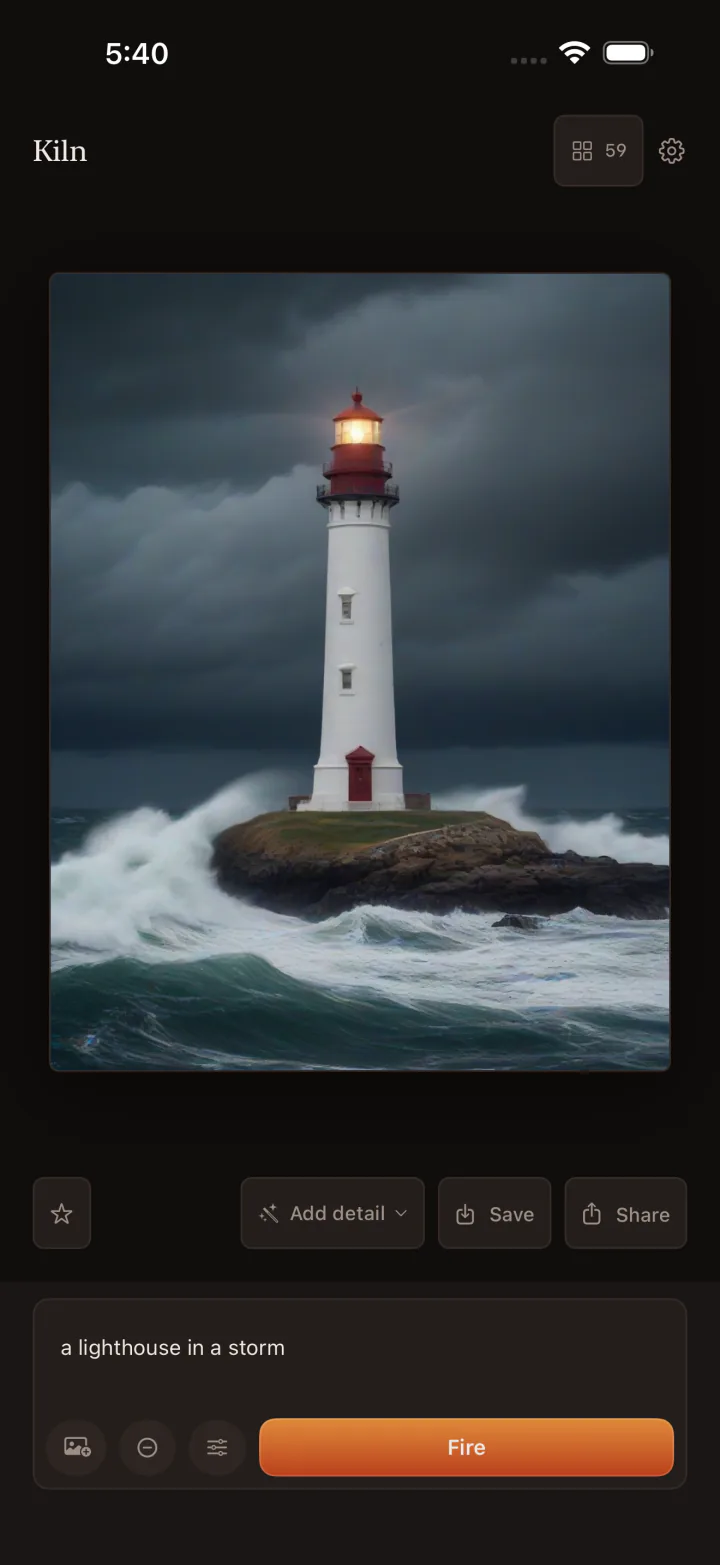
Type what you want to see, such as a lighthouse in a storm, oil painting. Add the style, the light and the mood.
- 3
Choose a shape
Square, portrait for a phone wallpaper, or landscape for a desktop or a slide.
- 4
Press Fire
Kiln makes the picture on your device. One press can make up to eight, each one different, so you can try an idea many ways.
- 5
Save it
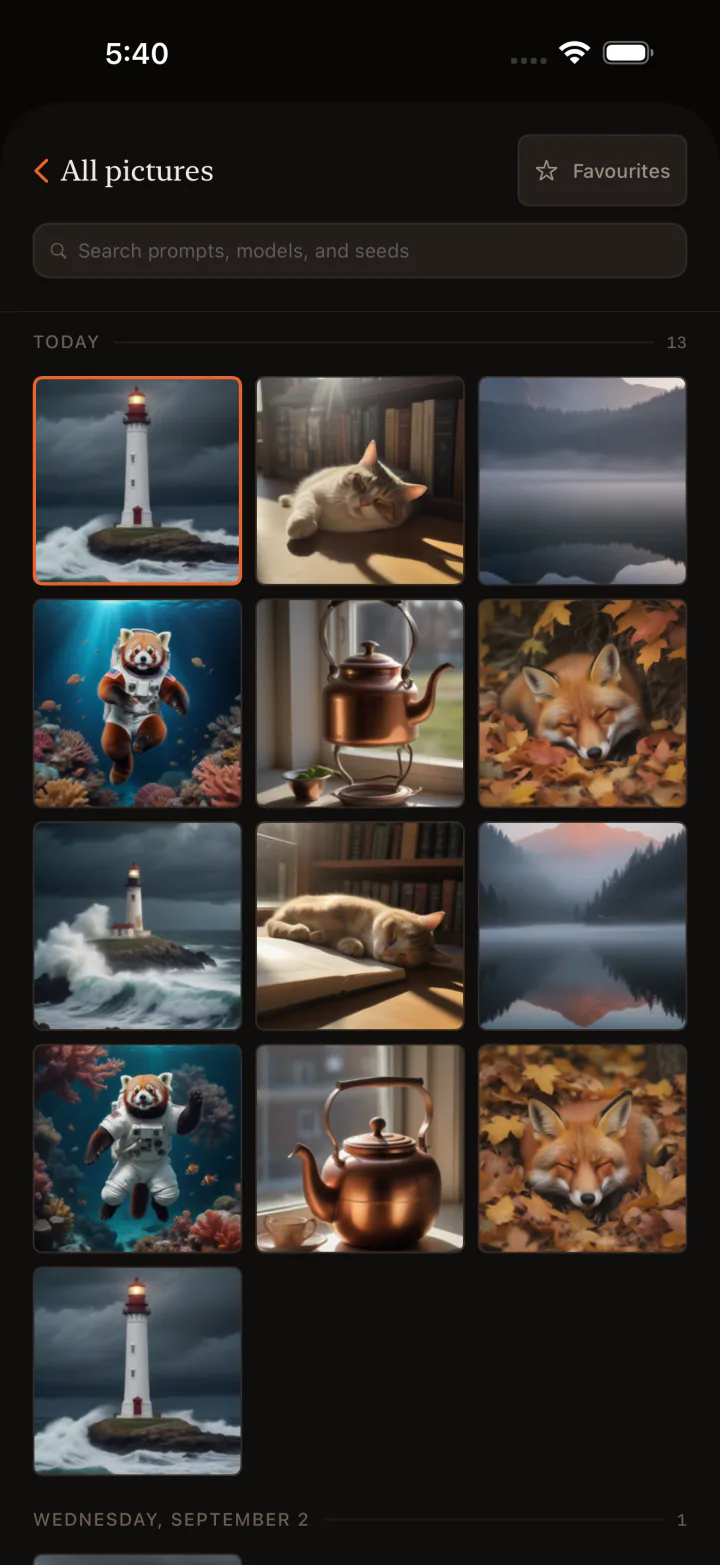
Tap Save to Photos, or copy it into another app. Every picture is also kept in the gallery on your device.
More than a description
Start from a photo you took and turn it into a painting, a sketch or another season, choosing how far it moves from the original. That is free five times a day. Enlarge a finished picture to twice its size for free, so a wallpaper stays sharp.
Kiln Pro lifts the daily limit on starting from a photo, enlarges four times, adds a queue and exports a whole selection at once, as a monthly or yearly subscription or a one-time purchase.
Questions and answers
Is there a free AI image generator with no sign up?
Yes. Kiln needs no account and makes unlimited pictures from a description for free, with all eight models free. The only network use is downloading a model you choose.
Are my prompts and pictures uploaded?
No. Kiln makes every picture on your device, so your prompts, starting photos and finished pictures never reach a server.
Does it work offline?
Yes. Once a model is downloaded, making and enlarging pictures works with no connection, on a plane or anywhere else.
Which devices can run it?
A Mac with Apple silicon and macOS 14 or later, or an iPhone or iPad with iOS 17 or later. Kiln checks your device and says on every model whether it will run there. Larger, more realistic models run best with 16 GB of memory or more.

Kiln
Unlimited pictures, eight free models, no account. Made on your device.