Record or import
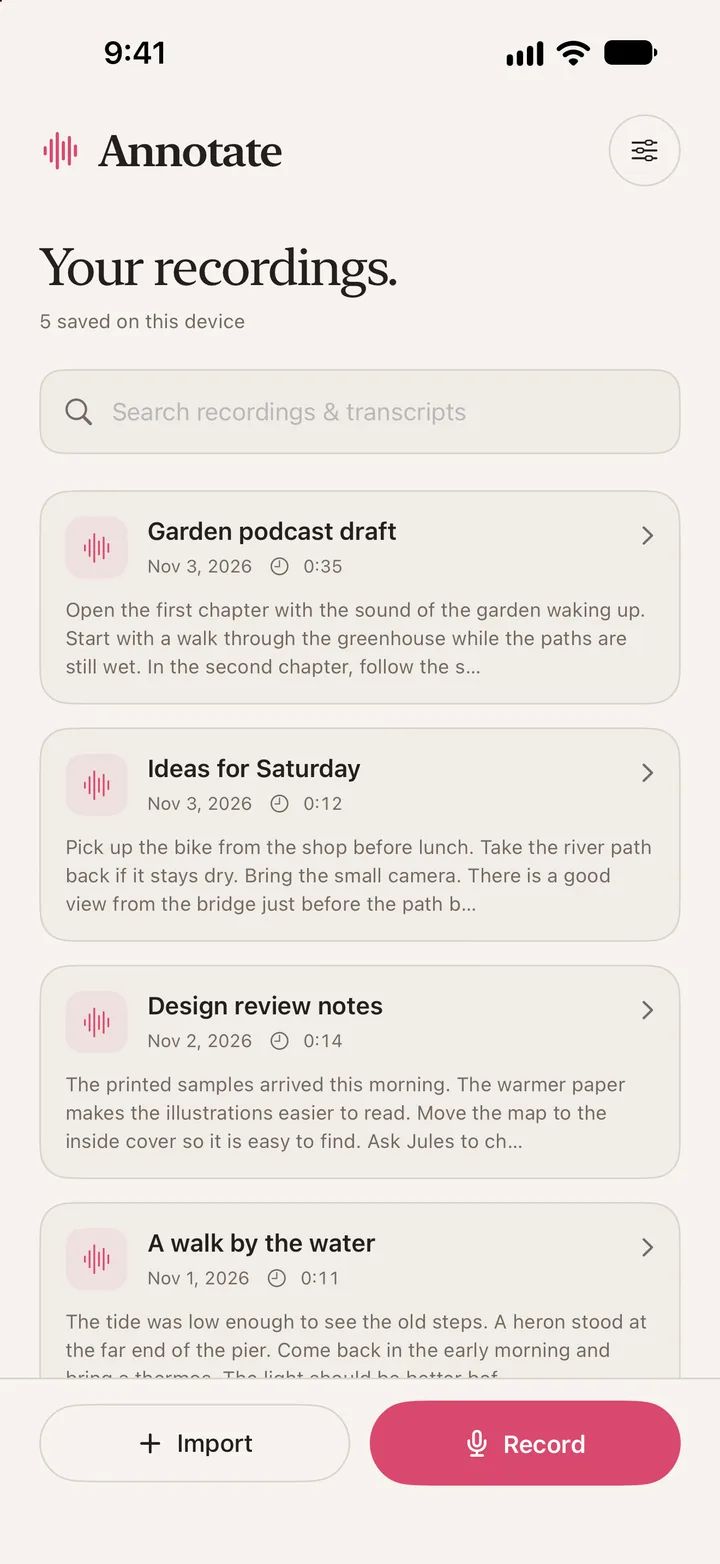
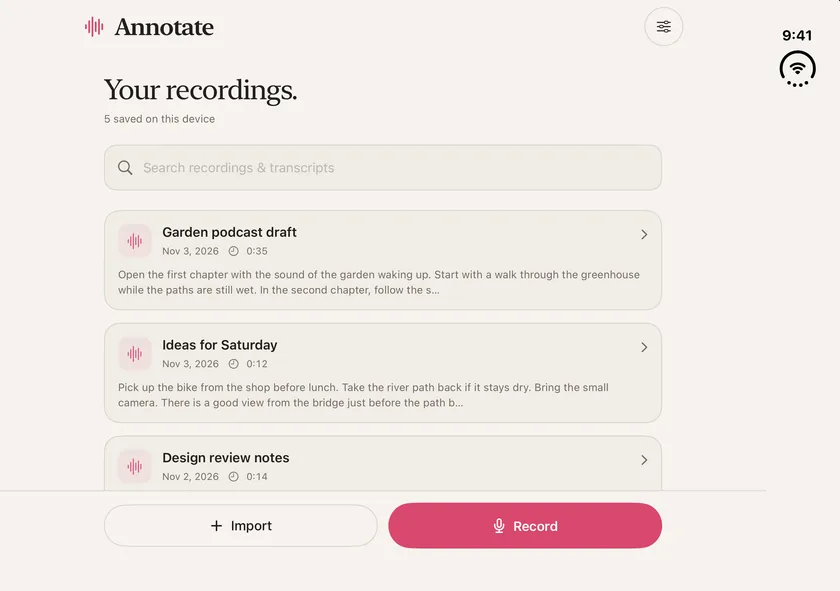
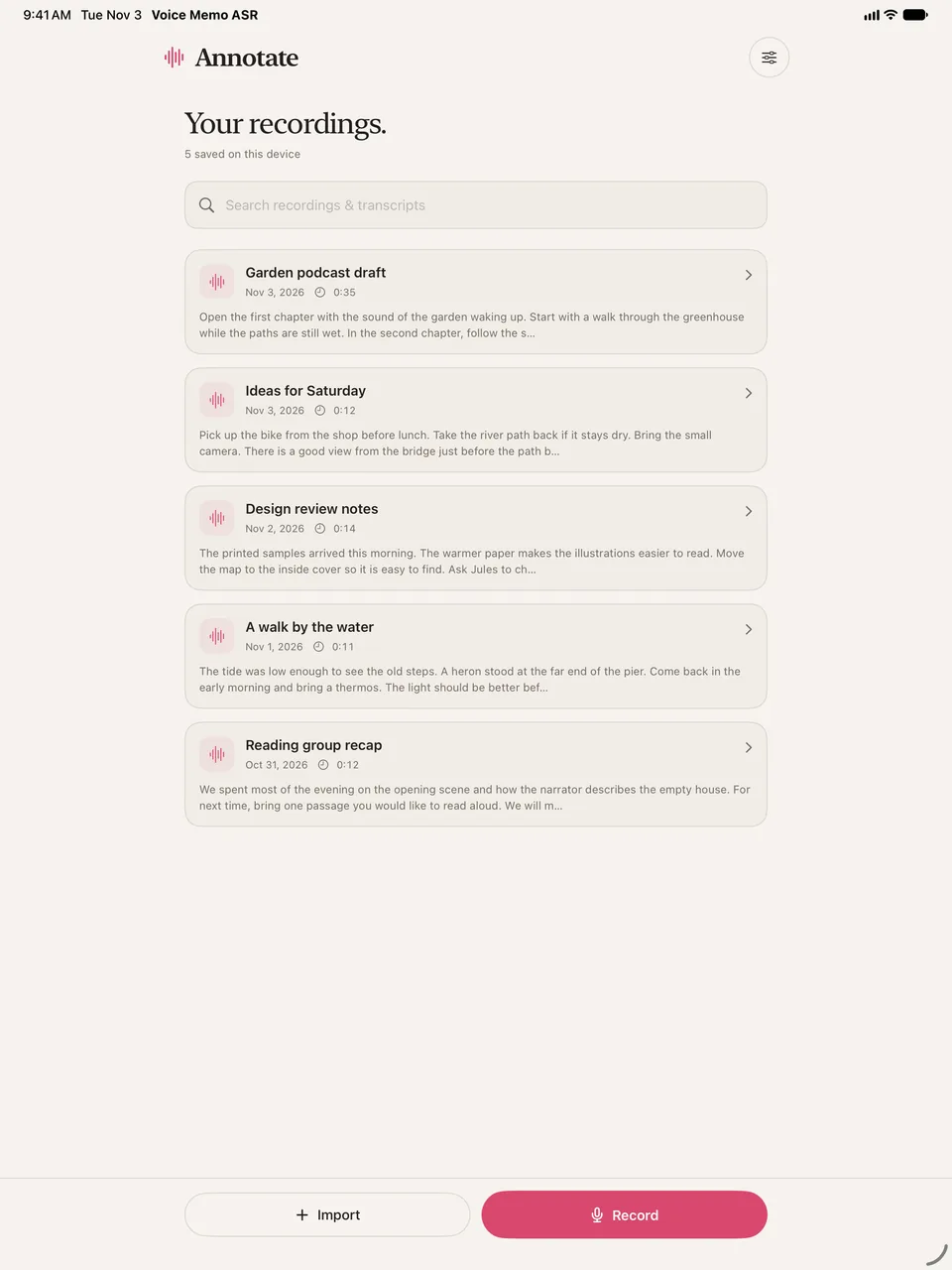
Capture an idea as it comes to you, or open an interview, lecture or voice memo from Files. The recording and transcript save together in your library.

Annotate Audio · iPhone & iPad
Turn interviews, ideas, and voice memos into searchable text. Find a phrase, tap to hear the original audio, and transcribe right on your device.
Version 1.3 shown · iOS and iPadOS 18+
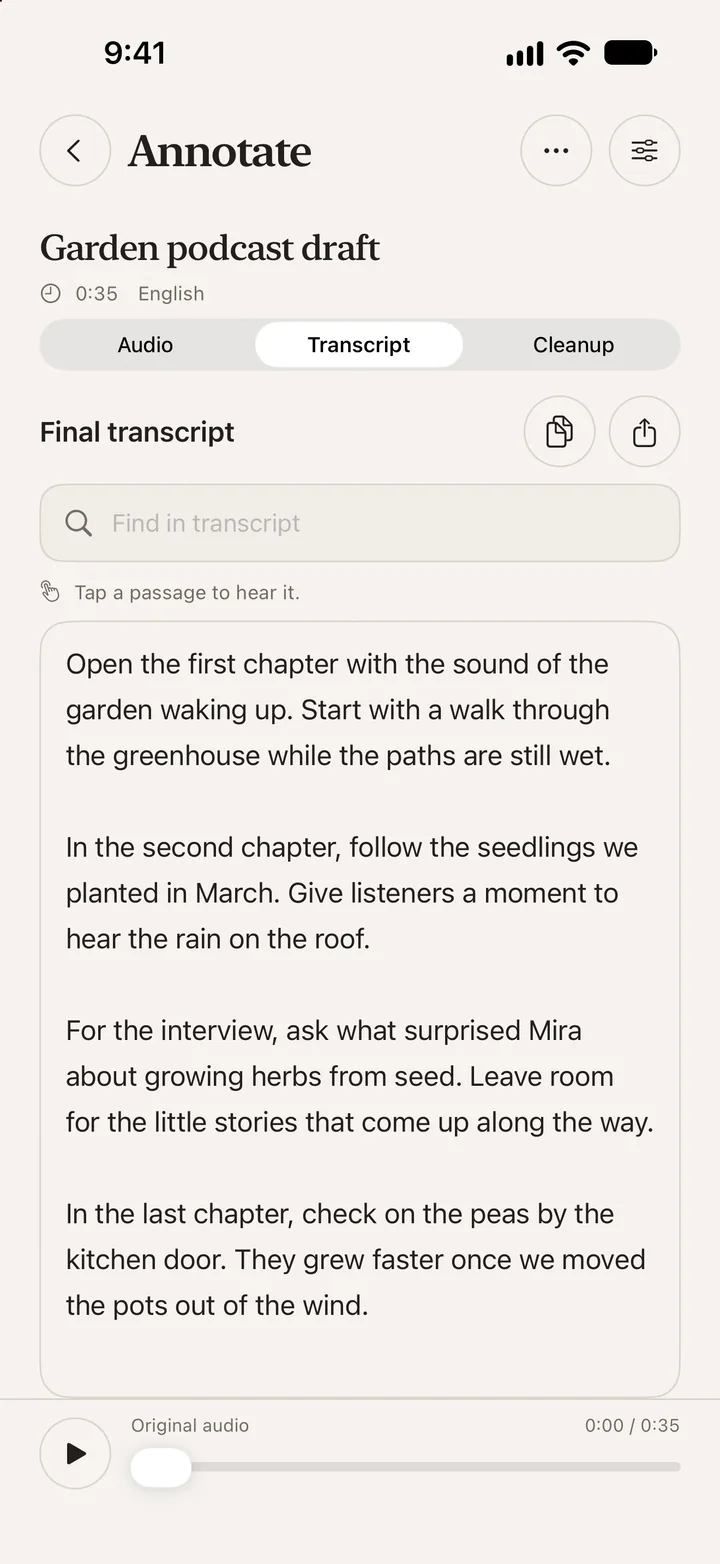
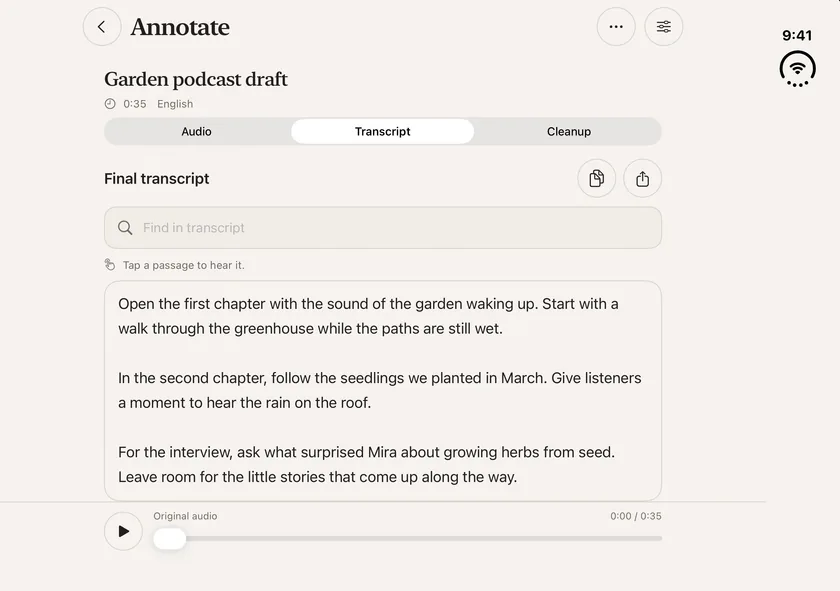
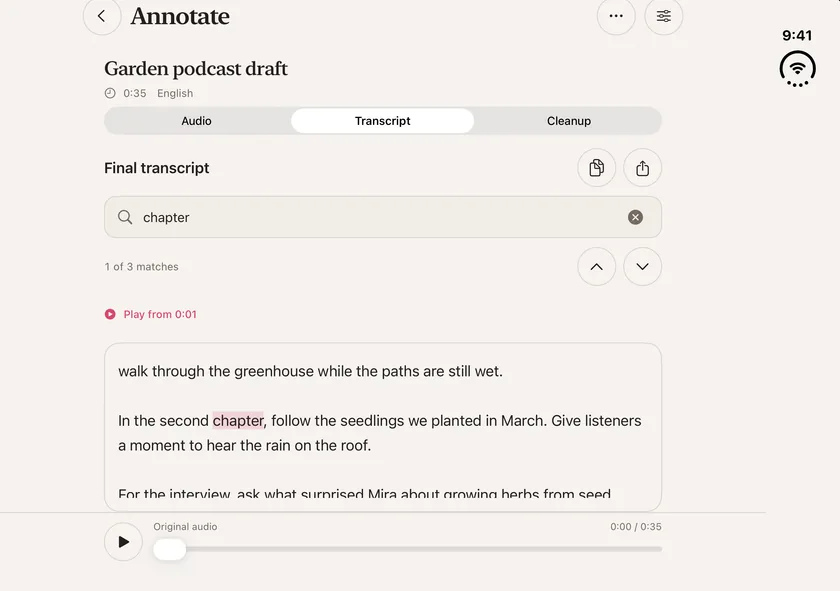
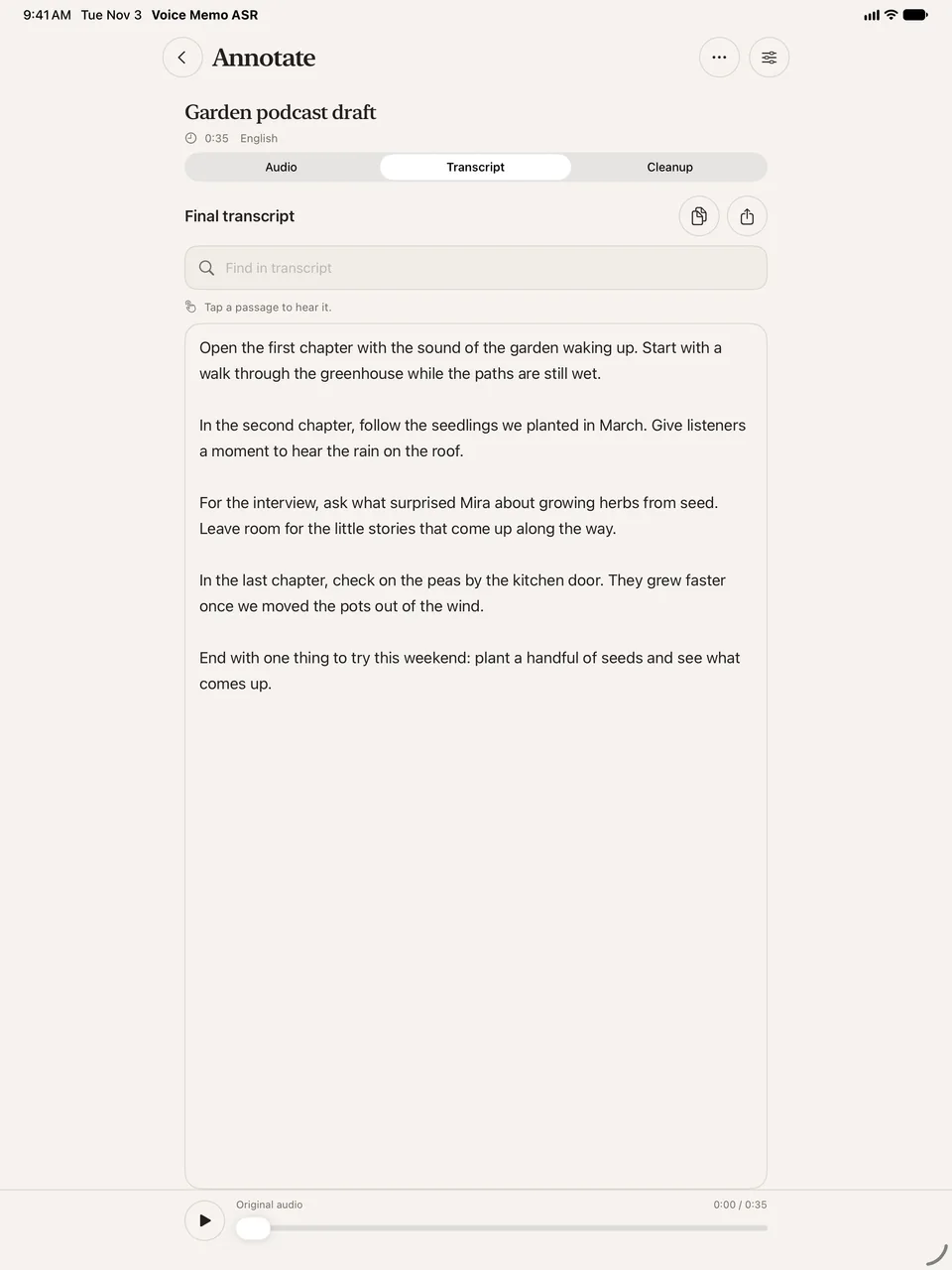
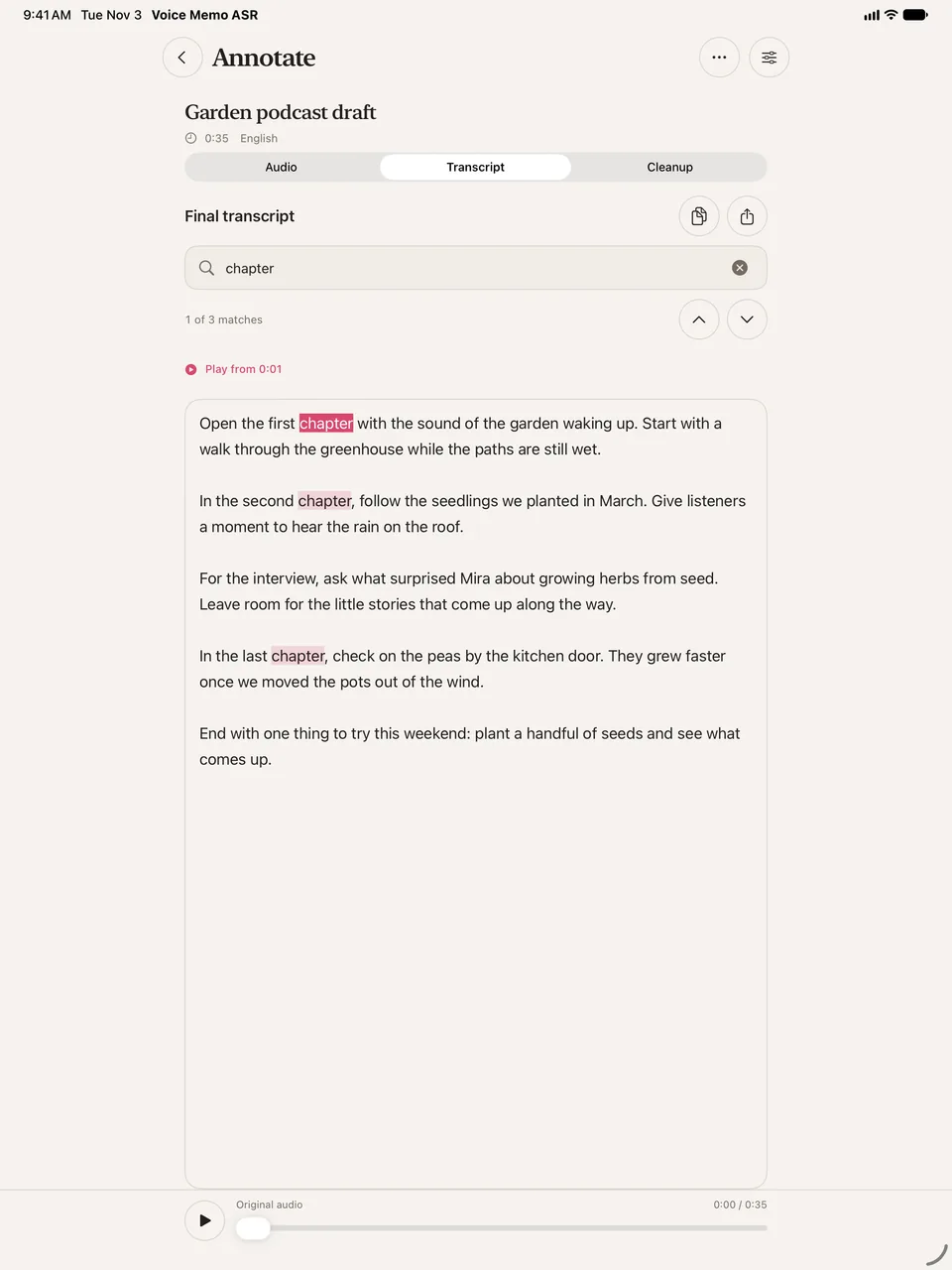
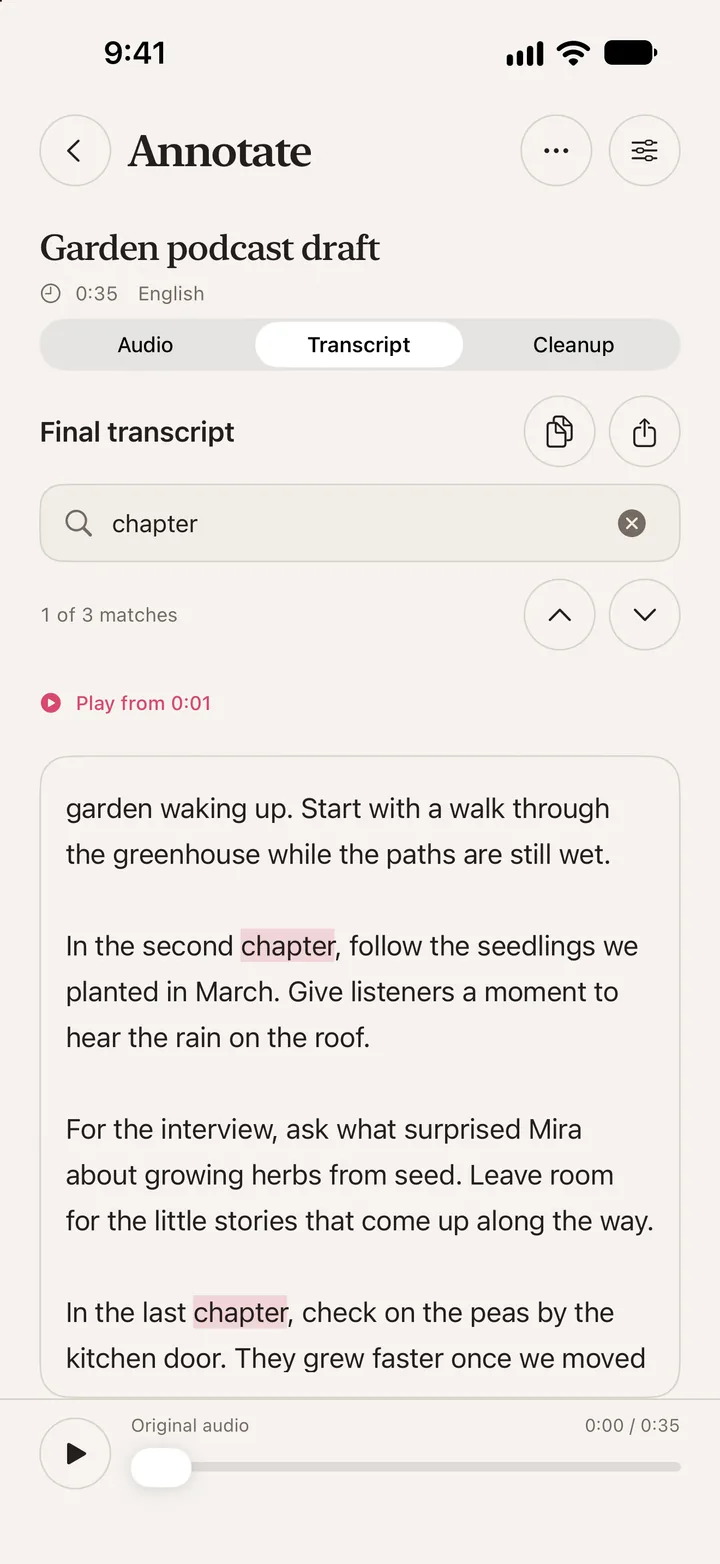
Search a transcript for a word you remember. Annotate Audio highlights the matches so you can read the context or play the original audio.
Capture an idea as it comes to you, or open an interview, lecture or voice memo from Files. The recording and transcript save together in your library.
Search for a word or phrase and move between highlighted matches. Tap a passage to play the corresponding part of the original recording.
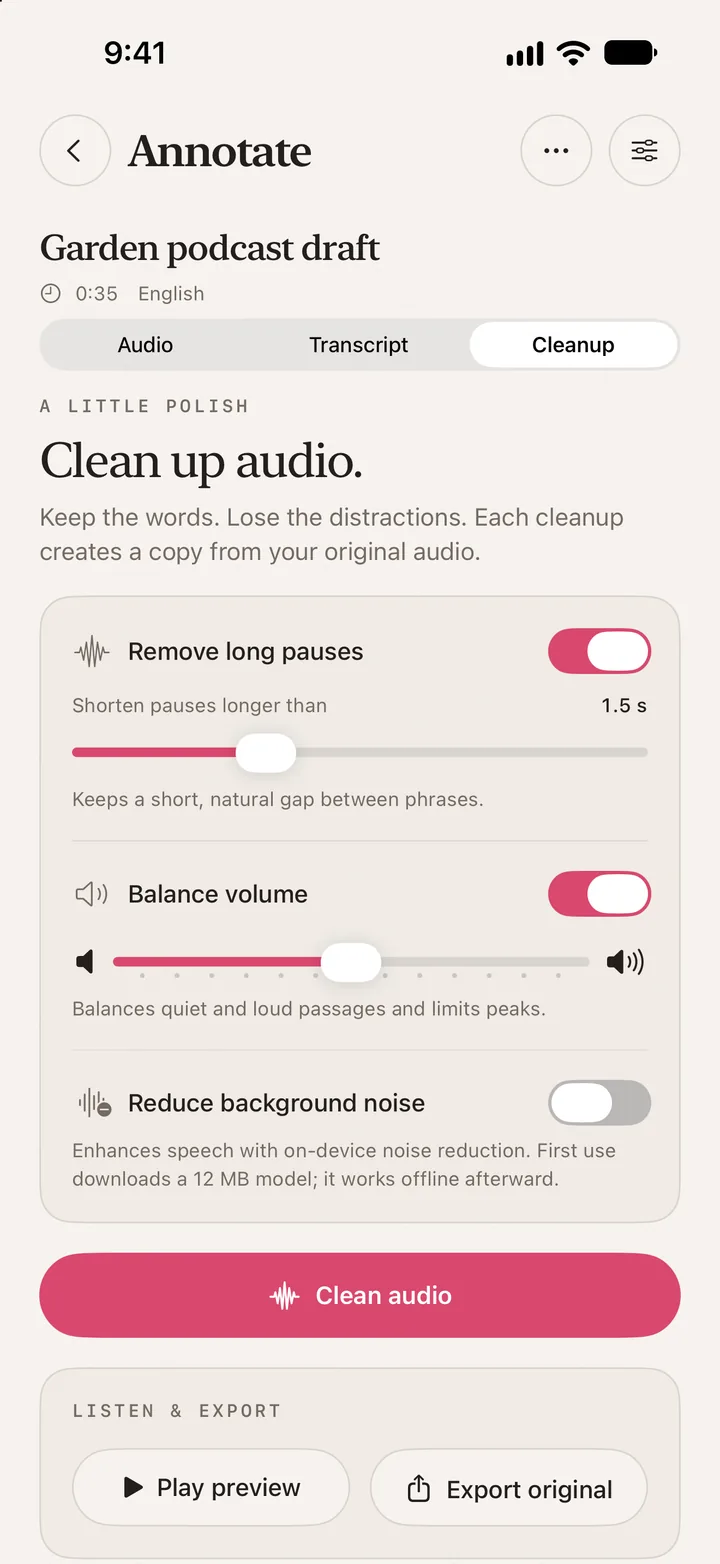
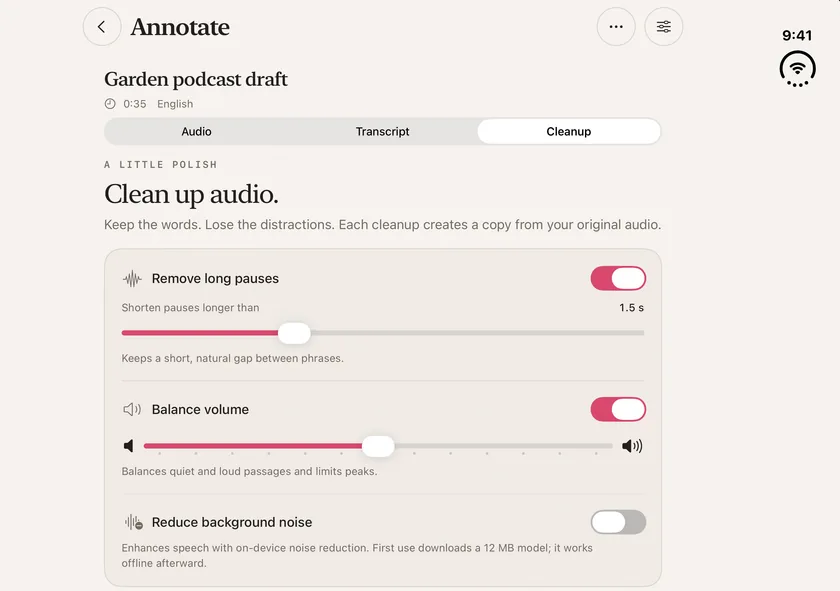
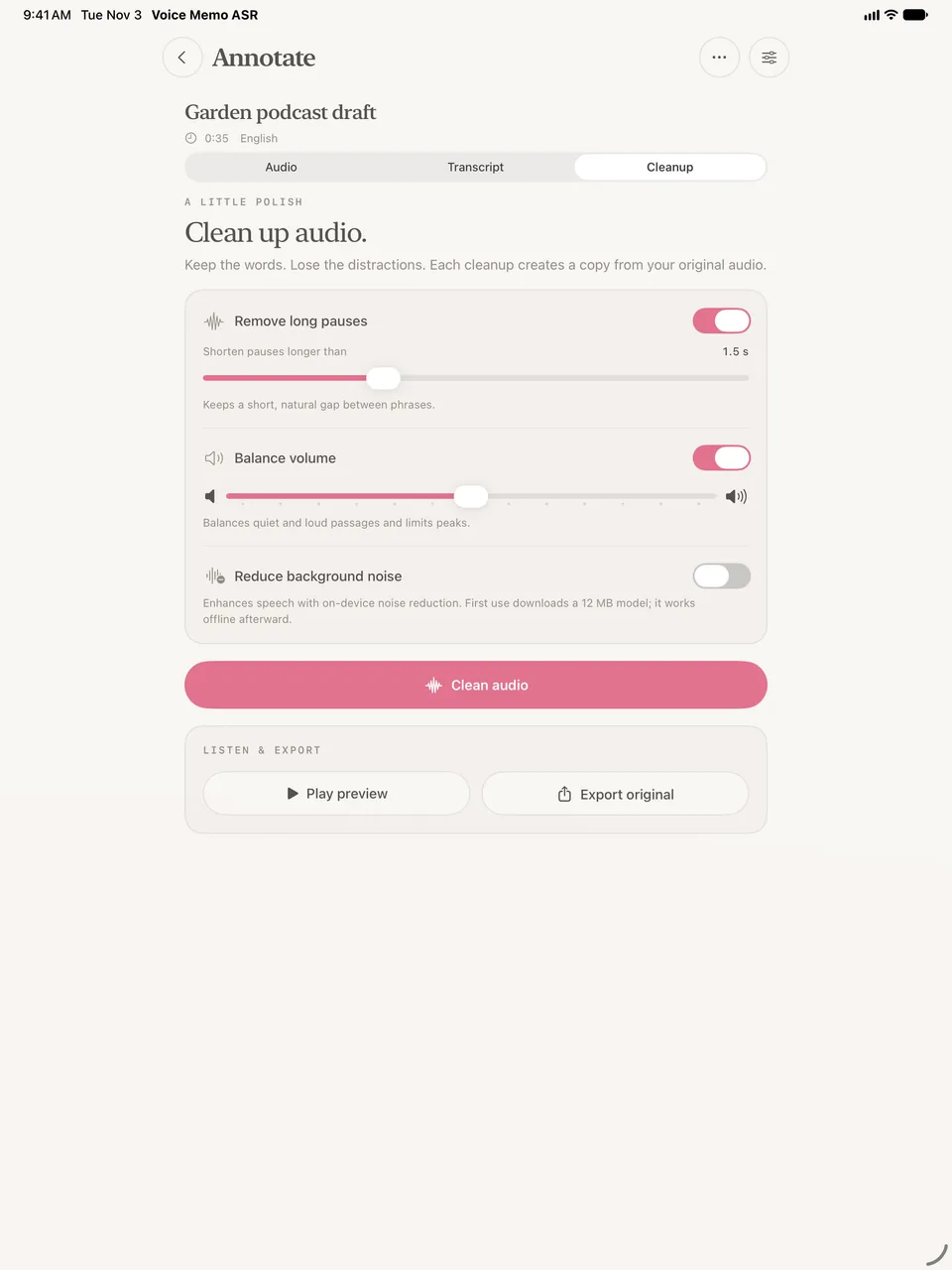
Shorten long pauses, balance volume or reduce background noise. Preview the result while keeping the original recording. Pro saves and exports the cleaned audio.
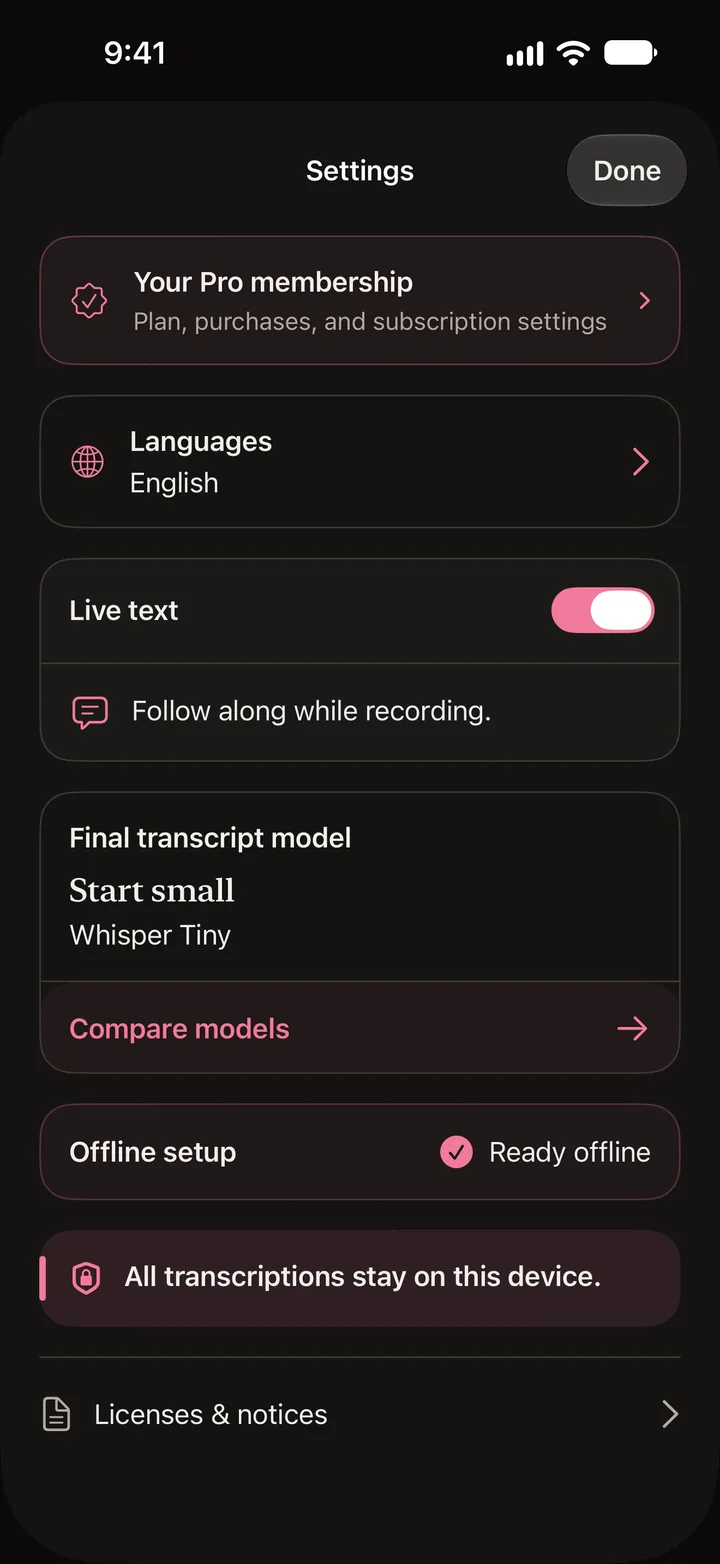
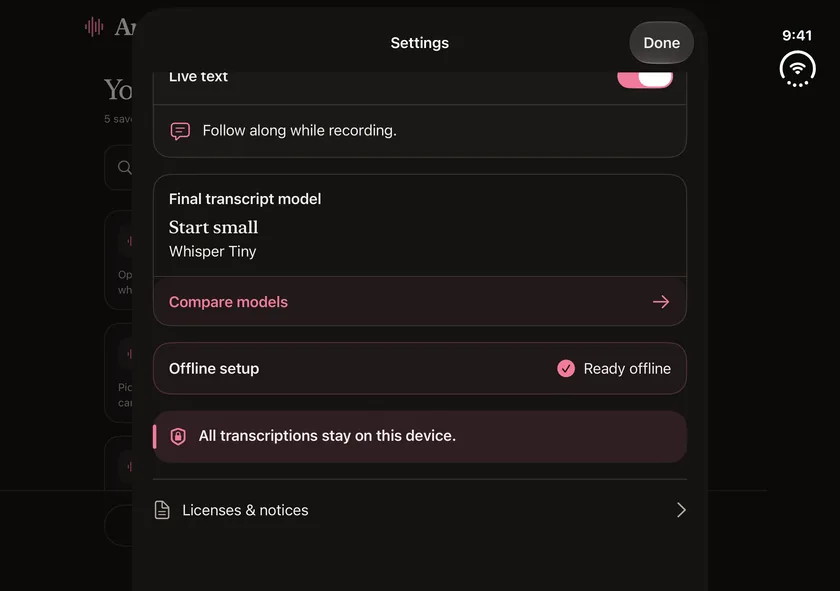
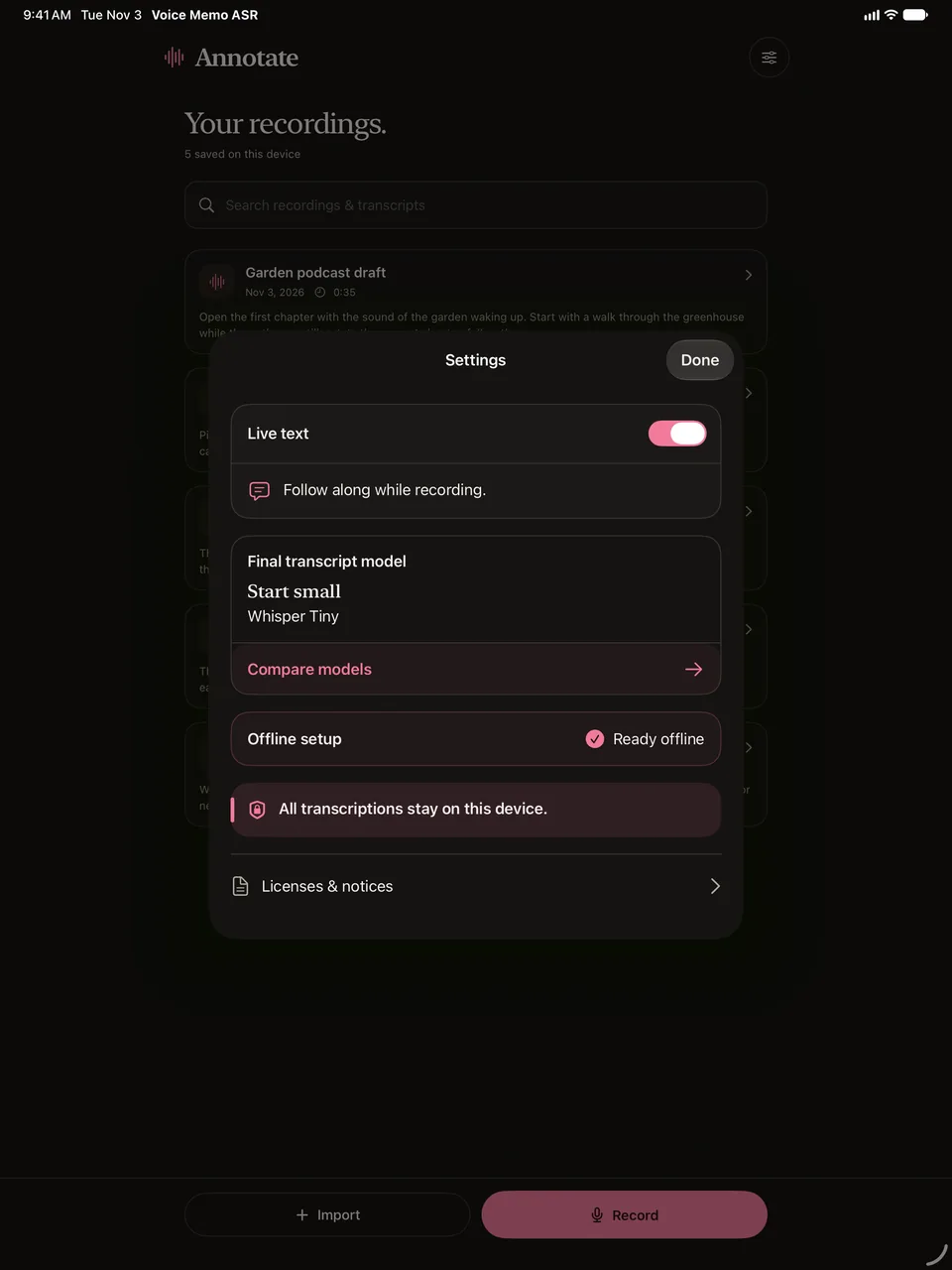
Transcription and cleanup happen on your iPhone or iPad. Some tools need an initial download, then run offline. Your recordings and transcripts stay in the local library until you choose to export or share them.
Read the privacy policyRecord and import as much as you like. Free includes 30 minutes of transcription per calendar month. Pro adds live text, more model choices, and more ways to work with saved recordings.
Actual version 1.3 screens with sample recordings on iPhone, iPhone Duo and iPad.
Yes. Transcription and cleanup run on your device. Some transcription models and the noise reduction tool need an initial download. Once prepared, those tools work offline.
Recordings, transcripts, and any saved cleaned copies are kept in the app’s local library. Export audio or text if you want a copy elsewhere, or delete a memo from the library to remove its app copies.
Version 1.3 is designed for iPhone and iPad with iOS or iPadOS 18 or later. Check the App Store for the version currently available. The iPhone Duo screenshots show the app on its open inner display.
Choose your languages in Settings. The app shows compatible transcription models for those languages and your device. Available languages for live text can differ from those for a final transcript.