Bring a recording.
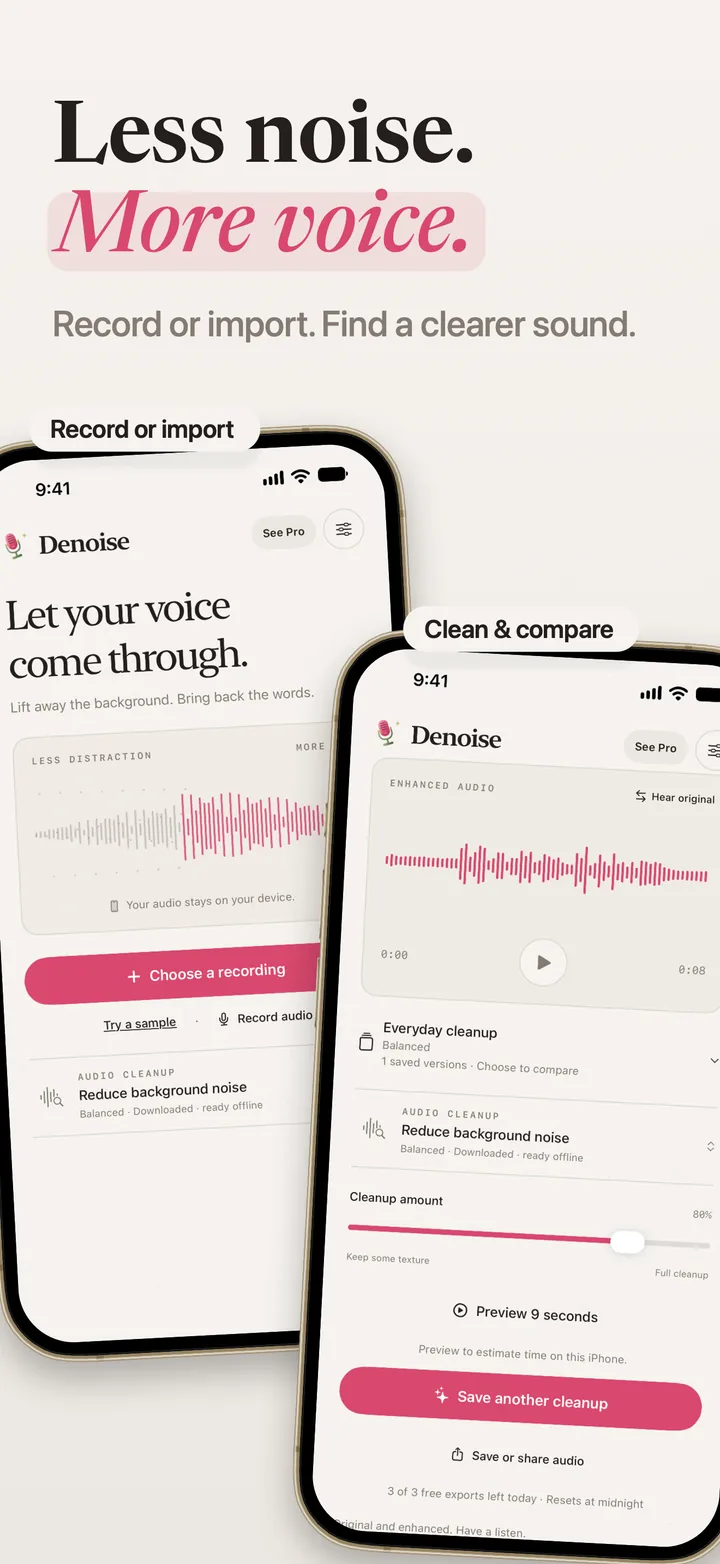
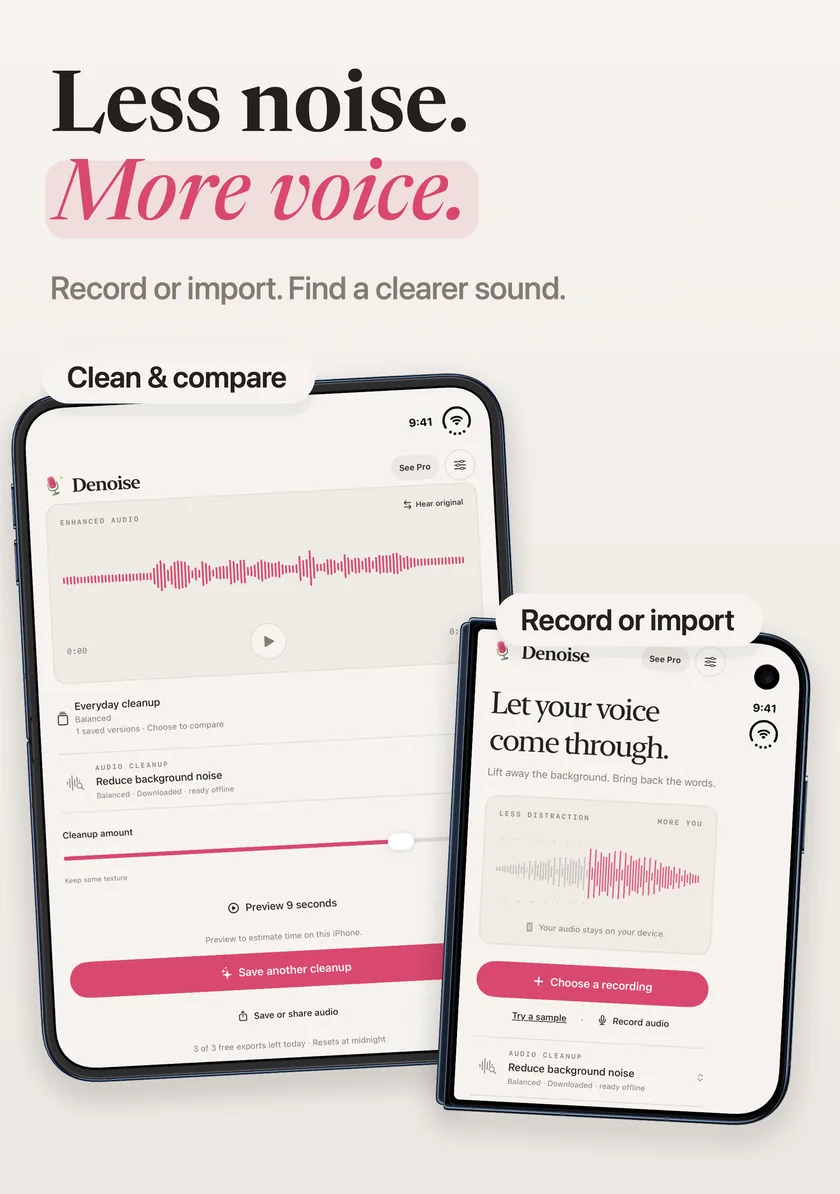
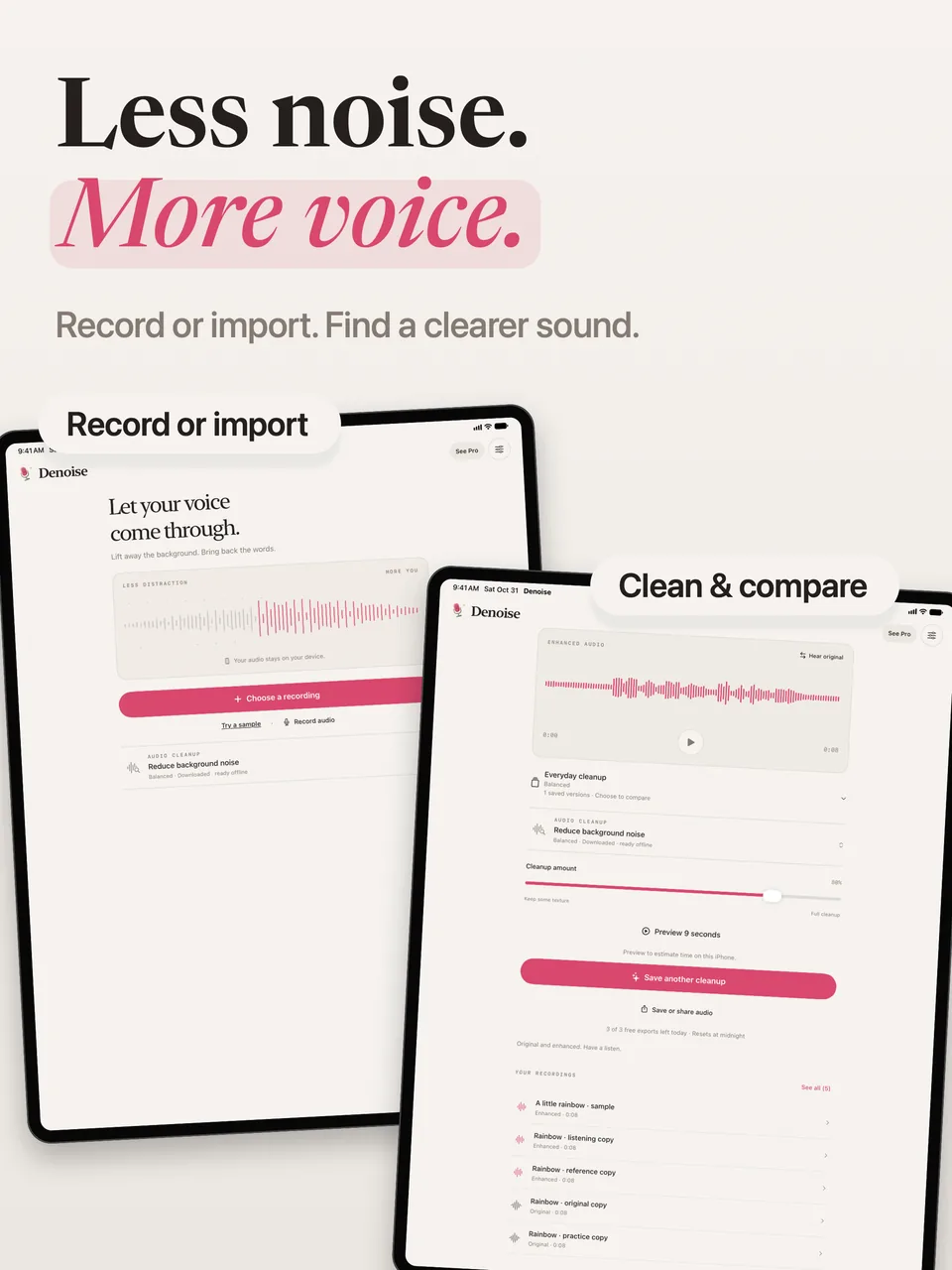
Import audio or the audio track of a video, or record with the microphone. Listen to the original before choosing a cleanup.
Denoise · Coming soon · iPhone & iPad
Lift away the background. Bring back the words. Preview a cleanup, keep the versions you like, and share clearer audio. Processing happens on your device.
First App Store release in preparation · iOS 18+
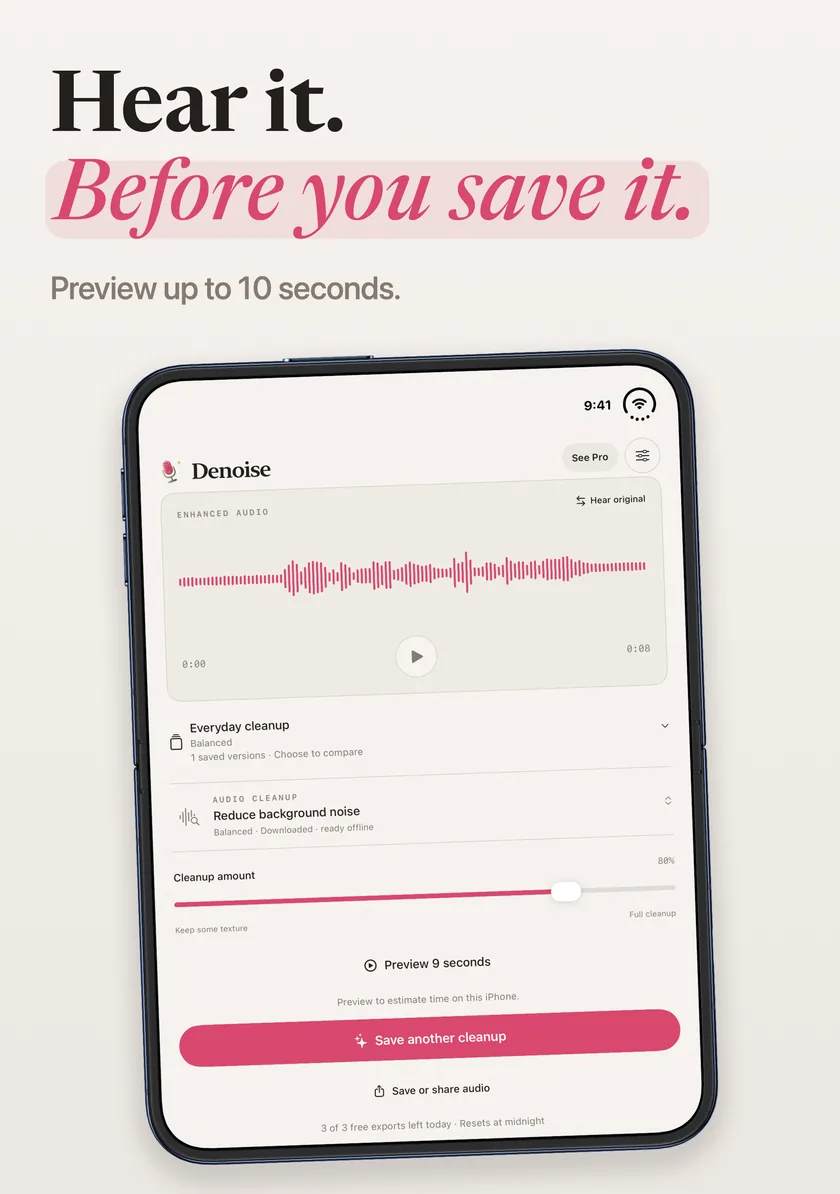
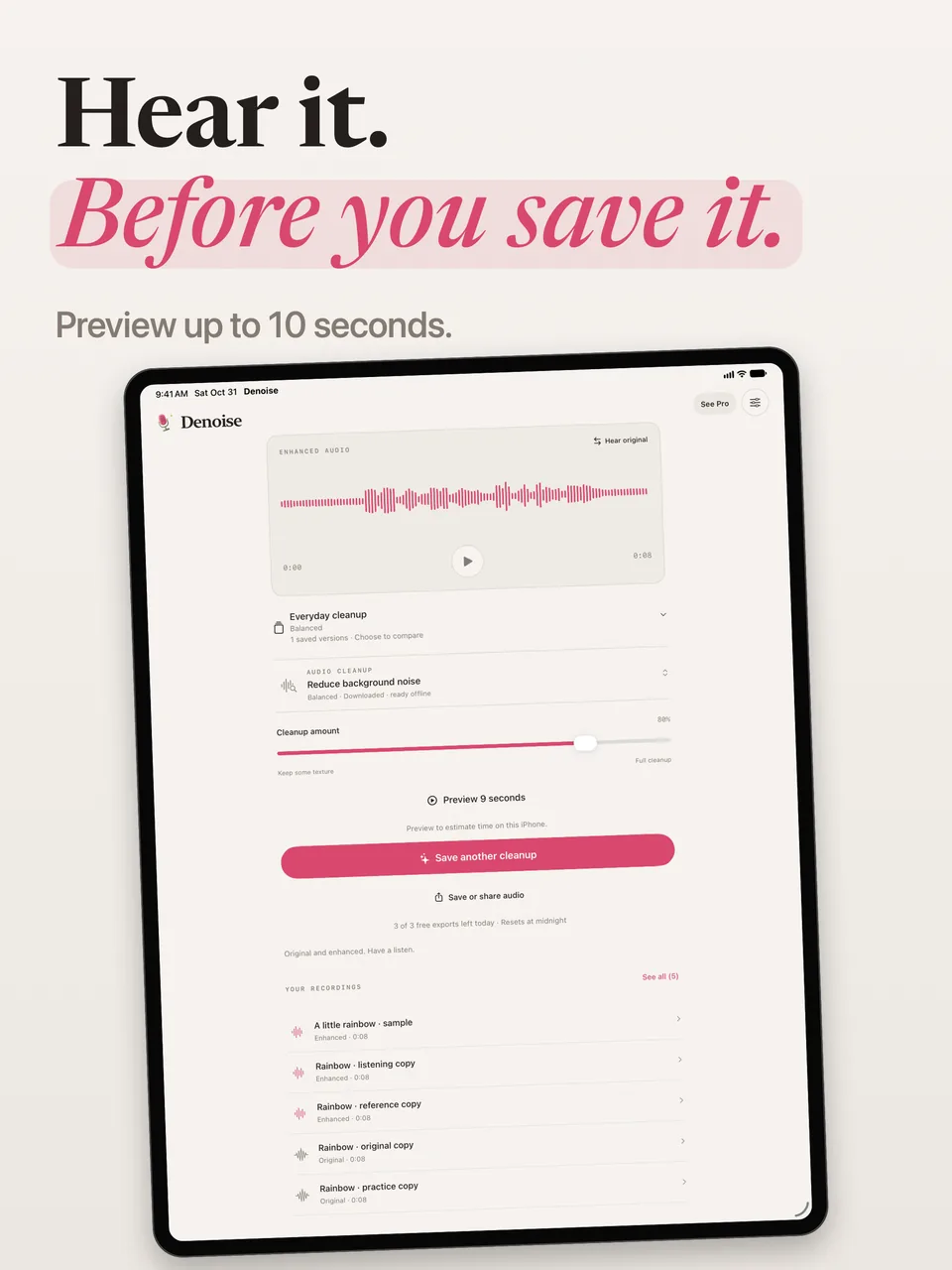
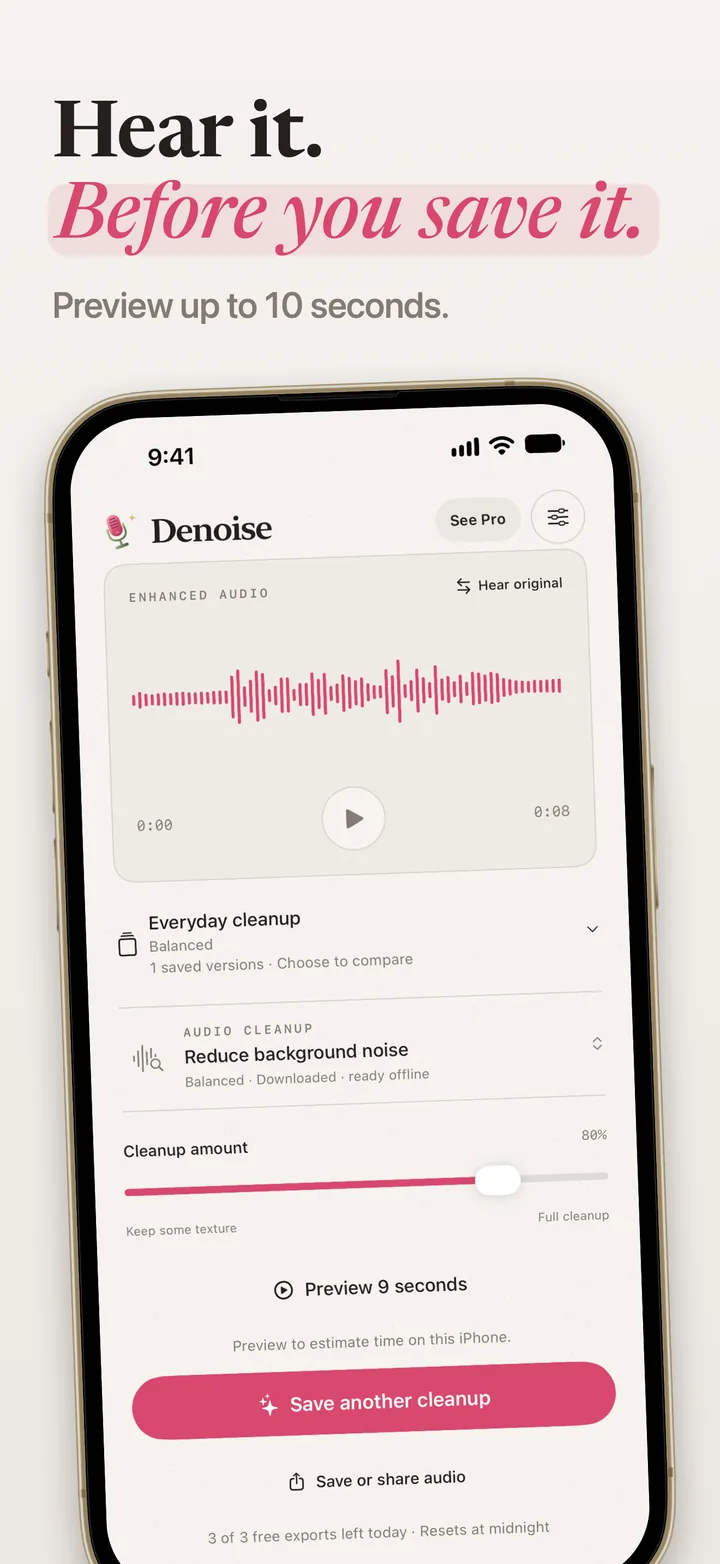
A preview lets you hear the selected cleanup before committing a full recording. Move to the part you want to check, preview up to 10 seconds, and compare the original with the processed sound.
Results depend on the recording. Start with a moderate cleanup amount, listen with headphones, and keep the original when the texture matters.
Step 1
Import or record
Step 2
Preview and compare
Step 3
Save a WAV version
Import audio or the audio track of a video, or record with the microphone. Listen to the original before choosing a cleanup.
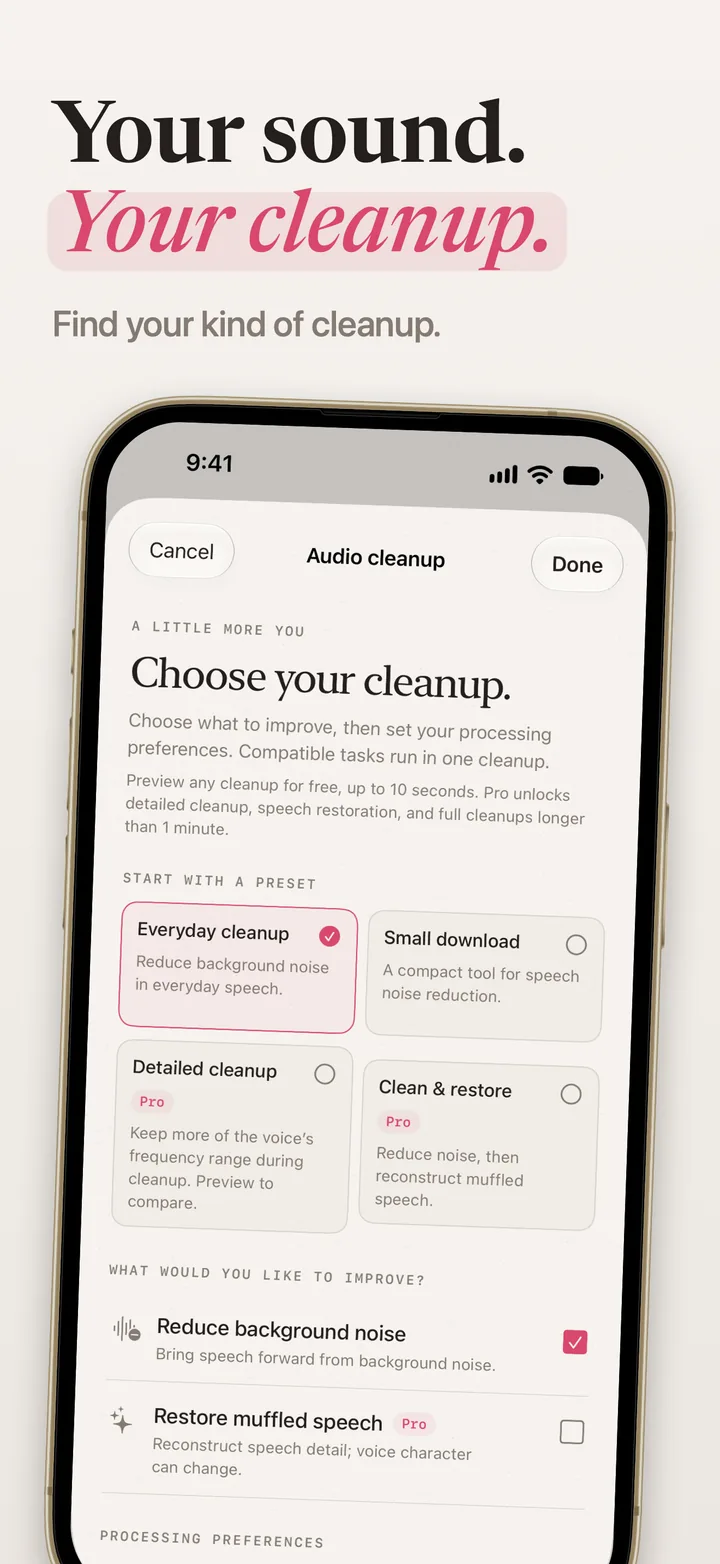
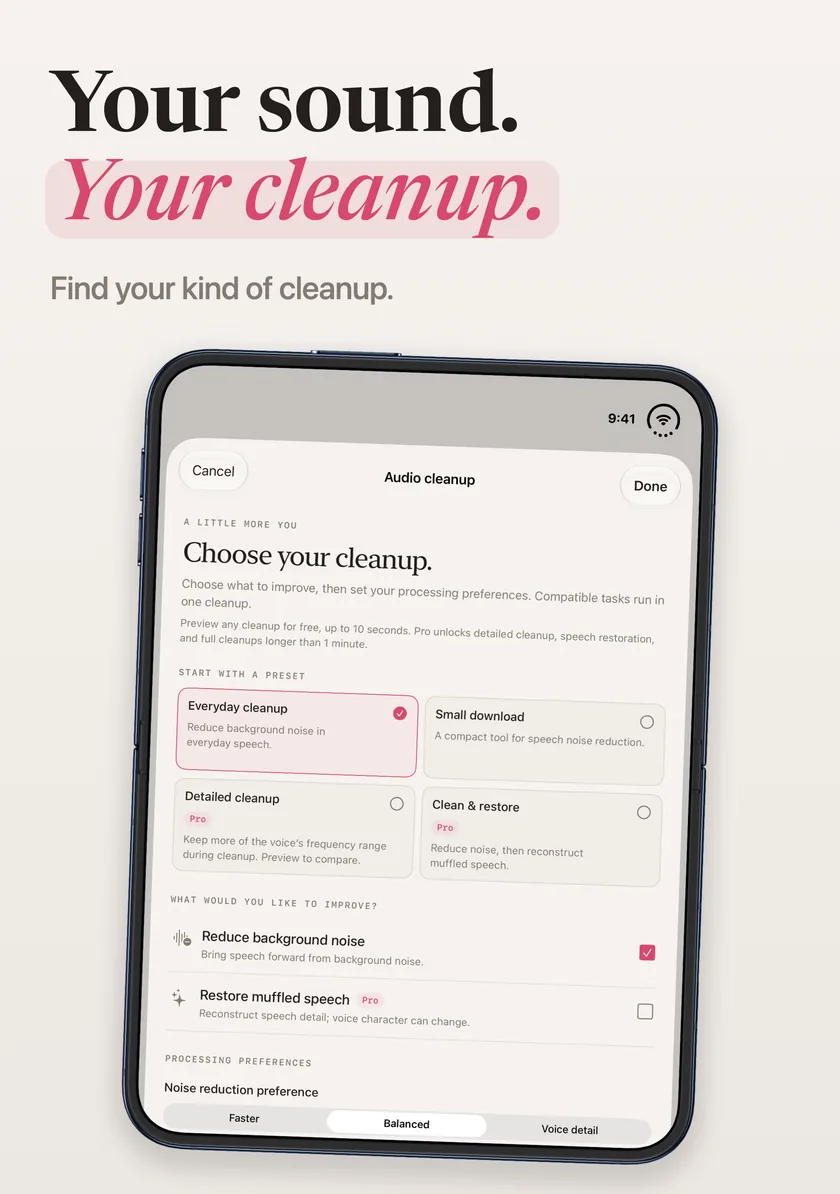
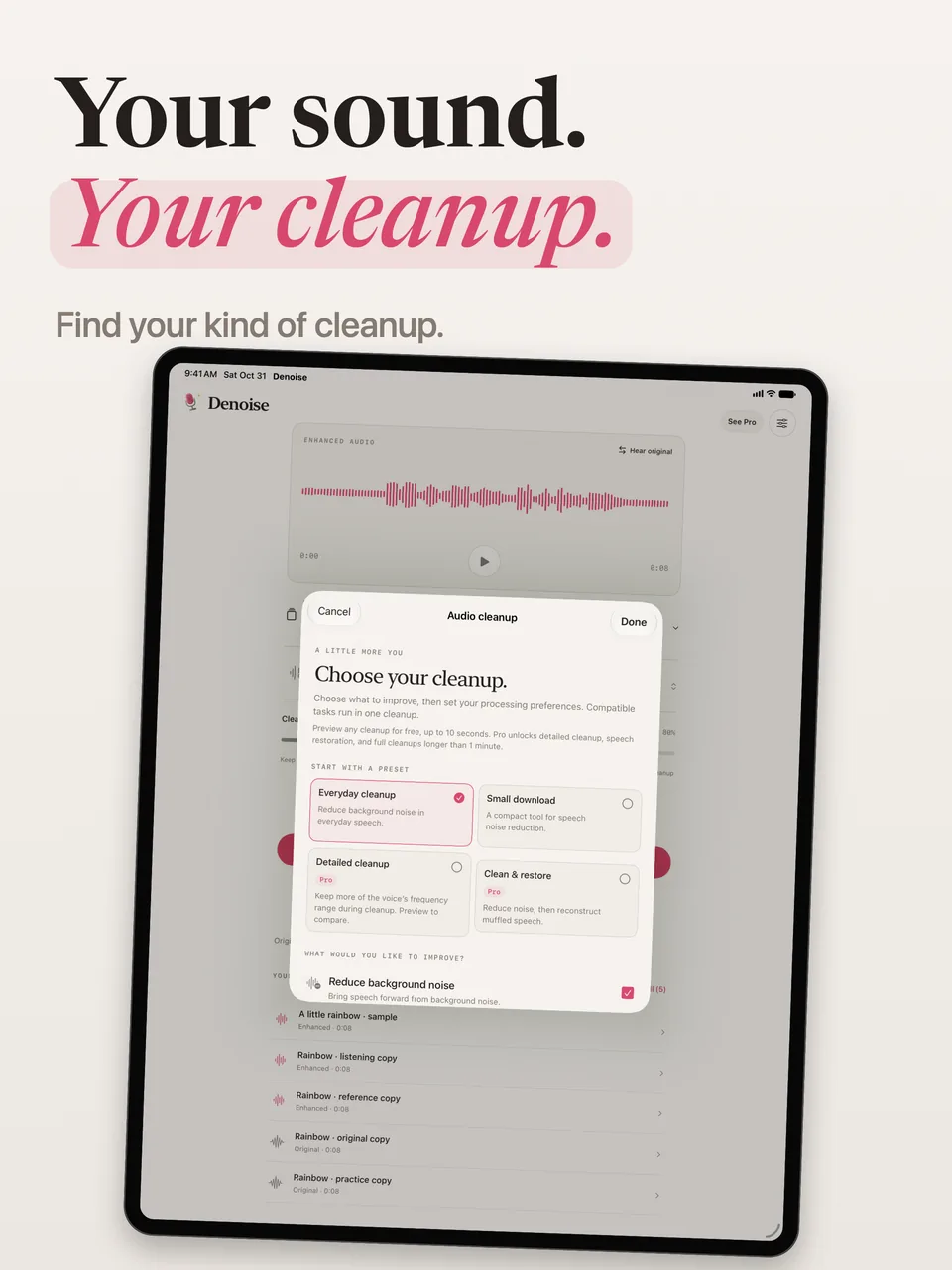
Reduce background noise, restore muffled speech, or combine both tasks. Adjust the cleanup amount to keep some of the original texture.
Preview up to 10 seconds at the playback position. Compare the original and the processed sound before saving a full cleanup.
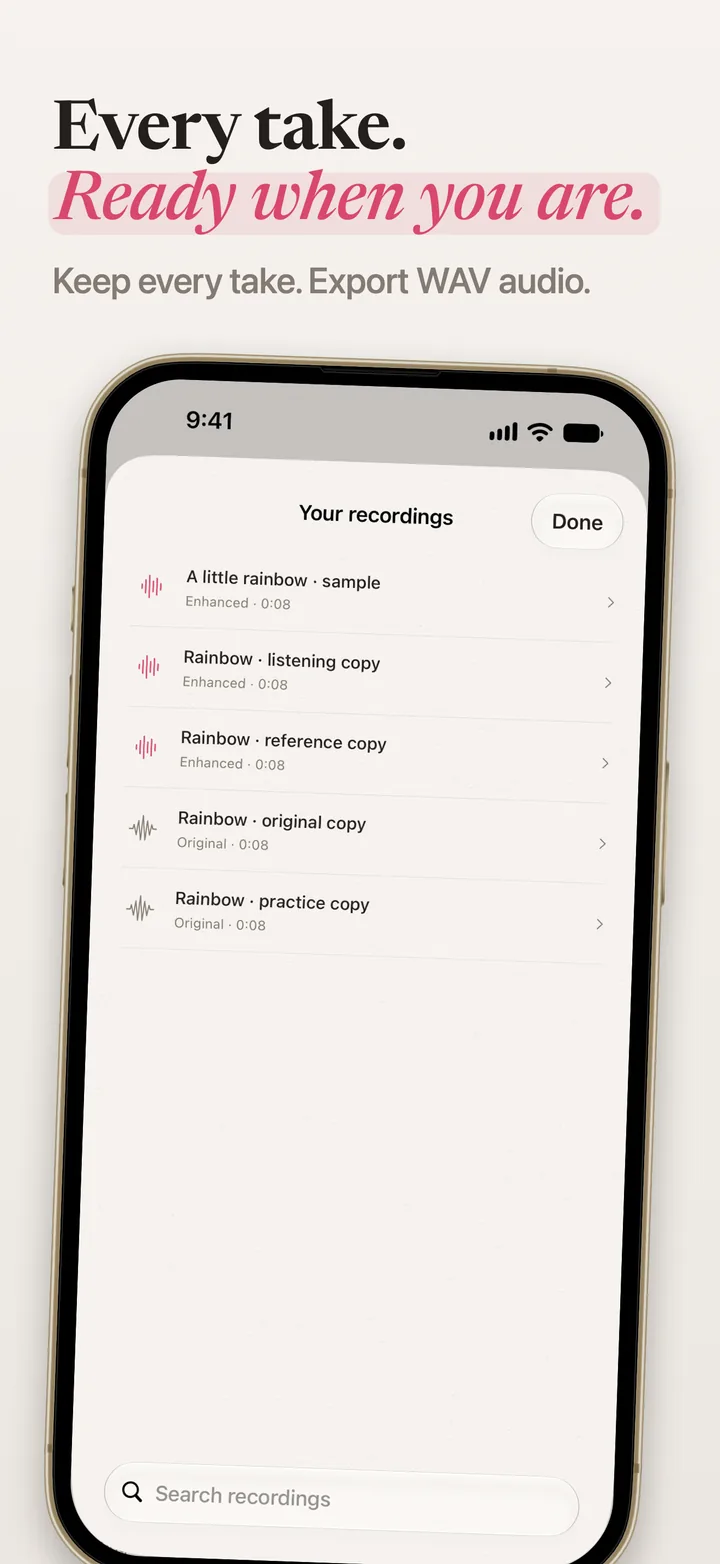
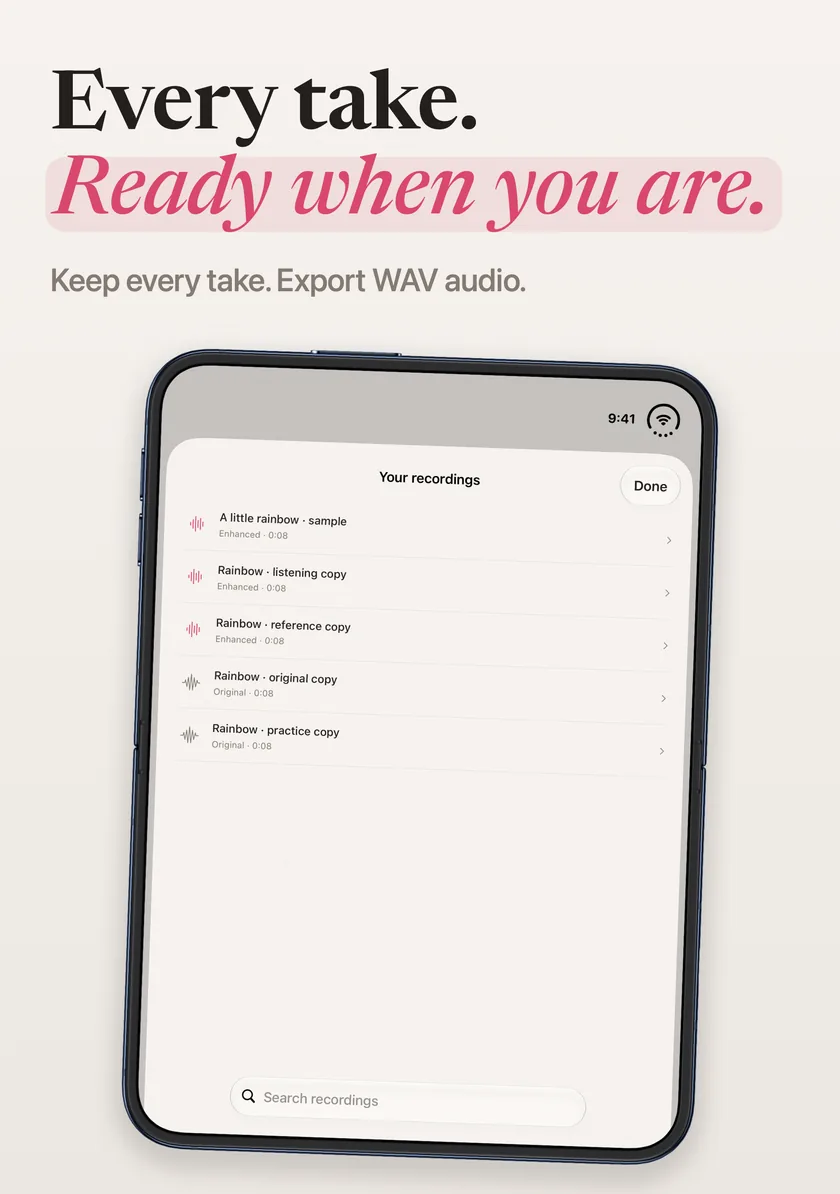
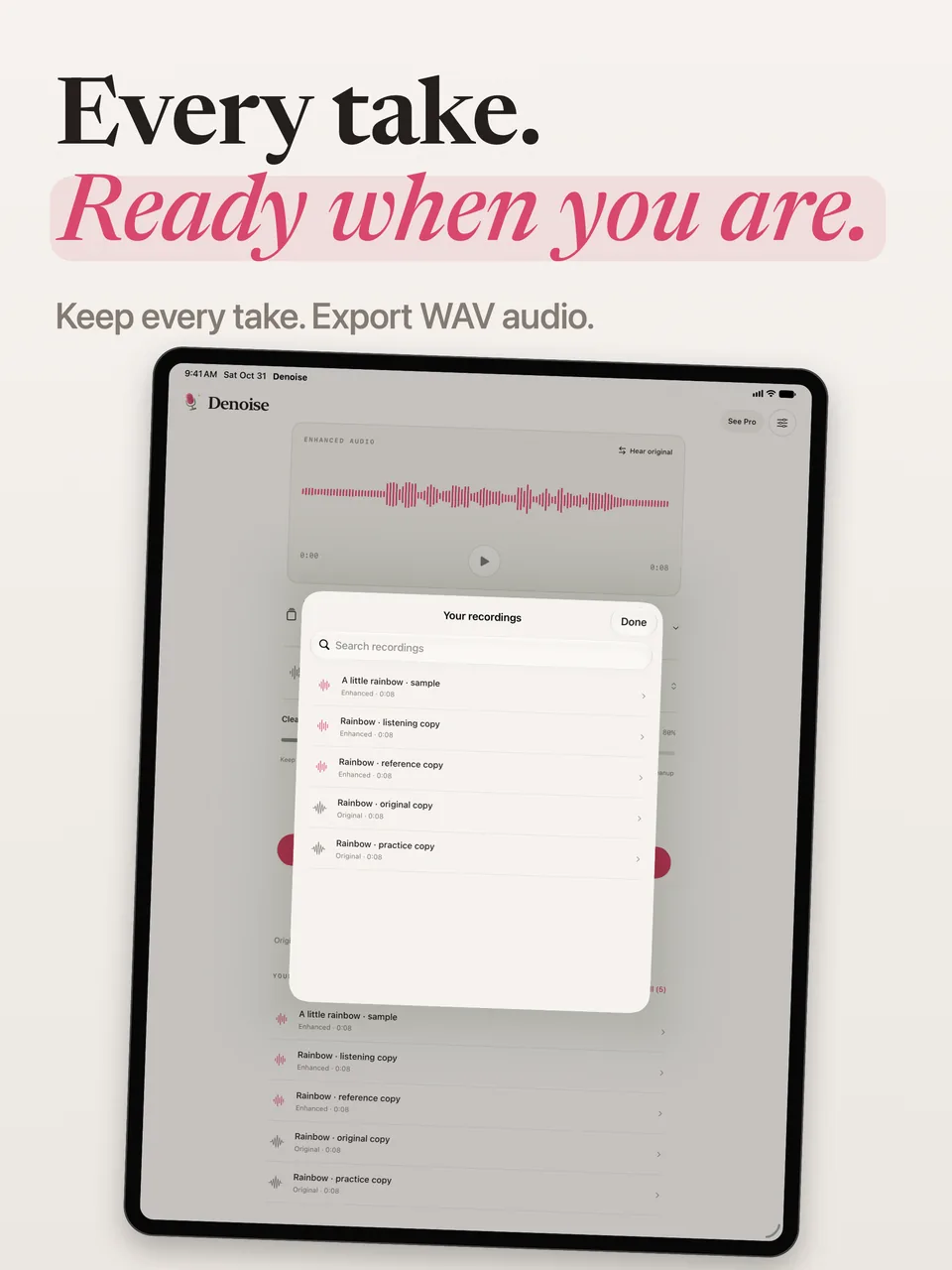
Each full cleanup saves a separate version in your local library. Revisit the original or another version, then export mono WAV audio.
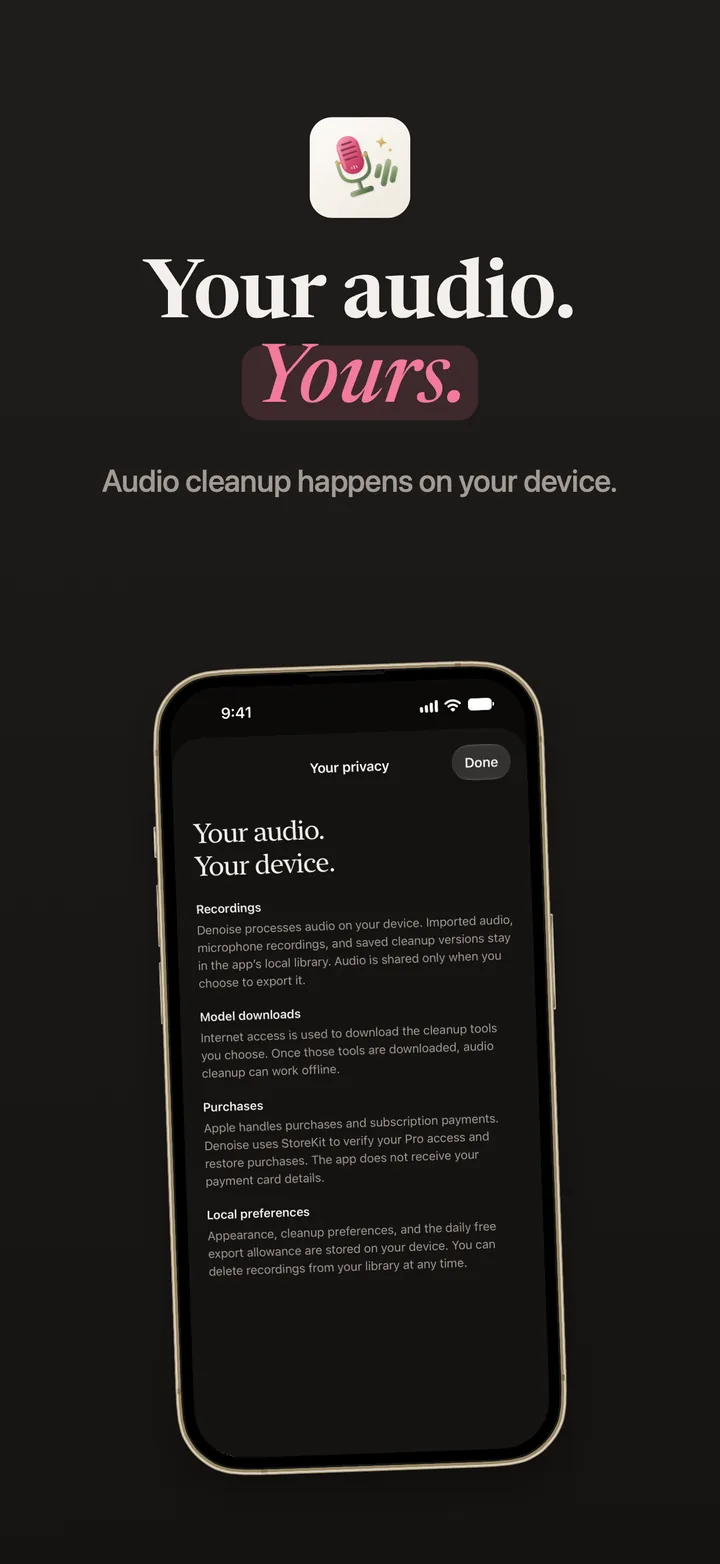
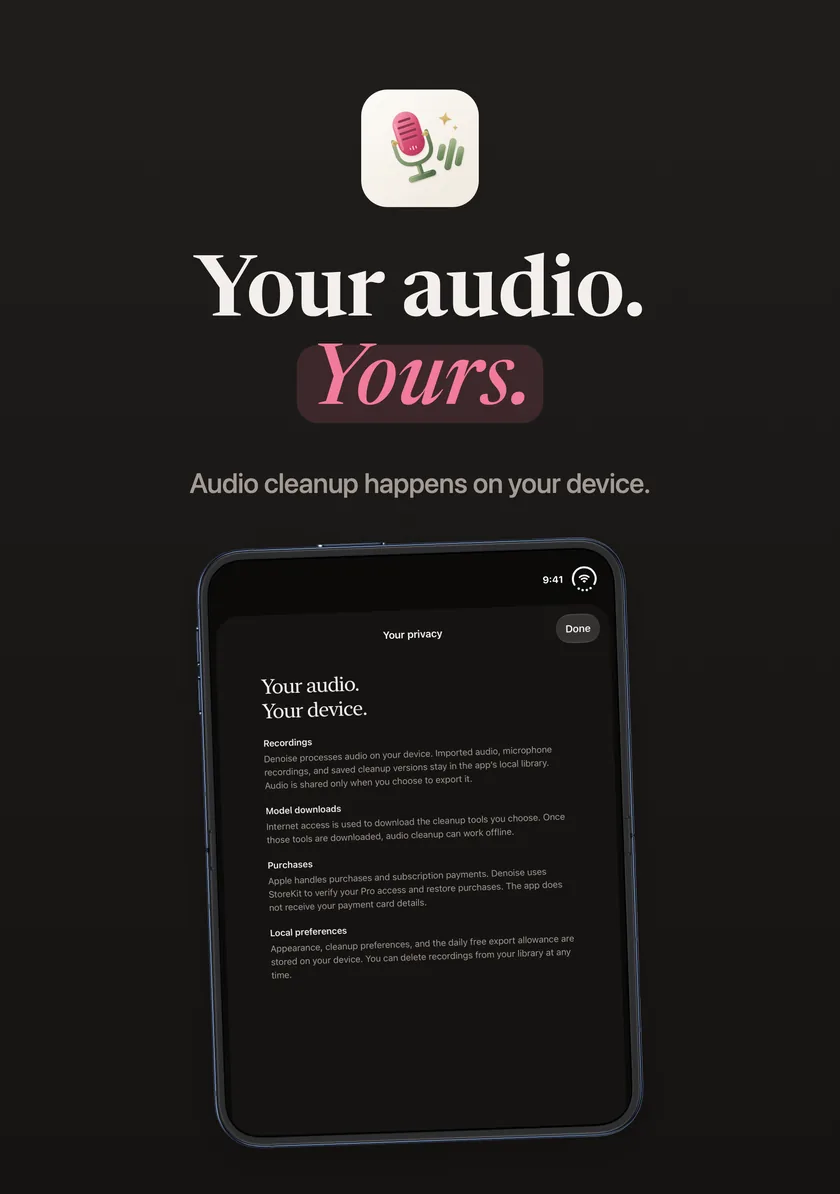
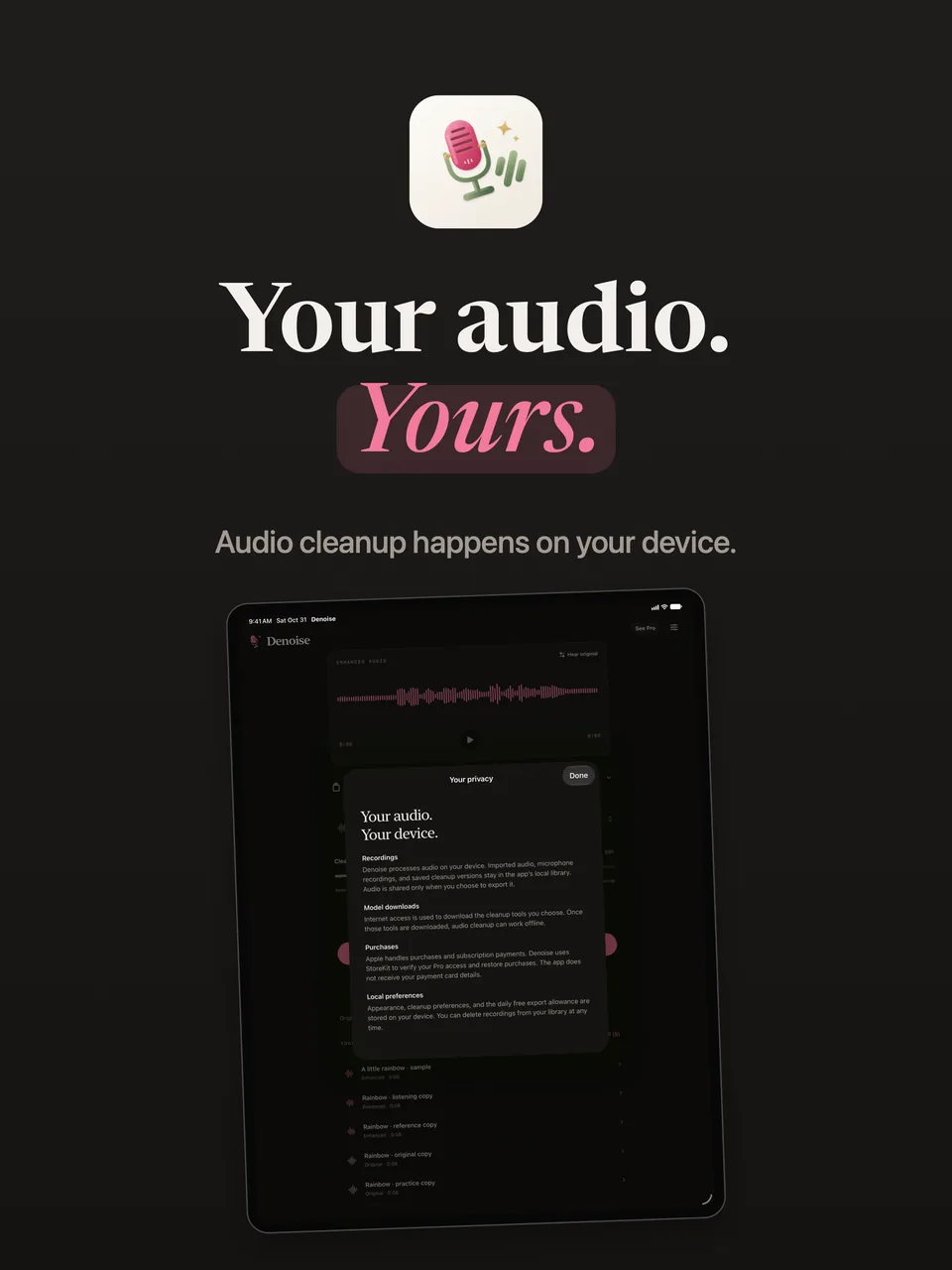
Cleanup runs on your device, with no audio uploads, Denoise account, analytics or advertising. Selected tools need a first download and preparation, then compatible tools can work offline.
Downloads and App Store purchases use a connection. Download providers receive ordinary network request information, such as an IP address, without receiving your recordings.
Keep originals and saved cleanup versions in the app. Delete recordings from your library when you choose. Device backup settings may include app data. Export copies of recordings you want to preserve.
Read the app privacy policy →Monthly and annual subscriptions and a one-time lifetime purchase unlock identical Pro features. There is no introductory trial. Denoise and Apple’s purchase sheet show your current local price and billing details before you buy.
Unlimited previews do not save a full cleanup version. Failed or canceled exports do not use the daily free allowance. Monthly and annual subscriptions renew automatically until canceled through Apple. Your originals and saved versions remain accessible after Pro ends. Terms of use.
Genuine current-app captures on iPhone, iPhone Duo and iPad.
Denoise reduces background noise, restores muffled speech and saves audio cleanup versions. Import audio, extract the audio from a video, or record with the microphone. It exports audio as mono WAV files, not edited video.
Denoise is being prepared for its first App Store release. This page shows the current app and its Free and Pro features. It is not available to download yet.
No. Audio cleanup runs on your iPhone or iPad. Your recordings and saved versions stay in the app’s local library unless you choose to export them. There is no Denoise account, advertising or app analytics.
Selected cleanup tools need an initial internet download and preparation. Once downloaded and prepared, compatible tools process your audio offline. Model downloads and App Store purchases use internet access. A fresh installation is not fully offline.
Free includes Everyday cleanup and Small download for full cleanups up to one minute, three completed WAV exports per local calendar day, and unlimited previews of every cleanup mode for up to 10 seconds. Failed and canceled exports do not use the daily allowance. Everyone can import and record up to 15 minutes for playback and previews; the one-minute Free limit applies to new full cleanups and exporting unprocessed originals.
Pro unlocks every full cleanup mode, including detailed cleanup, speech restoration and Clean & restore, full cleanups up to 15 minutes, and unlimited WAV exports. Monthly and annual subscriptions and the one-time lifetime option unlock the same Pro features. There is no introductory trial.
Your originals and saved cleanup versions remain available. Saved cleanup versions remain playable and exportable, including longer or restored versions. The Free daily export allowance applies when Pro is inactive. New full cleanups use the Free limits.
Denoise is being prepared for iPhone and iPad with iOS or iPadOS 18 or later. The same app works on iPhone Duo’s outer and inner displays; this page includes genuine captures from both.