Guides · LocalMind AI
Run AI locally on your iPhone and Mac.
When you type into a chatbot, every message usually goes to a company’s servers. A local AI runs on your own device instead, so it works in airplane mode and nothing you write leaves the phone.
Open models from the Qwen, Gemma and Llama families now run well on recent iPhones, iPads and Macs. They are smaller than the biggest cloud models, but they are quick, free to use, and fine for drafting, questions, summaries and code.
The built-in way
Apple Intelligence handles some jobs on the device, such as Writing Tools for rewriting and summarizing, on the iPhones, iPads and Macs that support it. It has no chat of its own, and when it hands a request to ChatGPT, that request goes to the cloud.
To have an open conversation with an AI that never leaves your device, you need an app that downloads a model and runs it locally.
What your device can run
How much memory your device has decides which models fit. Compact models run on most recent iPhones; larger versions of the same model families need more memory, and the biggest run best on a Mac.
Step by step with LocalMind AI
LocalMind AI is an offline AI assistant for iPhone, iPad and Mac. Every model in its catalogue is free, chat is unlimited, and there is no account.
- 1
Download the recommended model
During setup, LocalMind AI recommends a model for your device and shows its size. Tap Download and Continue; it downloads over Wi-Fi, once.
- 2
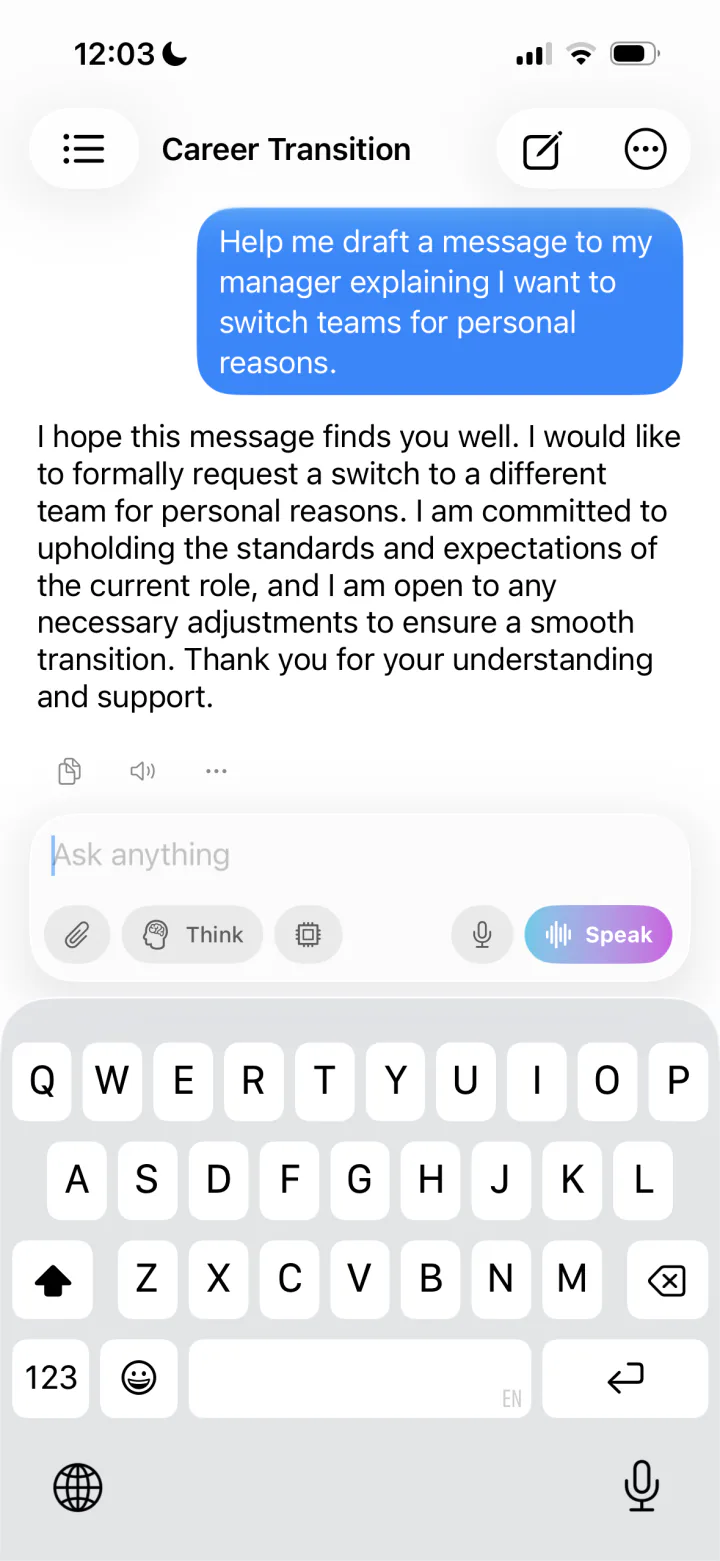
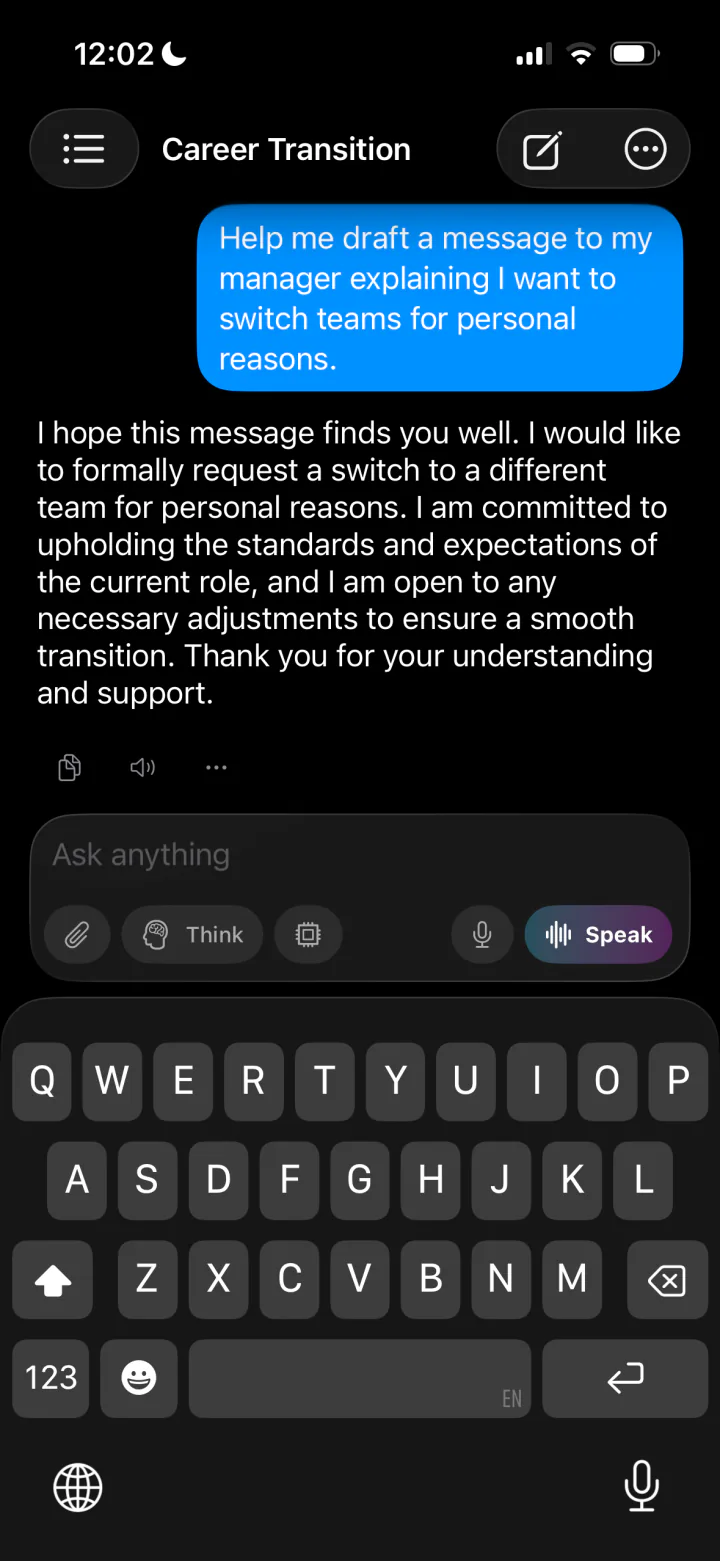
Start chatting
Type a question, paste something to rewrite, or ask for code. Answers start on your device, with no network round trip.
- 3
Try it in airplane mode
Turn on airplane mode and keep going. Once a model is downloaded, LocalMind AI needs no connection at all.
- 4
Pick a bigger or faster model
In Settings, under AI, choose Model. The catalogue only shows models your device can run well, including thinking models that work through harder problems step by step.
- 5
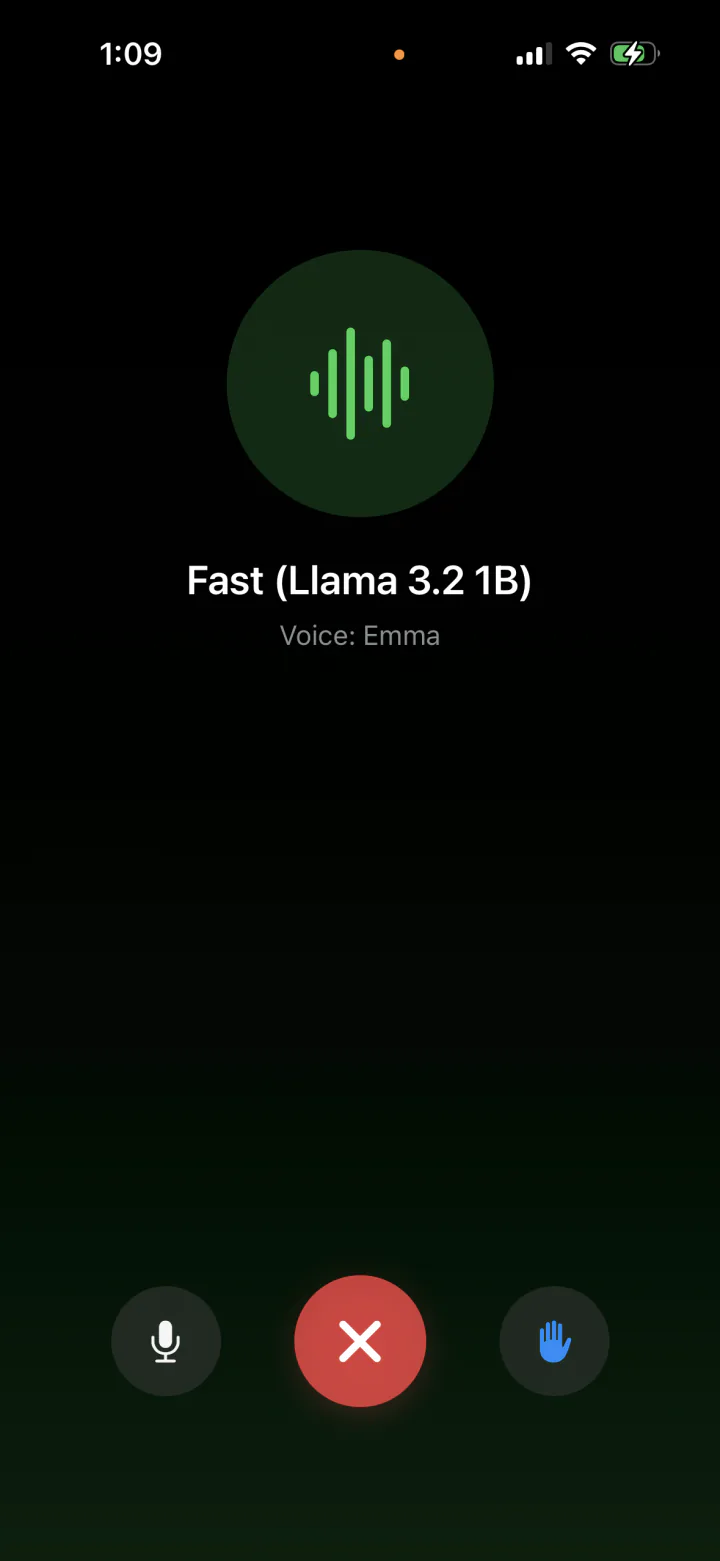
Talk instead of type
Call Mode lets you have a spoken conversation on iPhone, iPad and Mac. Speech recognition and the voice run on the device too.
Questions and answers
Can I run AI on my iPhone without internet?
Yes. LocalMind AI runs AI models directly on your iPhone, iPad or Mac. After a one-time model download, everything works with no internet connection, including in airplane mode.
Is a local AI as good as ChatGPT?
The models that fit on a phone are smaller than the largest cloud models, so they know less and reason less deeply. They are fast and good for everyday writing, questions and code, and on a Mac with more memory you can run larger versions of the same model families.
Is it free?
LocalMind AI is free to download, and every model in the catalogue is free to use with unlimited chat. An optional Pro upgrade unlocks unlimited voice mode, document uploads and custom assistants.
Which devices does it need?
iOS 18 or later on iPhone and iPad, or macOS 15 or later on a Mac with Apple silicon.
LocalMind AI
Private AI chat that runs on your device. Free, offline, no account.