Guides · Sweep
Remove the background from a photo on iPhone.
A product for a listing, a portrait for a profile picture, a pet for a sticker: once the background is gone, the subject can go on a slide, a poster or a plain white backdrop.
Your iPhone can already lift a subject out of a photo. What it cannot do is let you fix the edge, choose what goes behind the subject, or work through many photos at once.
The built-in way
In the Photos app, touch and hold the subject of a photo until it lifts away from the background, then tap Copy or Share. You can paste it into a message or a note, or drag it straight into another app.
On a Mac, open the photo in Preview and choose Tools, then Remove Background. In the Finder you can also Control click a picture and choose Quick Actions, then Remove Background.
That works well for a clean subject. When the edge clips a hand, keeps a scrap of the old background, or you want a color behind the subject, you need something with more control.
Step by step with Sweep
Sweep is a background remover for iPhone, iPad and Mac. The whole job happens on the device, with no account, so the photo is never uploaded and it works with no connection at all.
- 1
Open the photo
Tap Choose photos and pick it from your library, or Take a photo. On a Mac, drop the picture onto the window.
- 2
Let Sweep lift the subject
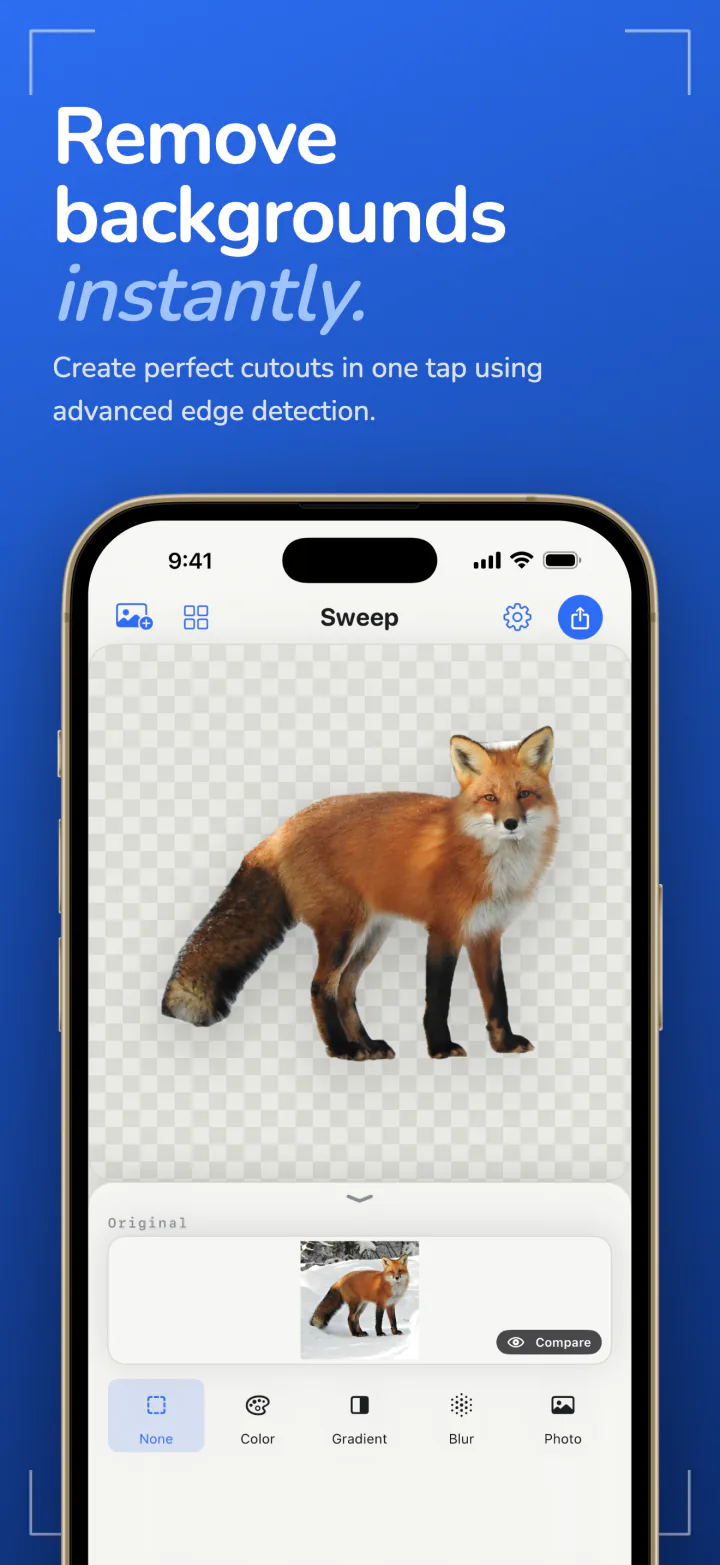
Sweep finds the subject and lifts it out in a moment. If the photo holds more than one subject, choose which to keep.
- 3
Fix the edge if you need to
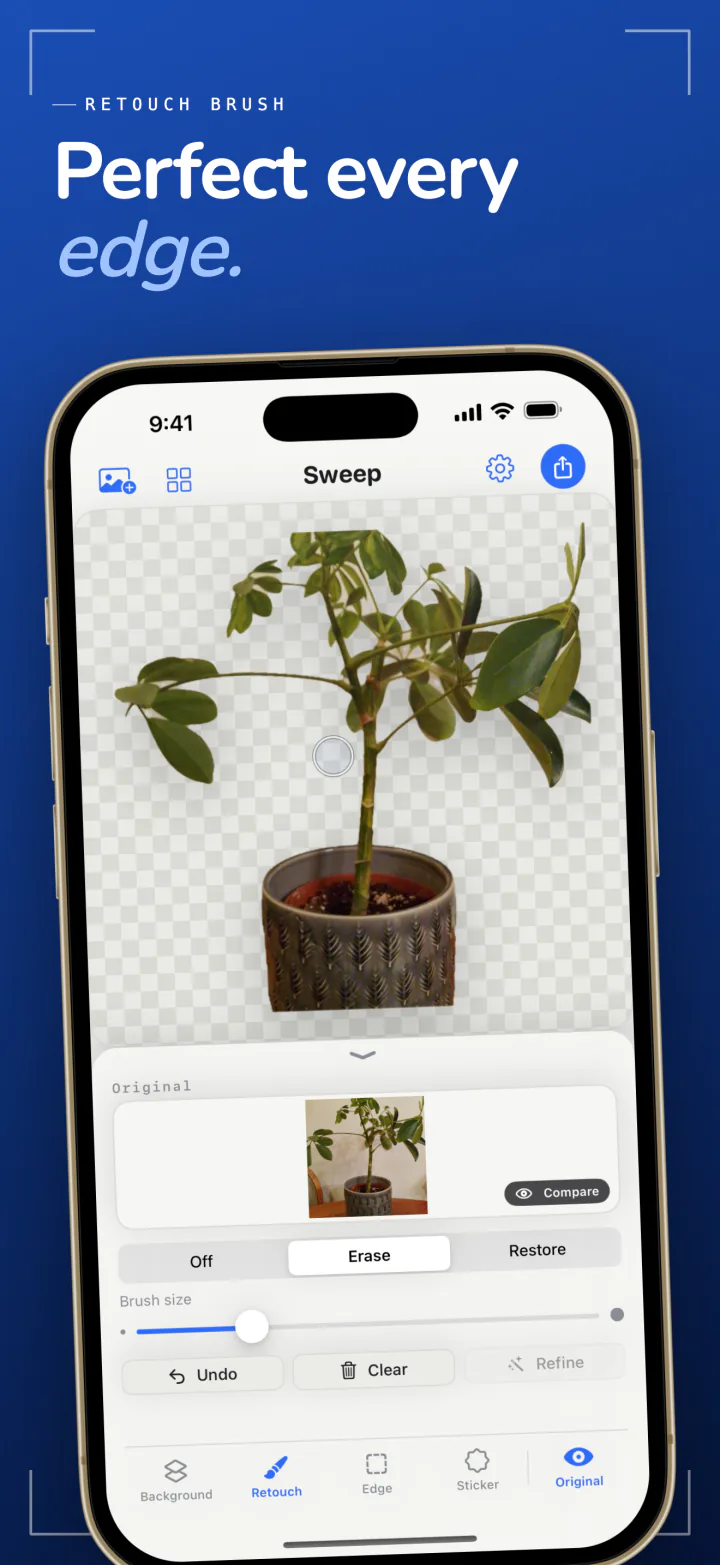
Open Retouch and use Erase to remove a leftover piece, or Restore to paint back something the cutout dropped. Press and hold the picture to compare it with the original.
- 4
Choose what goes behind it
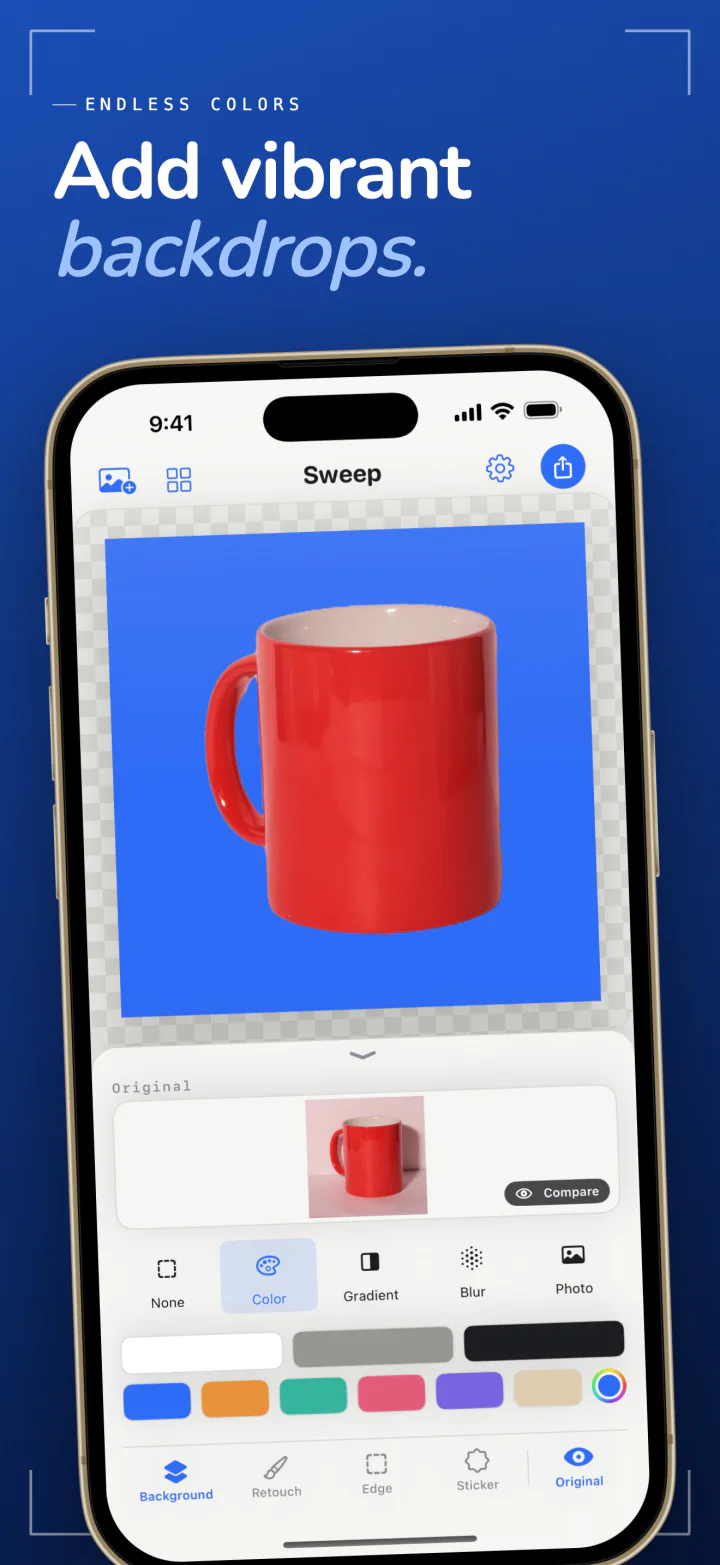
Under Background, leave None selected for a transparent PNG, or pick white, gray or black for free.
- 5
Export the cutout
Tap Export, then save it to Photos or send it anywhere from the share sheet. On a Mac, save it to a folder or copy it.
Free and Pro
Removing backgrounds, the retouch brush and exporting are free. Free exports are up to 1080 pixels on the long side with a watermark, three a day on iPhone and iPad.
Sweep Pro exports at full resolution with no watermark and no daily limit, and adds every color, gradients, a blurred copy of the original or another photo as the background, edge controls, stickers and runs of up to 50 photos at once. One purchase covers iPhone, iPad and Mac.
Questions and answers
Can I remove a background from a photo for free on iPhone?
Yes. Touching and holding the subject in Photos is free and built in. In Sweep, removing a background and exporting are free, with exports up to 1080 pixels and a watermark.
Is my photo uploaded to remove the background?
Not with Sweep. It has no server and no account, and the background is removed on your iPhone, iPad or Mac, even in airplane mode.
What if the cutout misses part of the subject?
No automatic cutout is right every time. In Sweep, use Restore to paint the missing part back and Sweep cuts out just that area again, or Erase to remove a piece of background it kept.
Can I remove the background from many photos at once?
Yes, with Sweep Pro. Pick or drop several photos and Sweep cuts out up to 50 in one run, all with the same background and edge settings.

Sweep
One tap, clean cutout. Free to start, works offline, nothing uploaded.